
Development Windows
EditPlus for Windows
Edit text, source code and HTML on Windows with EditPlus, a shareware editor with syntax highlighting and FTP, SFTP and FTPS tools. A 30-day evaluation is available.
- Operating system
- Windows 10 and Windows 11
- Architecture
- 64-bit (non-ARM package)
- Download package
- EXE installer
This link selects the publisher's 64-bit package. A separate 64-bit ARM download is available on the official download page.
Link checked · Download guidance
What is EditPlus?
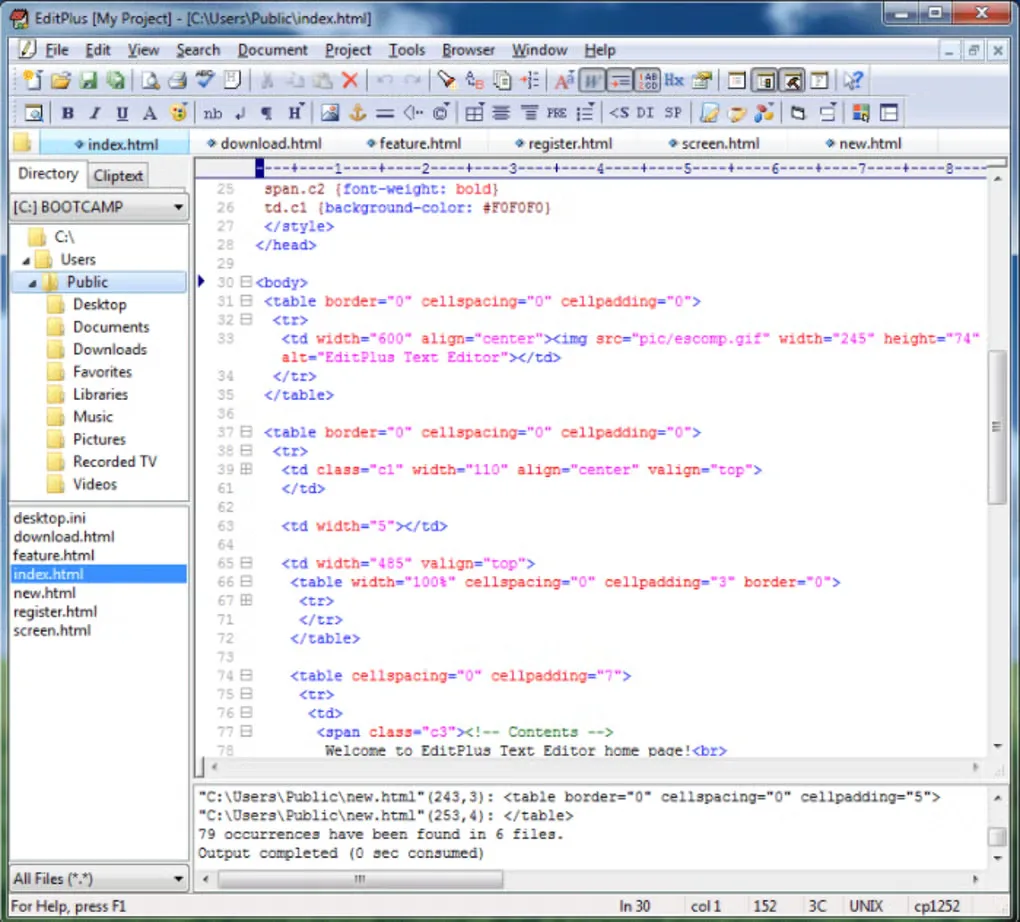
EditPlus is a Windows text editor for working with source code, HTML and plain-text files. It combines customizable syntax highlighting with an HTML toolbar, document tabs and a directory pane. Its file-transfer tools support uploading local files and editing remote files through FTP, SFTP or FTPS.
For repetitive editing, EditPlus offers search and replace, text clips, document templates and abbreviation-based completion. Indentation-based code folding helps hide sections of a document, while the Hex Viewer provides another view of the current file. User-defined tools can send their output to the editor's Output Window, with links back to the relevant file and line.
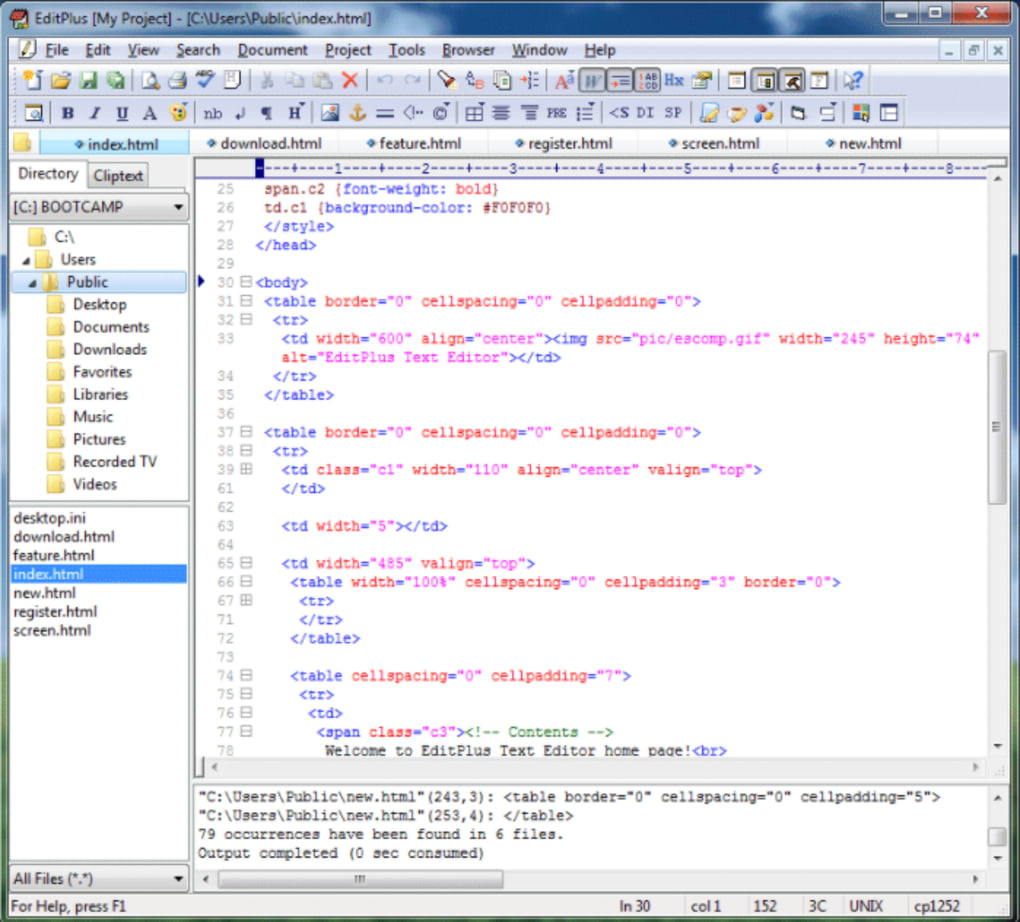
This download is the publisher's EditPlus 6.1 64-bit Windows installer; a separate ARM64 package is listed on the official download page. The software is shareware, not an unrestricted free editor: continued use after the 30-day evaluation requires a license. The screenshot illustrates an older Windows interface from the source gallery, not a verified capture of version 6.1.
What it offers
- Customizable syntax highlighting for HTML, CSS, PHP, C/C++, Java, JavaScript and other supported languages, with custom syntax files for additional languages.
- FTP, SFTP and FTPS tools for uploading local files or editing remote files directly.
- HTML toolbar with tag insertion, a color picker, a character picker and a table generator.
- Indentation-based code folding, a Hex Viewer, search and replace, text clips and document templates.
- User-defined tools with captured output and navigation from an output line to the corresponding file and line.
Good to know
- The evaluation lasts 30 days; continued use afterward requires a purchased license.
Product images
Sources
References used for this listing. Retrieval dates do not indicate hands-on testing.
More in development
View category ↗
010 Editor 17.0
Inspect and edit binary files on Mac with 010 Editor, a paid text and hex editor with Binary Templates, file comparison and a 30-day trial.
010 Editor 17.0
Inspect and edit binary files with 010 Editor for Windows, a text and hex editor with Binary Templates, file comparison and scripting. Includes a 30-day trial.
10x Editor
Edit and navigate C++ projects on Windows with a built-in parser, workspace search and Visual Studio project support. A paid license is required after the 30-day trial.