
Utilities Windows
EdrawMax
Build flowcharts, floor plans, organizational charts and technical diagrams with EdrawMax for Windows, a commercial diagram editor with templates and a limited free trial.
What is EdrawMax?
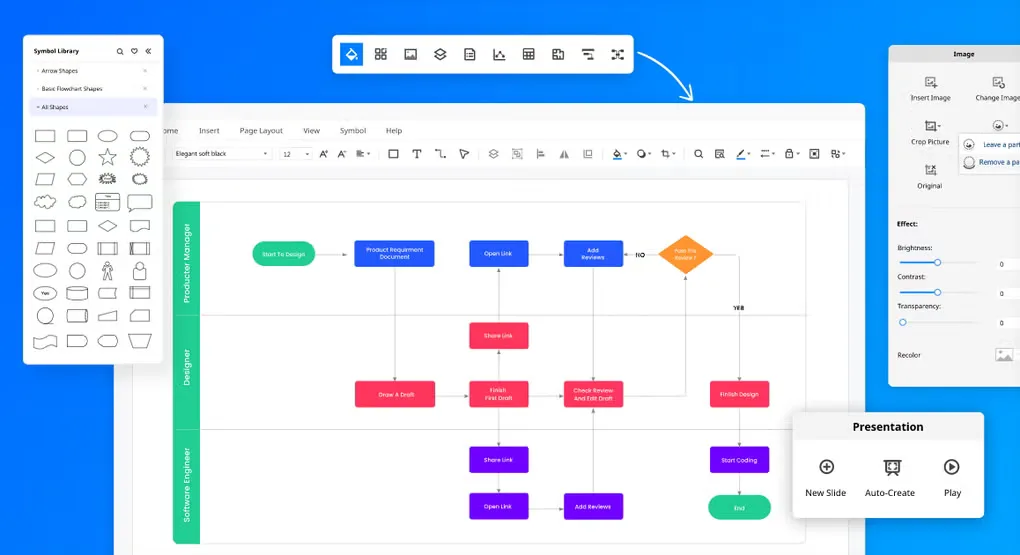
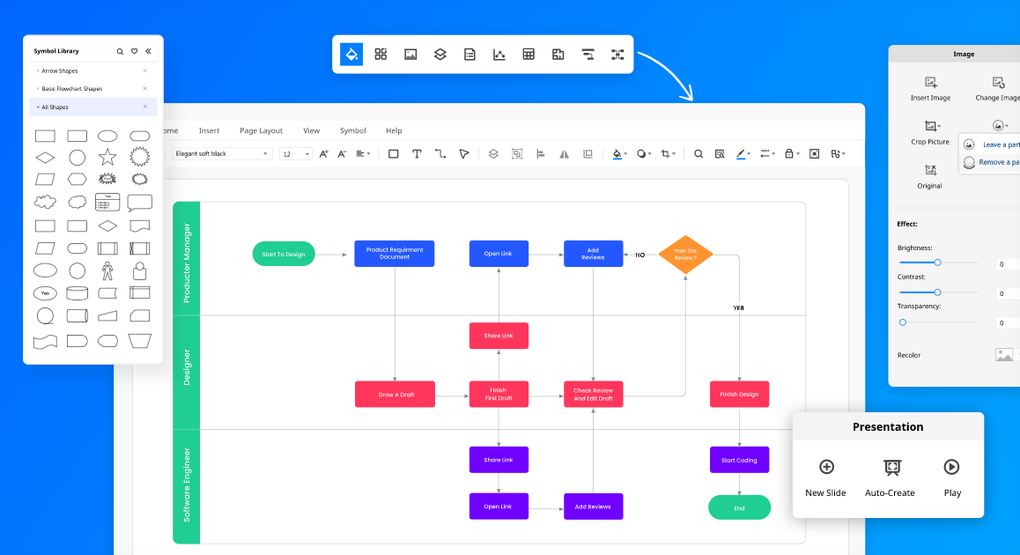
EdrawMax turns processes, layouts and organizational structures into editable diagrams. Start from a template, drag symbols onto the canvas and adjust connectors, labels and styles. Its diagram libraries cover flowcharts, floor plans, network diagrams, UML and electrical schematics, so business and technical drawings can share one workspace.
The publisher also offers AI-assisted diagram generation from prompts or files and exports including PDF, SVG and Visio VSDX. These are publisher-described capabilities, not results of a hands-on software test.
The free trial is restricted rather than an unrestricted free edition. The publisher lists default watermarks on exports and printing, limits on shapes, and a maximum of two pages. Paid subscription and perpetual plans are offered; AI Assets have separate purchase terms. This entry links to the publisher’s Windows EXE package. Screenshots from the source gallery illustrate the interface, not a verified build of that changing package.
What it offers
- Create flowcharts, floor plans, organizational charts, network diagrams, UML and electrical schematics.
- Start from diagram templates and edit shapes, connectors, labels and styles with drag-and-drop tools.
- Use the publisher’s AI-assisted tools to generate editable diagrams from prompts or files.
- Export diagrams to formats including PDF, SVG and Visio VSDX, subject to trial and plan restrictions.
Good to know
- Free-trial exports and printing carry a default watermark.
- The publisher limits the trial to two pages and to 60 shapes for general diagrams or 120 for specified diagram types.
- Full functionality requires a paid license; optional AI Assets have separate purchase terms.
Product images

Sources
References used for this listing. Retrieval dates do not indicate hands-on testing.
More in utilities
View category ↗
1.1.1.1 with WARP 2026.8.2115.0
Encrypt traffic from your Mac to Cloudflare’s network with WARP, or use DNS-only mode for encrypted DNS queries to the 1.1.1.1 resolver.
1.1.1.1 with WARP 2026.8.2115.0
Encrypt traffic between your Windows PC and Cloudflare, or use encrypted DNS only, with the free 1.1.1.1 with WARP app.


3uTools 9.12.005
Manage iPhone and iPad photos, music, apps and backups from Windows with 3uTools, a free utility that also includes device checks and firmware flashing tools.