

Utilities Windows
EncryptOnClick for Windows
Encrypt and decrypt files or folder contents with EncryptOnClick, a free Windows utility from 2BrightSparks that combines password protection, AES-256 encryption and compression.
- Operating system
- Windows 7 SP1 / Windows Server 2008 R2 or newer
- Architecture
- 32-bit and 64-bit Windows supported by the publisher
- Download package
- EXE installer
Installer architecture was not independently inspected. Requires free disk space for encryption and decryption; Wine and Server Core are not supported.
Link checked · Download guidance
What is EncryptOnClick?
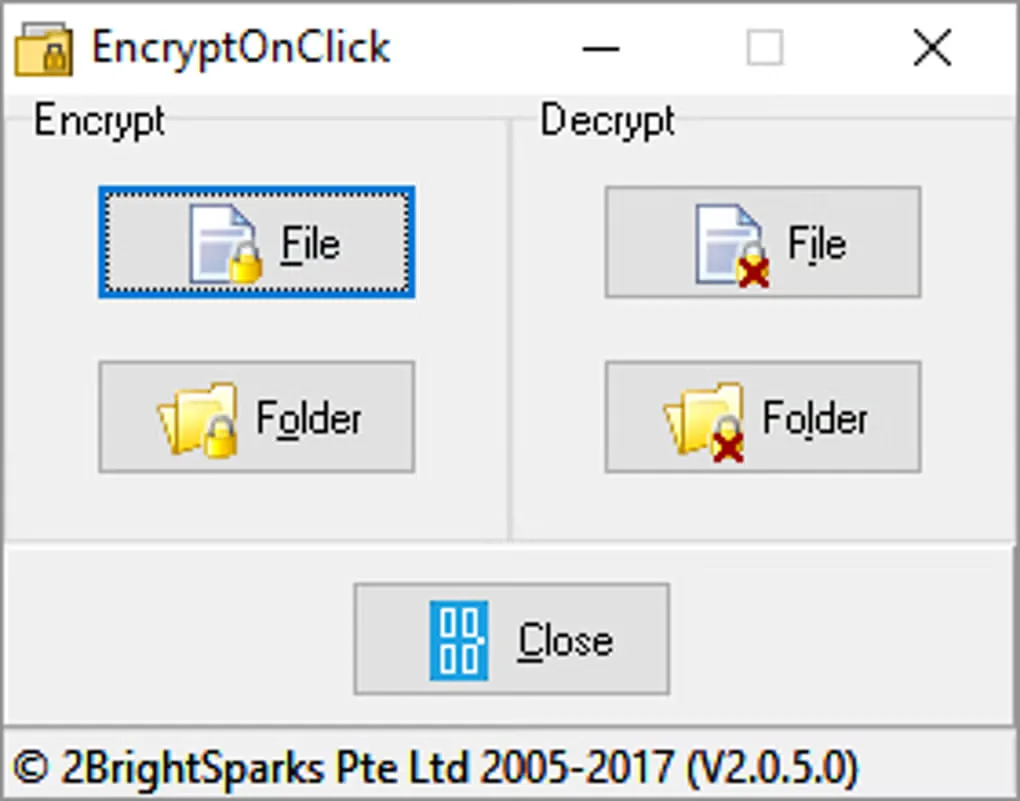
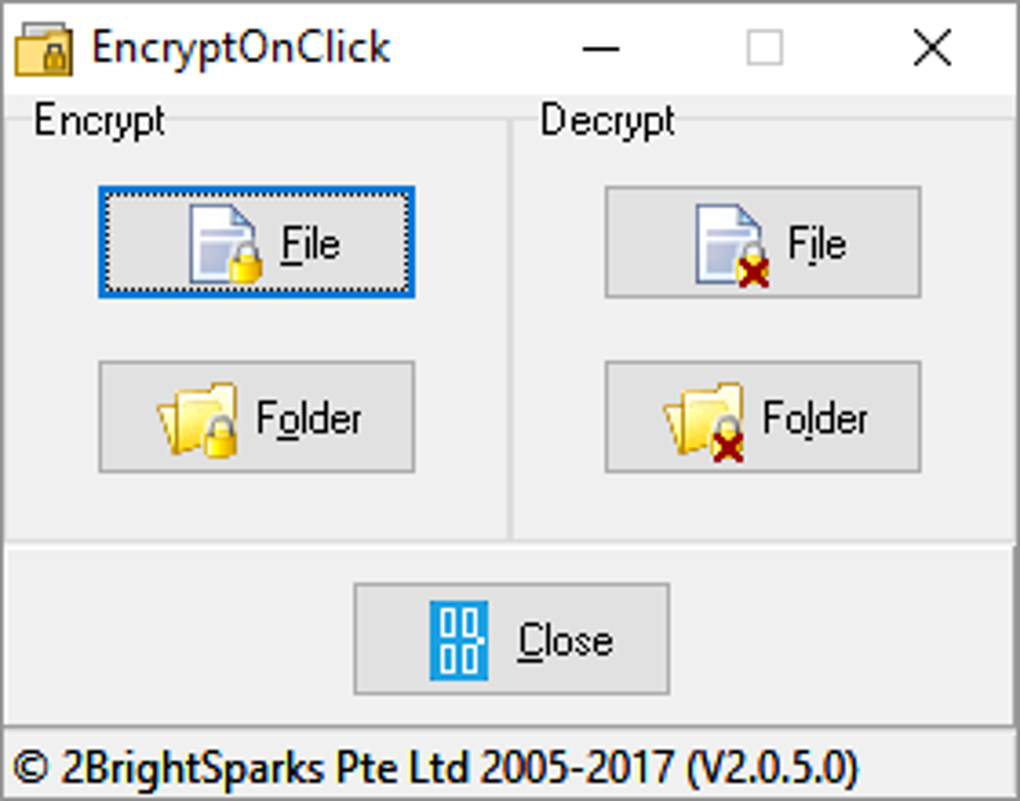
EncryptOnClick protects individual files or the files inside a folder with a password. Its main window separates Encrypt and Decrypt actions, with File and Folder buttons for each. Folder operations include subfolders, making it useful when several documents need the same treatment. The publisher lists version 2.4.17.0 for the linked Windows installer.
The program combines compression with 256-bit AES encryption and can optionally encrypt filenames. According to the publisher, files without filename encryption can be decrypted in WinZip 9 or later with the correct password; files with encrypted filenames require compatible software such as SecureZip. The publisher also documents running the program from a USB key after copying the required application files.
Check the deletion options before encrypting or decrypting: by default, the input file is deleted after a successful operation. Select the option to keep it if you need both copies. Password recovery is not available, and optional comments are not encrypted, so a comment must not contain the password. The screenshot shows an older 2.0.5.0 interface from the source gallery, not a capture of the linked release.
What it offers
- Encrypt and decrypt individual files or folder contents, including subfolders.
- Combine password-based AES-256 encryption with compression.
- Optionally encrypt filenames as well as file contents.
- Run from a USB key after copying EncryptOnClick.exe, its manifest and XceedZip.dll as documented by the publisher.
Good to know
- Lost or forgotten passwords cannot be recovered by the publisher.
- The input file is deleted after successful encryption or decryption by default; use the keep-file option when the original must remain.
- Optional comments are not encrypted and must not contain the password.
- Wine and Windows Server Core are not supported for EncryptOnClick.
Product images
Sources
References used for this listing. Retrieval dates do not indicate hands-on testing.
More in utilities
View category ↗
1.1.1.1 with WARP 2026.8.2115.0
Encrypt traffic from your Mac to Cloudflare’s network with WARP, or use DNS-only mode for encrypted DNS queries to the 1.1.1.1 resolver.
1.1.1.1 with WARP 2026.8.2115.0
Encrypt traffic between your Windows PC and Cloudflare, or use encrypted DNS only, with the free 1.1.1.1 with WARP app.

3uTools 9.12.005
Manage iPhone and iPad photos, music, apps and backups from Windows with 3uTools, a free utility that also includes device checks and firmware flashing tools.