
Utilities Windows
Energy Star X
Apply Windows 11 Efficiency Mode to background apps with Energy Star X, an open-source tray utility with startup settings and an exclusion list.
- Operating system
- Windows 11 21H2 (build 22000); Windows 11 22H2 (build 22621) or later recommended
- Architecture
- x64; separate ARM64 package available
- Download package
- MSIX
Selected download is EnergyStarX_1.0.20.0_x64.Msix. Publisher recommends Intel 10th-gen+ mobile, AMD Ryzen 5000+ mobile or Qualcomm mobile processors for best results; older hardware may benefit less.
Link checked · Download guidance
What is Energy Star X?
Energy Star X uses Windows 11's EcoQoS API, also called Efficiency Mode, to throttle background applications while leaving the foreground application unthrottled. It is a WinUI 3 graphical interface for the EnergyStar project, intended to reduce background power use and heat. Battery-life gains are not quantified here and will depend on the device and workload.
The publisher's workflow is to leave it running in the system tray. Its settings can enable automatic startup, and Task Manager shows a green leaf in the Status column for throttled background processes. The exclusion list matters for software that needs responsive background operation: the publisher specifically advises excluding mouse utilities such as Logi Options+ if cursor movement lags.
Windows 11 21H2, build 22000, can run the application, but the publisher recommends Windows 11 22H2, build 22621, or later for best results. Recommended hardware includes Intel 10th-generation or newer mobile processors, AMD Ryzen 5000 or newer mobile processors, and Qualcomm mobile processors. Older hardware may produce less benefit. The linked package is the x64 MSIX for release 1.0.20; the same official release lists a separate ARM64 package.
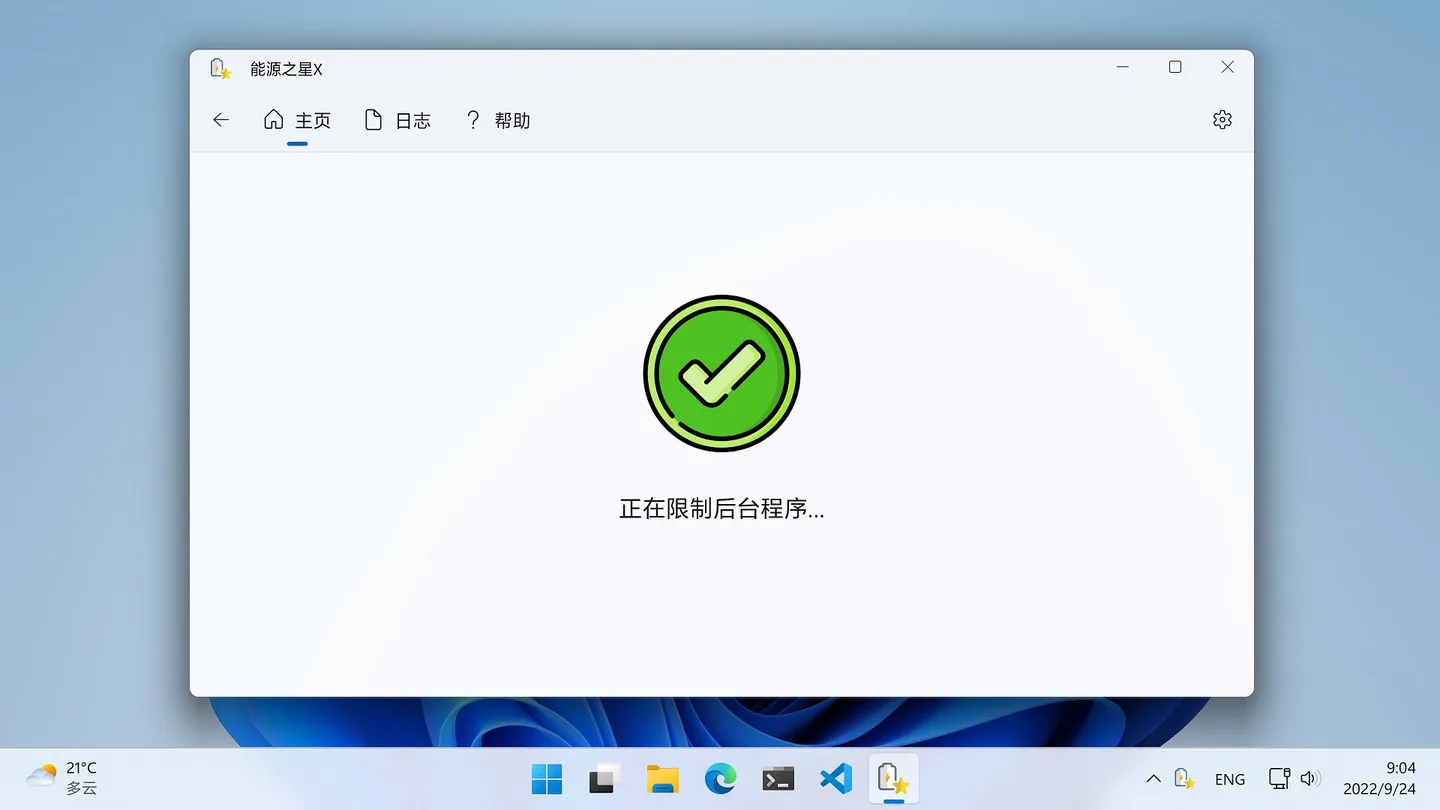
This is not a blanket throttle for every process. Session 0 system processes are excluded, and focusing a parent application does not automatically boost its child processes. Taskbar extensions such as StartAllBack can also cause a crash when the tray icon is hovered. The screenshot is a publisher-provided Chinese-language interface image, not an installation or performance test of the linked release.
What it offers
- Use the Windows 11 EcoQoS API to throttle background applications without throttling the foreground application.
- Run in the system tray and optionally enable automatic startup from settings.
- Exclude applications from throttling through the whitelist.
- Check Task Manager's green-leaf Status indicator for throttled background processes.
Good to know
- Mouse utilities such as Logi Options+ may cause cursor lag unless excluded from throttling.
- Taskbar enhancement software such as StartAllBack may cause a crash when hovering over the tray icon.
- Child processes are not automatically boosted when their parent receives input focus; Session 0 system processes are not throttled.
- Windows 11 21H2 and older hardware may not achieve the publisher's best results; Windows 11 22H2 or later is recommended.
Product images
Sources
References used for this listing. Retrieval dates do not indicate hands-on testing.
More in utilities
View category ↗
1.1.1.1 with WARP 2026.8.2115.0
Encrypt traffic from your Mac to Cloudflare’s network with WARP, or use DNS-only mode for encrypted DNS queries to the 1.1.1.1 resolver.
1.1.1.1 with WARP 2026.8.2115.0
Encrypt traffic between your Windows PC and Cloudflare, or use encrypted DNS only, with the free 1.1.1.1 with WARP app.


3uTools 9.12.005
Manage iPhone and iPad photos, music, apps and backups from Windows with 3uTools, a free utility that also includes device checks and firmware flashing tools.