

Utilities Windows
Event Log Explorer for Windows
View, filter and export Windows event logs with Event Log Explorer. Work with local or remote logs and saved EVT or EVTX files; business use has a 30-day trial.
What is Event Log Explorer?
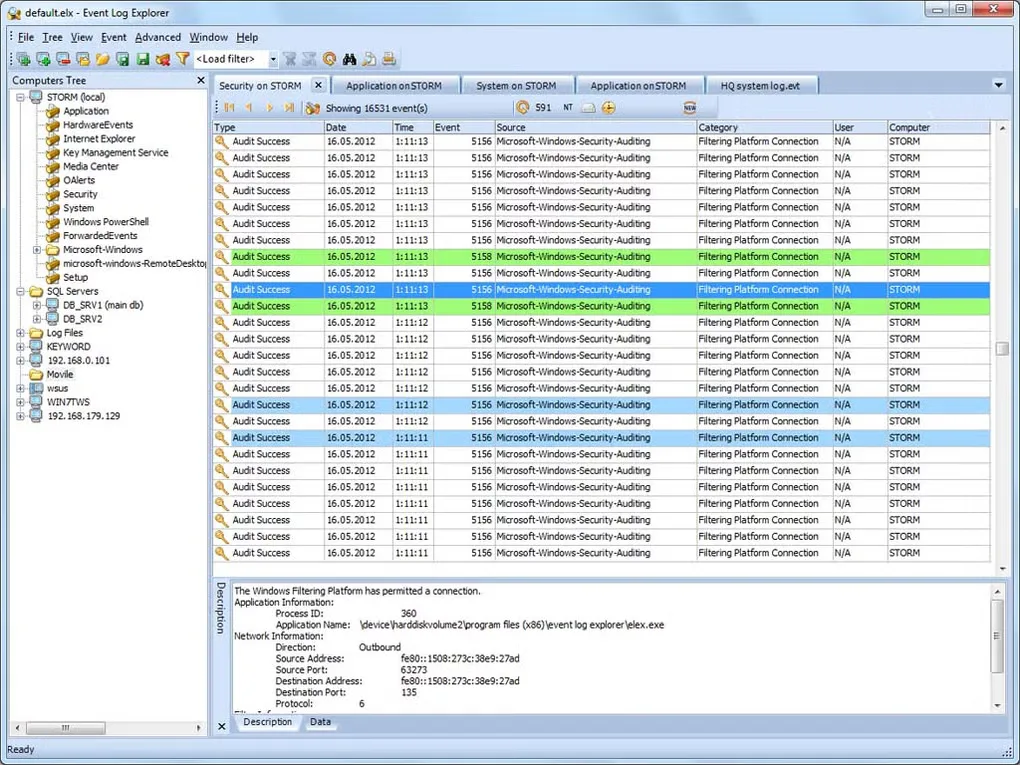
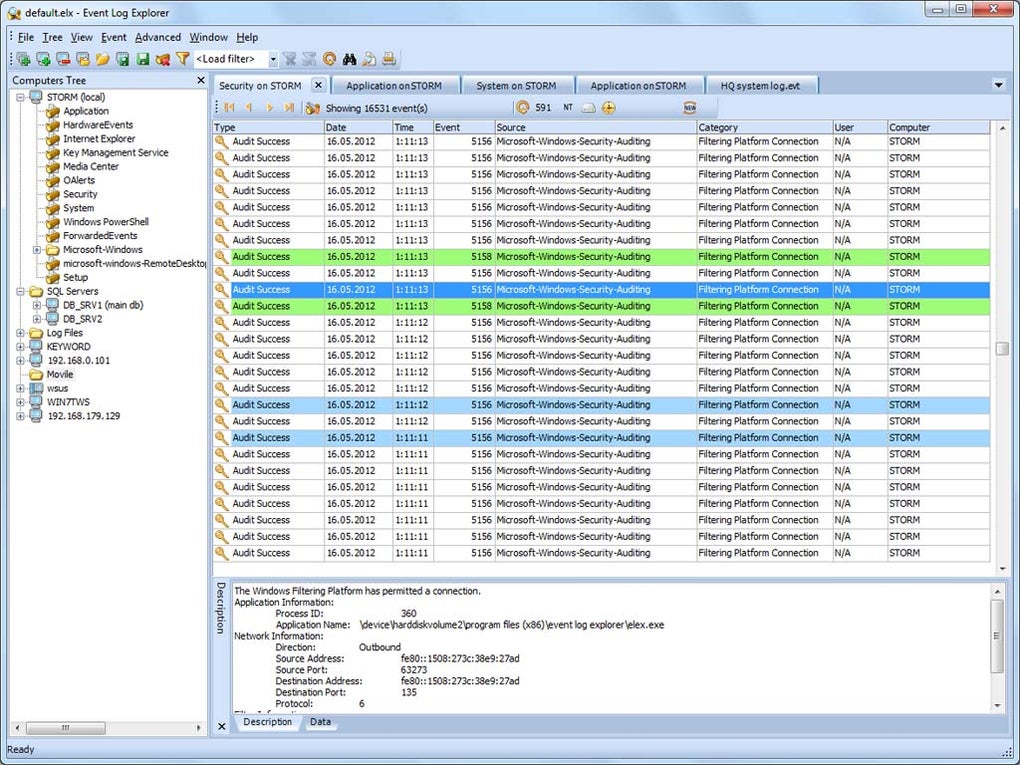
Event Log Explorer helps administrators investigate Windows events without working through each log separately. It opens live logs from local or remote computers and saved EVT or EVTX files, with a tree for navigating computers and logs. Filters and searches narrow the event list, while merged views bring events from different logs together.
Use its export and reporting tools to share selected events in formats such as Excel, HTML, text or PDF. Workspaces, bookmarks and color coding help organize repeated investigations.
The publisher offers a free Standard Edition for personal home use and a fully functional 30-day business trial. Features differ by edition: damaged-log reading and disk-image analysis require Forensic Edition, while the real-time event collector is part of Enterprise Edition. The gallery screenshot illustrates an older Windows interface; it is not a capture of version 5.8.3. The linked EXE is the installer exposed by the publisher's software catalog; its contents have not been downloaded or tested.
What it offers
- Open local and remote live Windows event logs or saved EVT and EVTX files.
- Narrow events with loading filters, quick filters, general search and XPath queries.
- Merge different logs into one view and organize investigations with workspaces, bookmarks and color coding.
- Export event lists to Excel, HTML, text or PDF and create analytical reports.
Good to know
- Free Standard Edition is for personal home use; the business trial lasts 30 days.
- Damaged-log reading and disk-image analysis require Forensic Edition; the real-time event collector requires Enterprise Edition.
Product images
Sources
References used for this listing. Retrieval dates do not indicate hands-on testing.
- Event Log Explorer - Download — protected normal-browser observation ↗Retrieved
- Event Log Explorer – Windows Event Log Analysis ↗Retrieved
- Compare Features and Editions – Event Log Explorer ↗Retrieved
- Download for Windows – Event Log Explorer ↗Retrieved
- Download FSPro Labs Security Software for Windows ↗Retrieved
- Terms of use – FSPro Labs ↗Retrieved
More in utilities
View category ↗
1.1.1.1 with WARP 2026.8.2115.0
Encrypt traffic from your Mac to Cloudflare’s network with WARP, or use DNS-only mode for encrypted DNS queries to the 1.1.1.1 resolver.
1.1.1.1 with WARP 2026.8.2115.0
Encrypt traffic between your Windows PC and Cloudflare, or use encrypted DNS only, with the free 1.1.1.1 with WARP app.

3uTools 9.12.005
Manage iPhone and iPad photos, music, apps and backups from Windows with 3uTools, a free utility that also includes device checks and firmware flashing tools.