
Development Windows
Exeinfo PE
Identify executable packers and compressors, read unpacking hints and inspect file details with Exeinfo PE, a freeware Windows utility by A.S.L.
Version 0.1.0.0 · Direct publisher file
Link checked · Download guidance
What is Exeinfo PE?
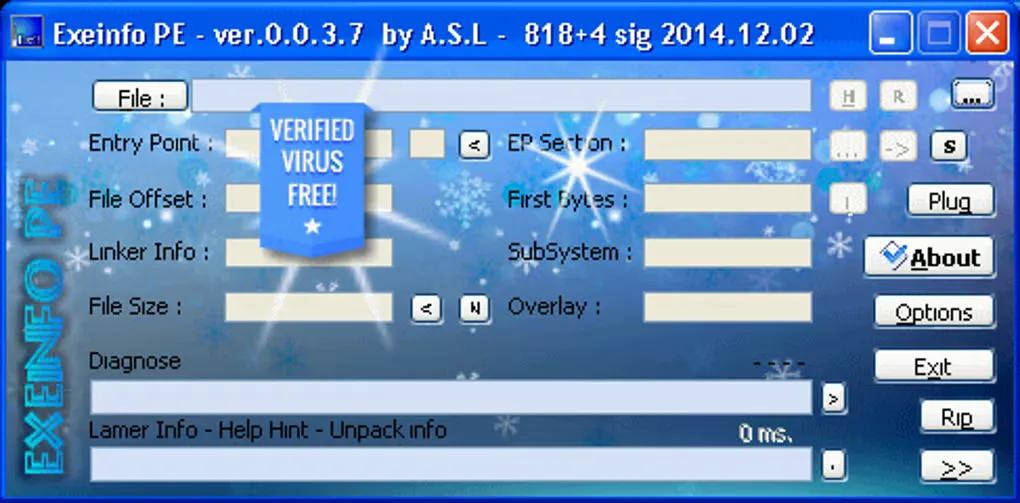
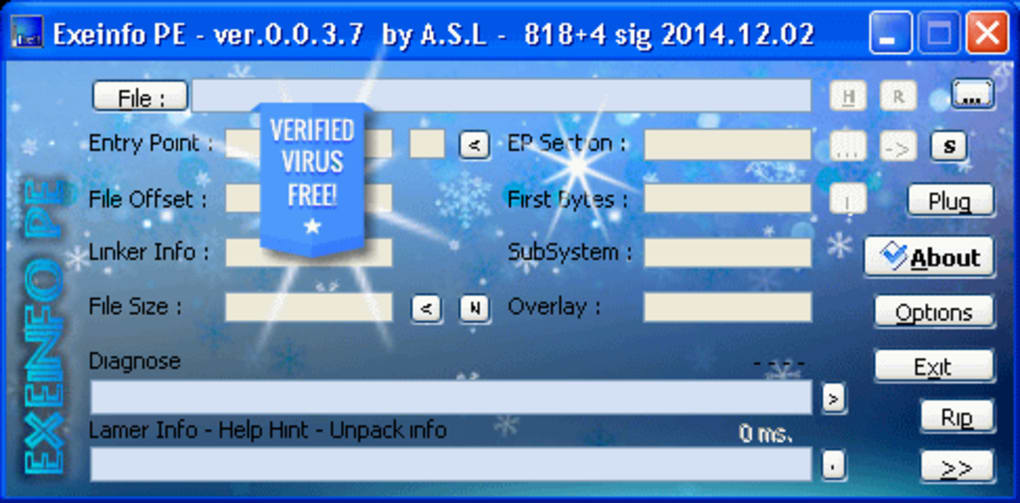
Exeinfo PE helps identify how an executable has been packed or compressed and provides information for unpacking it. It is aimed at users inspecting program files: the interface exposes entry-point, file-offset, linker, section and diagnostic fields, while additional tools cover archive extraction and file inspection. The publisher also lists recognition of files from Android, Linux, Mac OS and Symbian; these are file formats it can inspect, not additional platforms on which this Windows application runs.
The linked publisher ZIP is the release named 0.1.0.0, published under GitHub tag v1.0.0. Softonic still lists 0.0.9.7, so its listing version is not used for this download. The screenshot shows the older 0.0.3.7 interface, not the linked release; its embedded safety badge is part of the source image, not an independent safety assessment.
Unpacking support depends on the format and available tools. The release notes require UPX on PATH for the UPX shortcut and exclude Delphi-compiled files from the described VMProtect static-unpacking feature. The publisher also says Windows XP needs a patch.
What it offers
- Detect executable packers and compressors and display unpacking information.
- Inspect executable details and view import and export data.
- Calculate MD5 and SHA-1 file hashes, as listed in the author's Softonic description.
- Unpack supported archives using the x-key command.
- Recognize file types associated with Android, Linux, Mac OS and Symbian.
Good to know
- Windows XP requires a patch, according to the publisher.
- The release's VMProtect static unpacker targets LZMA-packed versions 2.x–3.x and does not work when the Delphi compiler was used.
- The UPX unpacking shortcut requires UPX to be available on PATH.
Product images
Sources
References used for this listing. Retrieval dates do not indicate hands-on testing.
More in development
View category ↗
010 Editor 17.0
Inspect and edit binary files on Mac with 010 Editor, a paid text and hex editor with Binary Templates, file comparison and a 30-day trial.
010 Editor 17.0
Inspect and edit binary files with 010 Editor for Windows, a text and hex editor with Binary Templates, file comparison and scripting. Includes a 30-day trial.
10x Editor
Edit and navigate C++ projects on Windows with a built-in parser, workspace search and Visual Studio project support. A paid license is required after the 30-day trial.