

Utilities Windows
Fan Control for Windows
Control supported CPU, GPU and case fans with temperature-based curves, mixed sensor inputs and adjustable response settings on Windows.
Version 284 · Direct publisher file
Link checked · Download guidance
What is Fan Control?
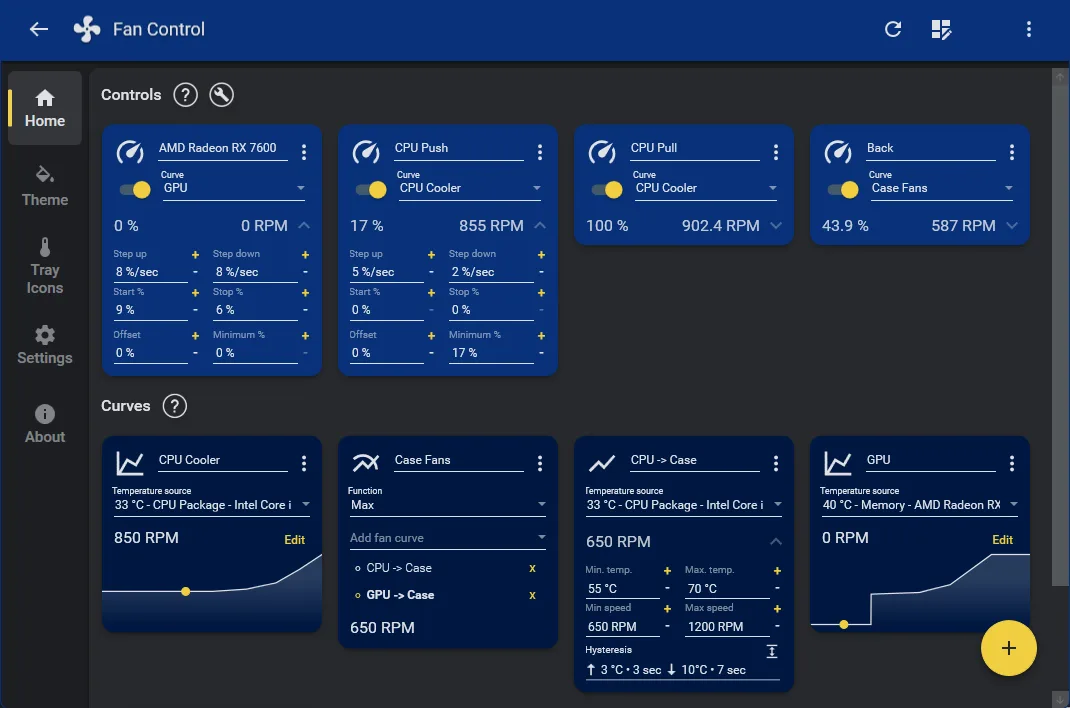
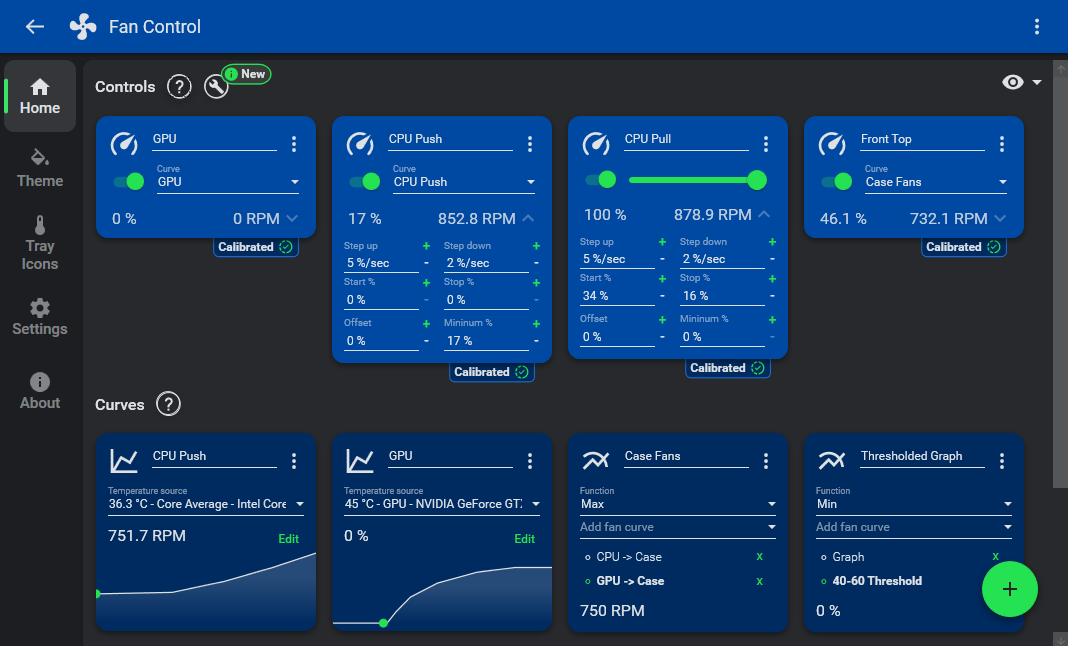
Fan Control brings supported PC fans into one configurable Windows interface. Create a curve for a temperature source, assign it to a fan control and adjust how quickly the fan responds. Mixed curves can combine CPU and GPU demands using functions such as maximum or average, so case fans can respond to more than one component. Profiles let you save different configurations without rebuilding each curve.
The application includes guided setup, a graph curve editor, calibration and response controls such as hysteresis, start and stop percentages, and step-up and step-down rates. Plugins can add supported sensors and device controls beyond the main hardware backend.
Hardware support is the deciding constraint: Fan Control relies on libraries such as LibreHardwareMonitor and cannot control every fan. The publisher says most laptops do not expose compatible fan controls, although some models have plugins. Zero-RPM operation also depends on the hardware. This is proprietary software offered free for personal, non-commercial use, not an open-source application. The linked package is the publisher's V284 .NET 10.0 Windows installer; the screenshots illustrate the interface rather than certify that exact release.
What it offers
- Build temperature-based fan curves, including custom graphs.
- Mix curves or sensor inputs using maximum, minimum or average functions.
- Tune fan response with hysteresis, response time, start/stop thresholds and speed steps.
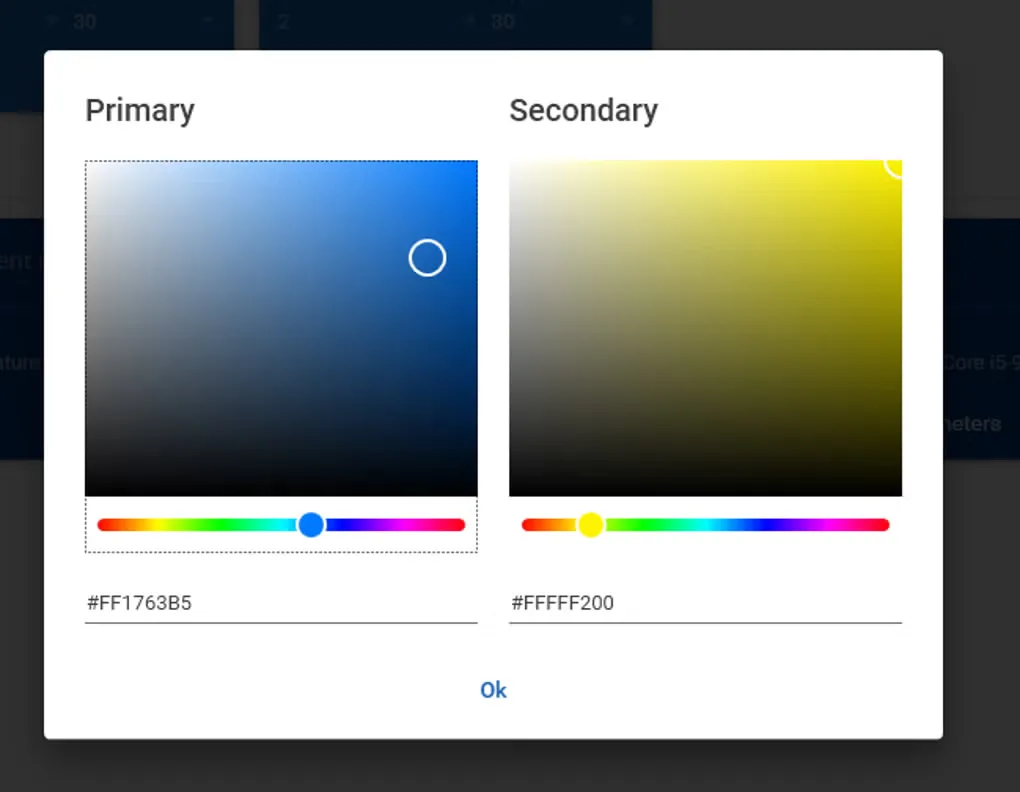
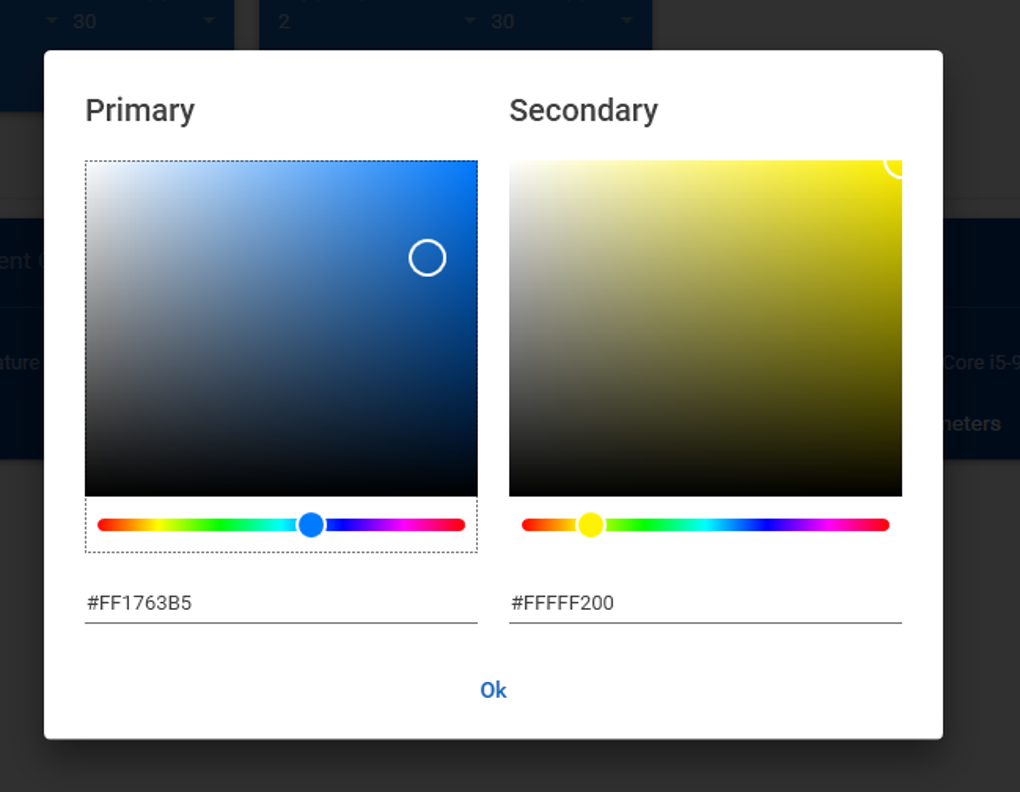
- Save and load multiple profiles, customize themes and show temperature tray icons.
- Extend supported sensors and controls through the plugin system.
Good to know
- Fan and sensor availability depends on the hardware backend and relevant plugins; not every motherboard or GPU is supported.
- Most laptops do not expose compatible fan controls; a model-specific plugin may be needed where one exists.
- Zero-RPM operation requires hardware support.
- The license permits personal, non-commercial use only; the main application is closed source.
Product images
Sources
References used for this listing. Retrieval dates do not indicate hands-on testing.
More in utilities
View category ↗
1.1.1.1 with WARP 2026.8.2115.0
Encrypt traffic from your Mac to Cloudflare’s network with WARP, or use DNS-only mode for encrypted DNS queries to the 1.1.1.1 resolver.
1.1.1.1 with WARP 2026.8.2115.0
Encrypt traffic between your Windows PC and Cloudflare, or use encrypted DNS only, with the free 1.1.1.1 with WARP app.

3uTools 9.12.005
Manage iPhone and iPad photos, music, apps and backups from Windows with 3uTools, a free utility that also includes device checks and firmware flashing tools.