
Utilities Windows
FastStone Capture for Windows
Capture scrolling pages, annotate screenshots and record screen video with FastStone Capture for Windows. A 30-day trial is available before purchase.
- Operating system
- Windows; publisher homepage lists Windows 11, 10, 8.x, 7, Vista and XP
- Architecture
- Not specified on the publisher download page
- Download package
- EXE installer
Capture Text OCR requires Windows 10 or 11. The portable ZIP is a separate download. Compatibility is publisher-reported, not installation-tested.
Link checked · Download guidance
What is FastStone Capture?
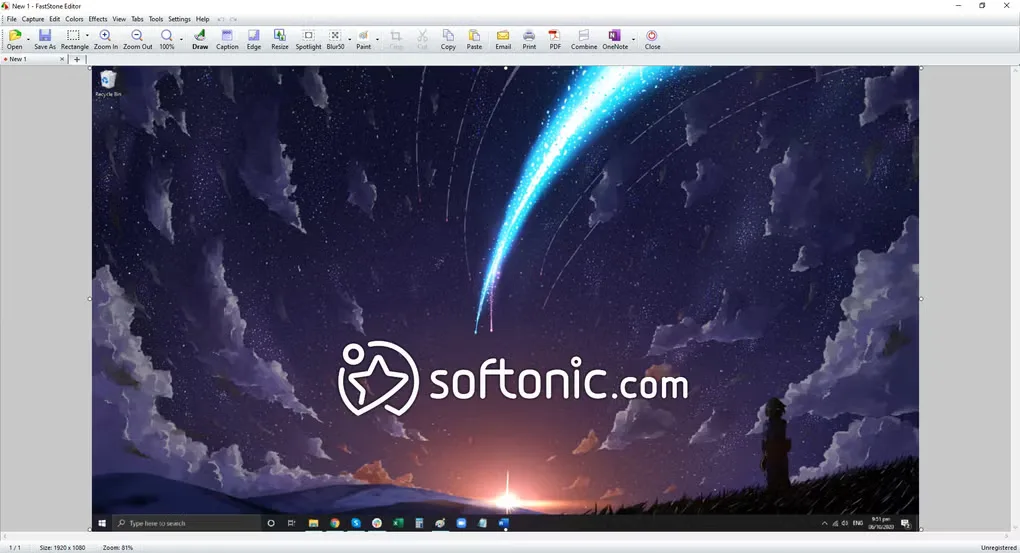
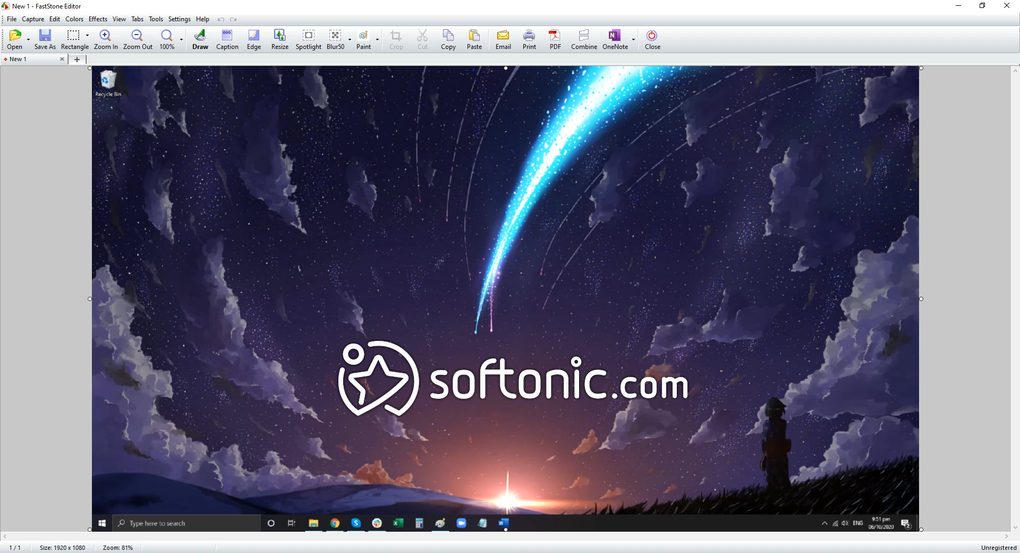
FastStone Capture combines screenshot capture, image annotation and screen recording in a Windows application. Capture a window, menu, selected region or scrolling web page, then send the result to its editor, a file or the clipboard. Text, arrows, highlights and blur help turn a capture into an explanation without switching to a separate image editor.
The recorder can include microphone speech, speaker audio and webcam video. Its built-in video editor supports annotations, zoom effects and cutting unwanted sections, with MP4 and WMV output. For still images, the FSC format preserves annotation objects for later editing; formats such as PNG, JPEG, WebP and PDF are also supported.
This entry links to the publisher's EXE installer, not its separate portable ZIP package. FastStone Capture is paid software with a 30-day trial, not an indefinitely free application. The Capture Text OCR feature requires Windows 10 or 11, even though the publisher lists older Windows versions for its software.
What it offers
- Capture windows, menus, rectangular or freehand regions, and scrolling windows or web pages.
- Annotate screenshots with text, arrows and highlights; crop, resize or blur selected areas.
- Record screen activity with microphone audio, speaker audio and webcam video, with MP4 and WMV output.
- Use the built-in video editor to add annotations and zoom effects or cut unwanted sections.
- Extract text using OCR on Windows 10 or 11, and save editable annotation objects in FSC image files.
Good to know
- Continued use after the 30-day trial requires a paid license.
- The Capture Text OCR feature requires Windows 10 or 11.
Product images
Sources
References used for this listing. Retrieval dates do not indicate hands-on testing.
More in utilities
View category ↗
1.1.1.1 with WARP 2026.8.2115.0
Encrypt traffic from your Mac to Cloudflare’s network with WARP, or use DNS-only mode for encrypted DNS queries to the 1.1.1.1 resolver.
1.1.1.1 with WARP 2026.8.2115.0
Encrypt traffic between your Windows PC and Cloudflare, or use encrypted DNS only, with the free 1.1.1.1 with WARP app.

3uTools 9.12.005
Manage iPhone and iPad photos, music, apps and backups from Windows with 3uTools, a free utility that also includes device checks and firmware flashing tools.