
Utilities Windows
FCEUX
Emulate NES, Famicom, FDS and Dendy software on Windows with FCEUX, an open-source emulator with debugging, Lua scripting and tool-assisted movie tools.
- Operating system
- Windows
- Architecture
- x64 (64-bit)
- Download package
- ZIP archive
Classic Windows build, not Qt/SDL. Separate win32 and Qt/SDL win64 packages are listed. The sources read do not establish a minimum Windows version.
Link checked · Download guidance
What is FCEUX?
FCEUX combines NES-family emulation with tools for inspecting how a game works. It supports NES, Famicom, Famicom Disk System and Dendy systems, with NTSC, PAL and hybrid video modes. Its debugging, ROM-hacking, map-making and tool-assisted movie features make it useful beyond ordinary play. Lua scripting offers another way to work with the emulator.
The linked package is the classic Windows 64-bit ZIP for version 2.6.6, explicitly listed on the publisher's download page. It is not the Qt/SDL package or an interim build. The publisher homepage and repository identify a newer 2.7.0 release, so this entry does not present 2.6.6 as the latest version.
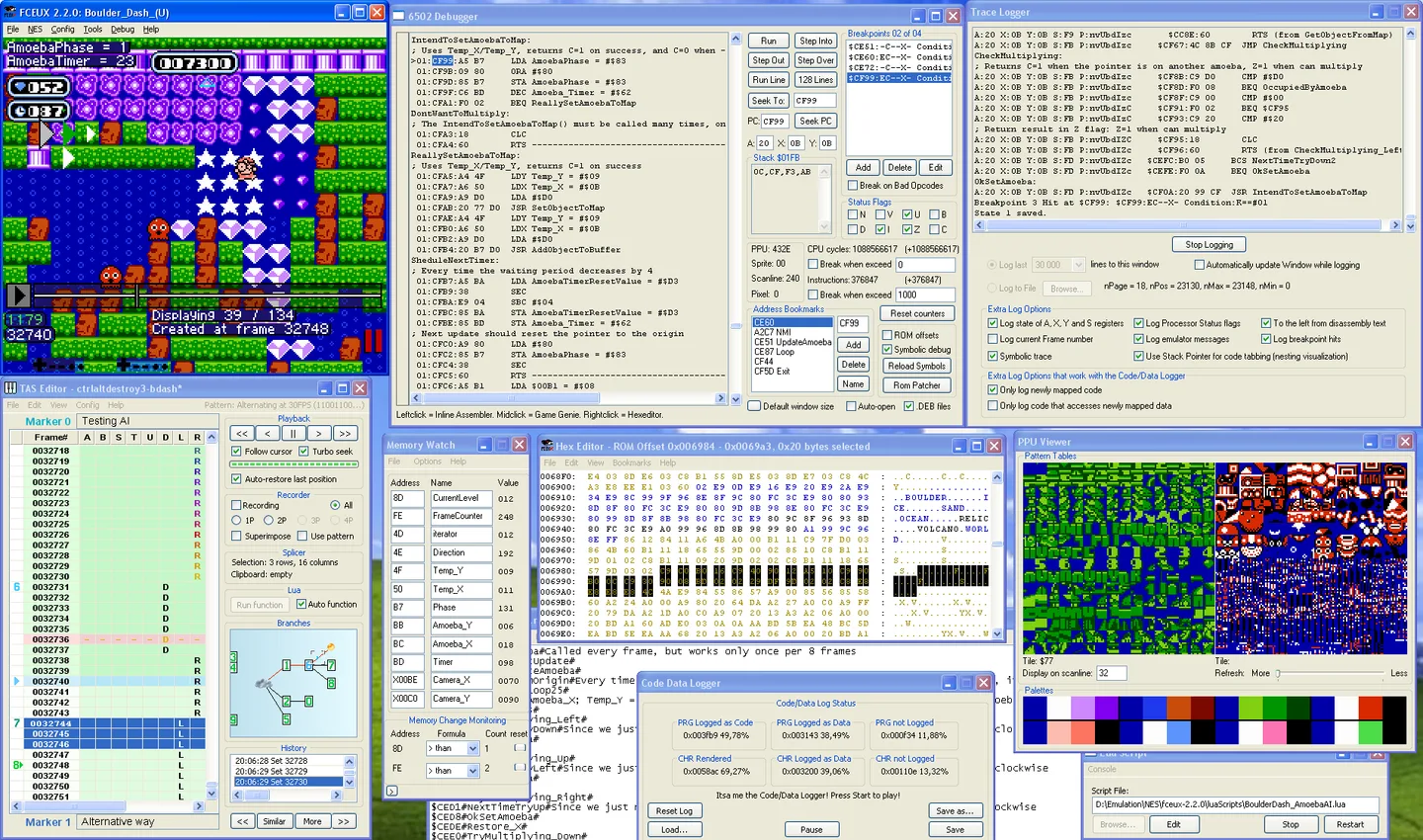
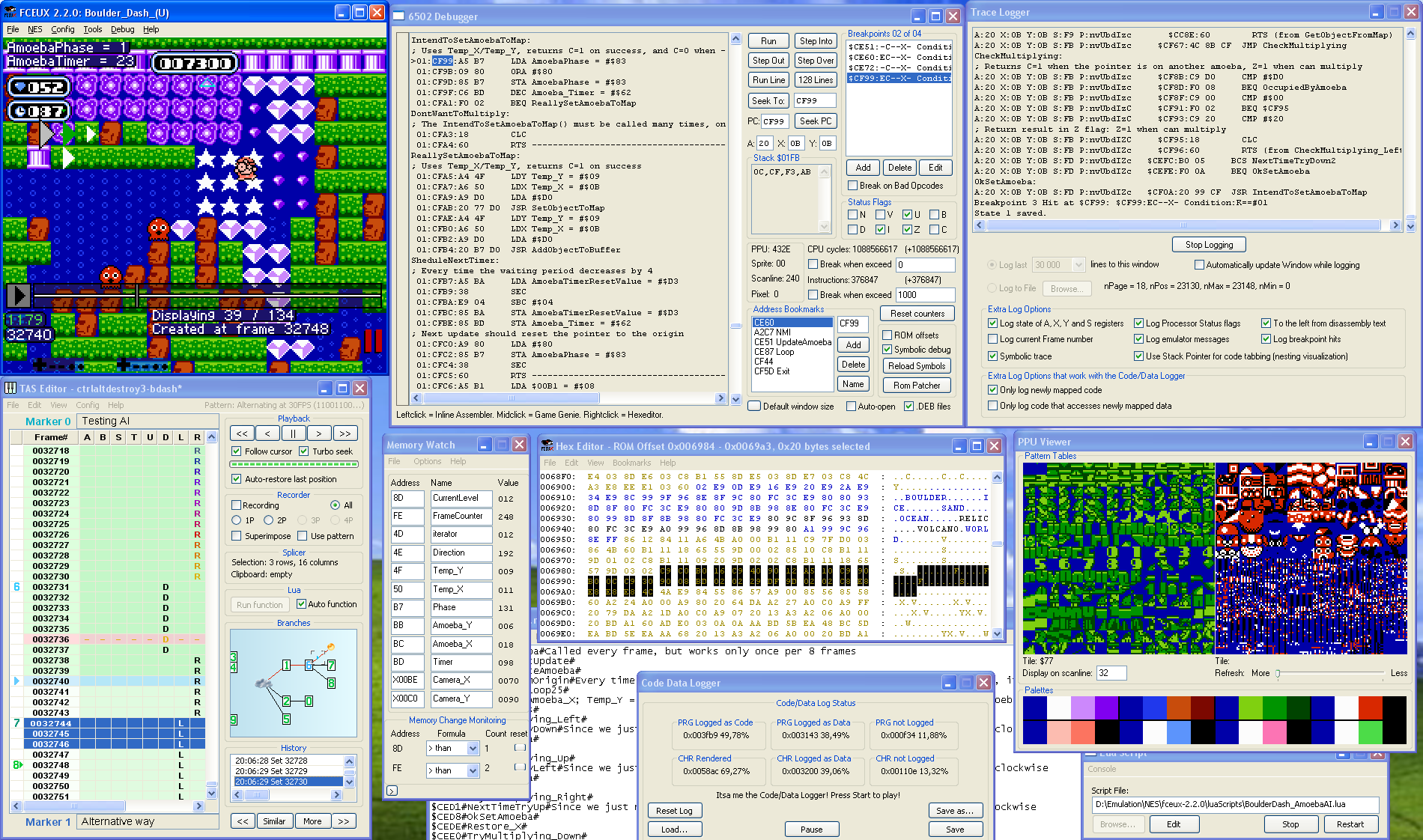
For network play, note the version boundary: the download page says networking in its Win32 and SDL ports is not functional, while the homepage describes experimental netplay for 2.7.0. Do not choose this 2.6.6 download for a promised online multiplayer workflow. The screenshot is the publisher's historical Windows 2.2.0 debugging environment, not a capture of the linked release.
What it offers
- Emulate NES, Famicom, Famicom Disk System and Dendy software.
- Use NTSC, PAL and NTSC-PAL hybrid modes.
- Inspect emulated software with debugging, ROM-hacking and map-making tools.
- Work with Lua scripting, movie recording and TAS Editor tools.
Good to know
- This link supplies version 2.6.6, not the newer 2.7.0 release identified on the publisher homepage and repository.
- The download page reports nonfunctional network play; the experimental netplay claim on the homepage applies to 2.7.0, not this selected package.
- The screenshot depicts the Windows 2.2.0 debugging environment; its interface is historical rather than a verified view of version 2.6.6.
Product images
Sources
References used for this listing. Retrieval dates do not indicate hands-on testing.
More in utilities
View category ↗
1.1.1.1 with WARP 2026.8.2115.0
Encrypt traffic from your Mac to Cloudflare’s network with WARP, or use DNS-only mode for encrypted DNS queries to the 1.1.1.1 resolver.
1.1.1.1 with WARP 2026.8.2115.0
Encrypt traffic between your Windows PC and Cloudflare, or use encrypted DNS only, with the free 1.1.1.1 with WARP app.

3uTools 9.12.005
Manage iPhone and iPad photos, music, apps and backups from Windows with 3uTools, a free utility that also includes device checks and firmware flashing tools.