
Development Windows
Fiddler Everywhere
Capture, inspect, replay and modify HTTP/S traffic with Fiddler Everywhere for Windows, a commercial web-debugging proxy with a 10-day trial.
- Operating system
- Windows 10 x64 (22H2 or newer), Windows 11 x64; Windows Server 2016 or newer
- Architecture
- x64
- Download package
- EXE installer
Publisher lists 400 MB or more free disk space. Administrative rights are needed for HTTPS capture and decoding.
Link checked · Download guidance
What is Fiddler Everywhere?
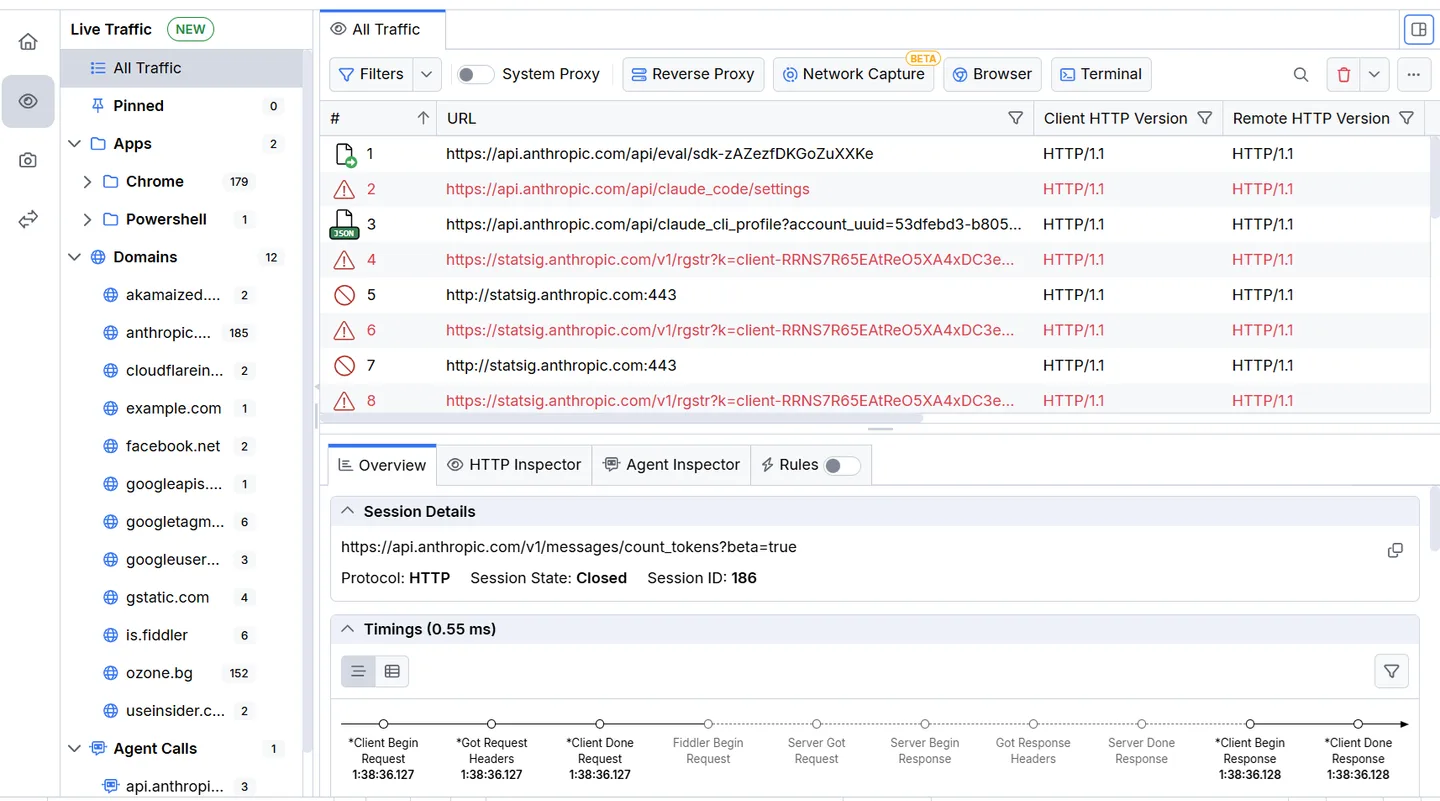
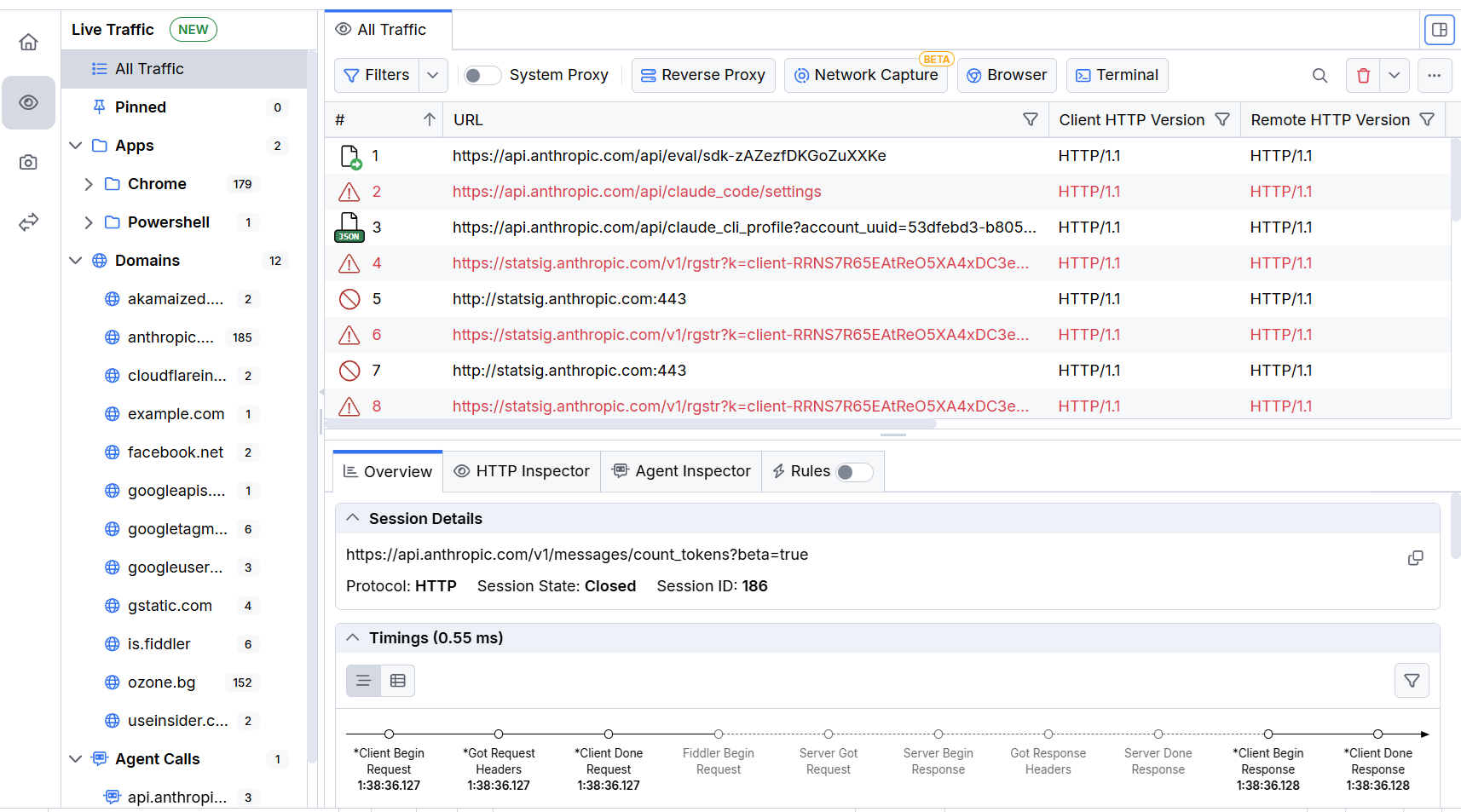
Fiddler Everywhere helps developers and QA engineers investigate the requests and responses exchanged by applications and web services. Capture traffic, examine headers and bodies, filter sessions to isolate a problem, and replay requests without repeating the entire application workflow. Its API Composer creates and sends requests, while rules and breakpoints can change traffic or mock responses without changing application code. Saved snapshots let you return to captured traffic or share it with colleagues.
This entry links to the Windows EXE installer for version 8.3.0. The publisher supports Windows 10 x64 version 22H2 or newer, Windows 11 x64, and Windows Server 2016 or newer. Fiddler Everywhere requires a Telerik account; the free download is a 10-day trial rather than a permanently free license. System-proxy HTTPS decryption requires installing and trusting the Fiddler certificate authority. Independent browser capture offers a narrower workflow without changing the operating-system proxy or installing the CA into the system trust store.
What it offers
- Capture HTTP/S traffic through system-proxy, independent browser or terminal workflows.
- Inspect request and response headers, bodies and timing information; filter captured sessions.
- Replay captured traffic and compose API requests.
- Modify requests and responses with rules, mocking and breakpoints.
- Save, export and share traffic snapshots for later analysis.
Good to know
- The publisher offers a 10-day trial; continued commercial use requires a paid license and features vary by plan.
- A Telerik account is required. System-proxy HTTPS decryption requires installing and trusting the Fiddler CA certificate.
- Windows 7 and 8.1 are not supported by current releases.
Product images
Sources
References used for this listing. Retrieval dates do not indicate hands-on testing.
- Fiddler Everywhere - Download — Windows discovery page ↗Retrieved
- Network Traffic Debugging Tool for macOS, Linux and Windows | Fiddler Everywhere ↗Retrieved
- Download Fiddler Everywhere | Telerik ↗Retrieved
- First Steps with Fiddler Everywhere on Windows ↗Retrieved
- Welcome to Fiddler Everywhere ↗Retrieved
- Independent Browser Capturing Mode — publisher documentation source ↗Retrieved
- Fiddler Everywhere Release History ↗Retrieved
- Fiddler Everywhere for Windows — publisher download flow ↗Retrieved
- Live Traffic Grid — publisher documentation source ↗Retrieved
- Fiddler Everywhere documentation repository license ↗Retrieved
More in development
View category ↗
010 Editor 17.0
Inspect and edit binary files on Mac with 010 Editor, a paid text and hex editor with Binary Templates, file comparison and a 30-day trial.
010 Editor 17.0
Inspect and edit binary files with 010 Editor for Windows, a text and hex editor with Binary Templates, file comparison and scripting. Includes a 30-day trial.
10x Editor
Edit and navigate C++ projects on Windows with a built-in parser, workspace search and Visual Studio project support. A paid license is required after the 30-day trial.