
Utilities Windows
File Scavenger
Search for deleted files and recover data from damaged or reformatted drives with File Scavenger for Windows. Demo mode limits how much of each file can be saved.
- Operating system
- Windows 11, 10, 8, 7; Windows Server 2025, 2022, 2019, 2016, 2012 and 2008
- Architecture
- 64-bit (publisher designation)
- Download package
- EXE; can run without installation
Administrator privileges required. The selected package is version 7.1 64-bit; older 32-bit packages are separate. Non-Windows file-system support requires attaching the drive to a Windows computer.
Link checked · Download guidance
What is File Scavenger?
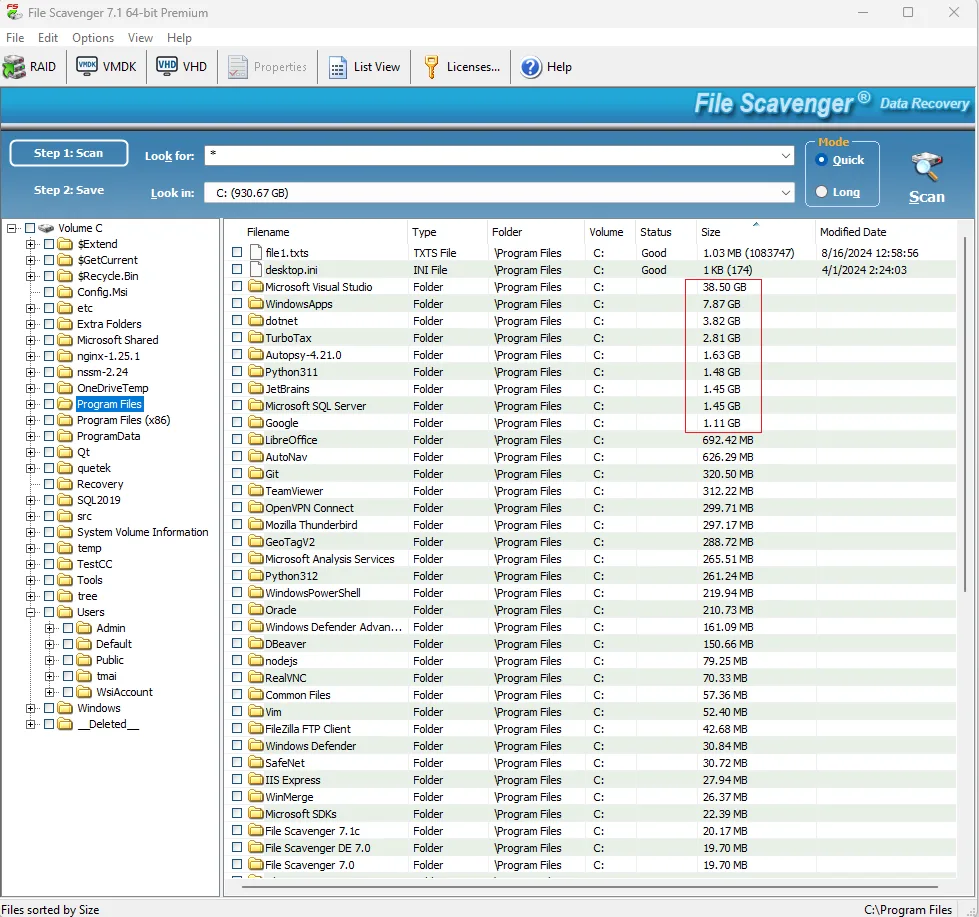
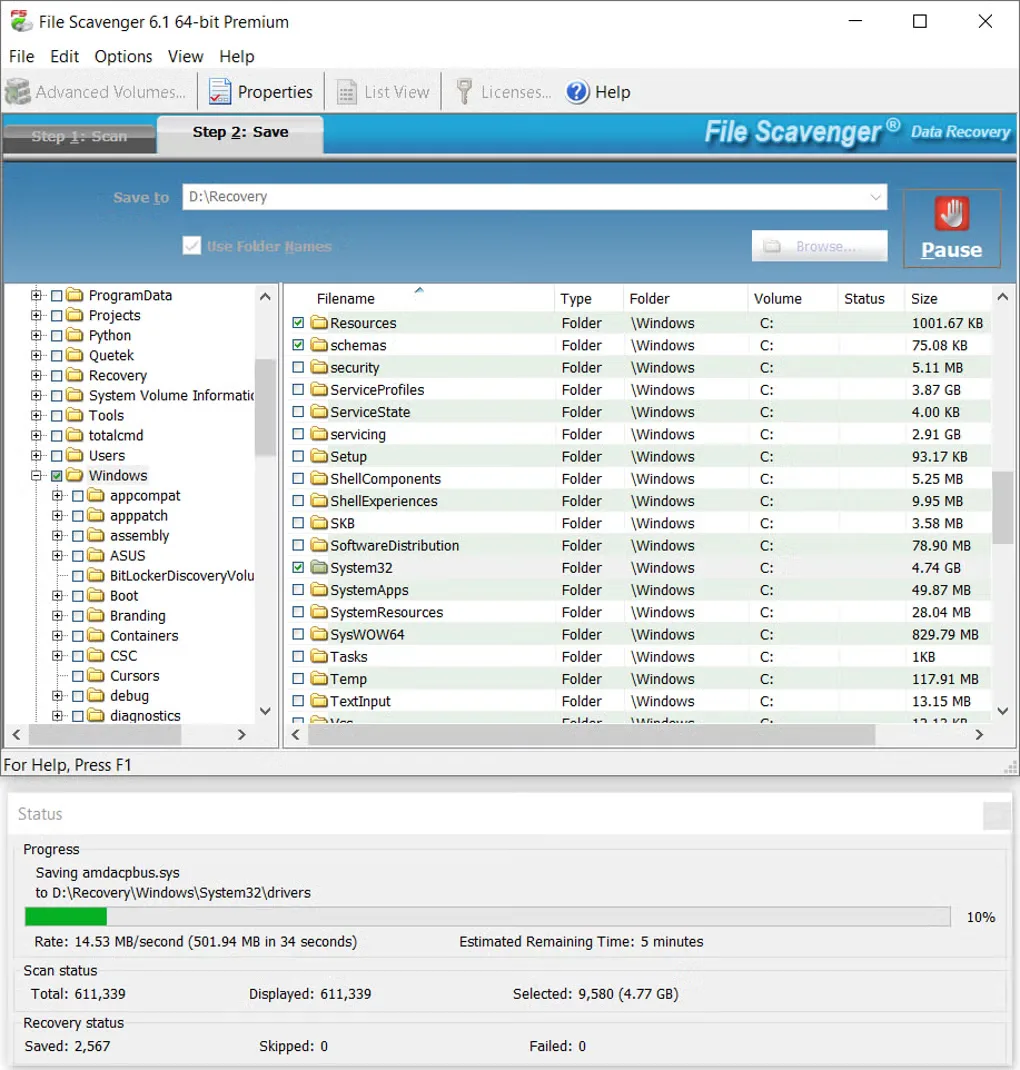
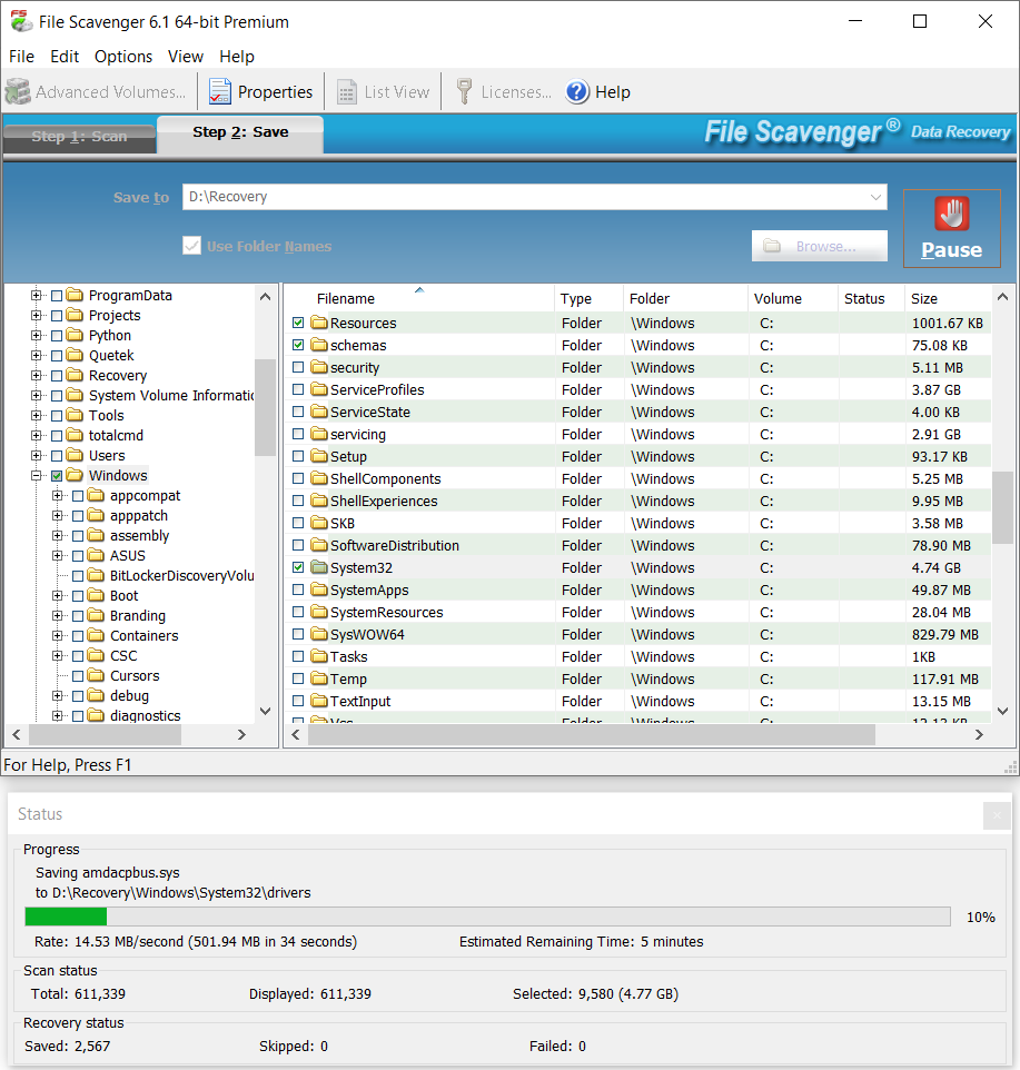
File Scavenger is a Windows data recovery utility for finding deleted files and files on corrupted, reformatted or deleted volumes. It scans hard disks, SSDs and removable storage, with support for NTFS, FAT, exFAT, ReFS and other file systems. Quick and Long scan modes offer different ways to search, while a folder tree and file list help you select what to save.
The demo lets you scan for lost files and preview pictures before buying a license. It saves only the first 64 kilobytes of each file, so a larger recovered file may not open or may be incomplete. Recovery also depends on the original data not having been overwritten; finding a filename does not establish that its contents are intact.
This entry links to QueTek’s version 7.1 64-bit Windows EXE. Linux and macOS file-system support does not mean native Linux or Mac applications: those drives must be connected to a Windows computer running File Scavenger. Some advanced functions, including RAID and virtual-disk features, require a Premium or Professional license.
What it offers
- Search for deleted files and files on corrupted, reformatted or deleted volumes.
- Choose Quick or Long scanning and browse results by folder and file.
- Work with NTFS, FAT, exFAT and ReFS as well as supported non-Windows file systems.
- Preview picture files in demo mode before purchasing a license.
- Use supported RAID and virtual-disk recovery features with the required Premium or Professional license.
Good to know
- Demo mode saves only the first 64 kilobytes of each file; larger files may be incomplete or unusable without a license.
- Overwritten file contents cannot be restored; recovered files still need to be checked for integrity.
- Requires a Windows administrator account. Supported Linux and macOS drives must be connected to the Windows computer.
- Advanced features require a Premium or Professional license; they are not all included in Standard.
Product images
Sources
References used for this listing. Retrieval dates do not indicate hands-on testing.
- File Scavenger - Download ↗Retrieved
- Data recovery software for Windows, Linux, and Mac file systems ↗Retrieved
- Download File Scavenger Data Recovery Software ↗Retrieved
- File Scavenger frequently asked questions ↗Retrieved
- Trying File Scavenger in Demo Mode ↗Retrieved
- File Scavenger End User License Agreement ↗Retrieved
More in utilities
View category ↗
1.1.1.1 with WARP 2026.8.2115.0
Encrypt traffic from your Mac to Cloudflare’s network with WARP, or use DNS-only mode for encrypted DNS queries to the 1.1.1.1 resolver.
1.1.1.1 with WARP 2026.8.2115.0
Encrypt traffic between your Windows PC and Cloudflare, or use encrypted DNS only, with the free 1.1.1.1 with WARP app.


3uTools 9.12.005
Manage iPhone and iPad photos, music, apps and backups from Windows with 3uTools, a free utility that also includes device checks and firmware flashing tools.