
Utilities Windows
FluidSIM
Build and simulate pneumatic, hydraulic and electrical circuits with FluidSIM for Windows. A valid FluidSIM 6 license is required to use the publisher's setup package.
- Operating system
- Windows 7, 8, 10 and 11, as listed in the publisher's installation manual
- Architecture
- Not specified in the cited publisher pages
- Download package
- EXE setup / update installer
Windows requirements come from the installation manual dated 2022-08, not a fresh compatibility test. The current setup page lists optional teaching-video downloads and a valid-license requirement.
Link checked · Download guidance
What is FluidSIM?
FluidSIM combines a circuit diagram editor with interactive simulation for learning and teaching pneumatics, hydraulics and electrical engineering. Build circuits from its component library, operate switches or valves during a simulation, and inspect simulated values with virtual measuring devices. Component descriptions, animations and teaching materials support lessons and self-study.
The technologies are licensed separately, although licensed technologies can be combined in one circuit diagram. Failure models let instructors introduce component defects for diagnostic exercises. The publisher also provides license-management tools for local, network and online use.
This entry links to the publisher's FluidSIM 6.3 Windows setup, which supports a new installation or an update. It is not a free-use license: you need a valid FluidSIM 6 license. Teaching videos are optional downloads during setup. Online licensing requires a permanent Internet connection; offline licensing requires activation and uses the CodeMeter runtime. Evaluation access must be requested from Festo Didactic rather than assumed from the availability of the installer.
What it offers
- Create circuit diagrams using libraries of pneumatic, hydraulic and electronic components.
- Operate switches and valves interactively while simulating a circuit.
- Inspect simulated electrical and fluidic values with virtual measuring devices that do not influence the circuit.
- Configure component failure models for diagnostic training exercises.
- Use component descriptions, animations and instructional materials for lessons or self-study.
Good to know
- A valid FluidSIM 6 license is required; pneumatics, hydraulics and electrical engineering are separately licensed technologies.
- Online licenses need a permanent Internet connection. Offline licensing requires activation and the CodeMeter runtime.
- A separate student license is no longer offered; institutions can provide time-limited access to their existing licenses.
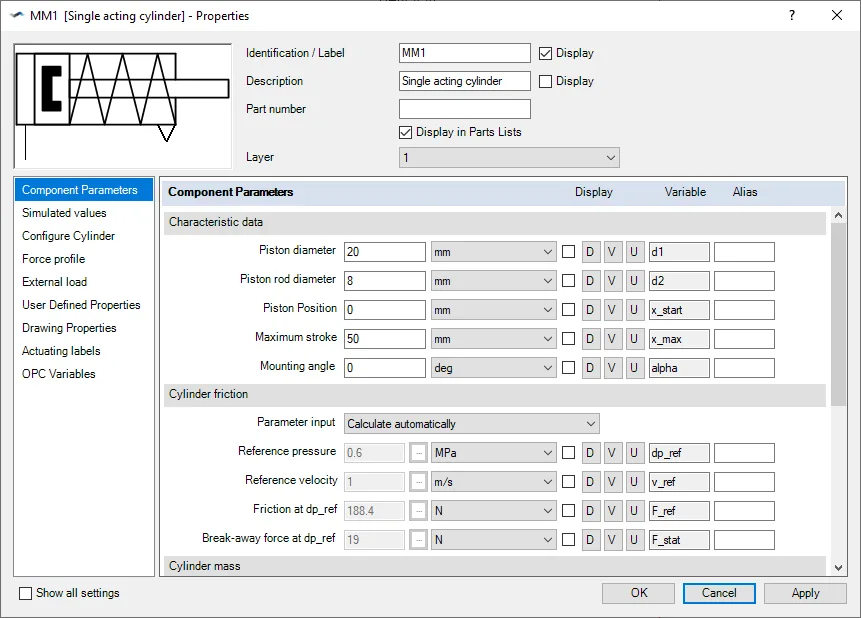
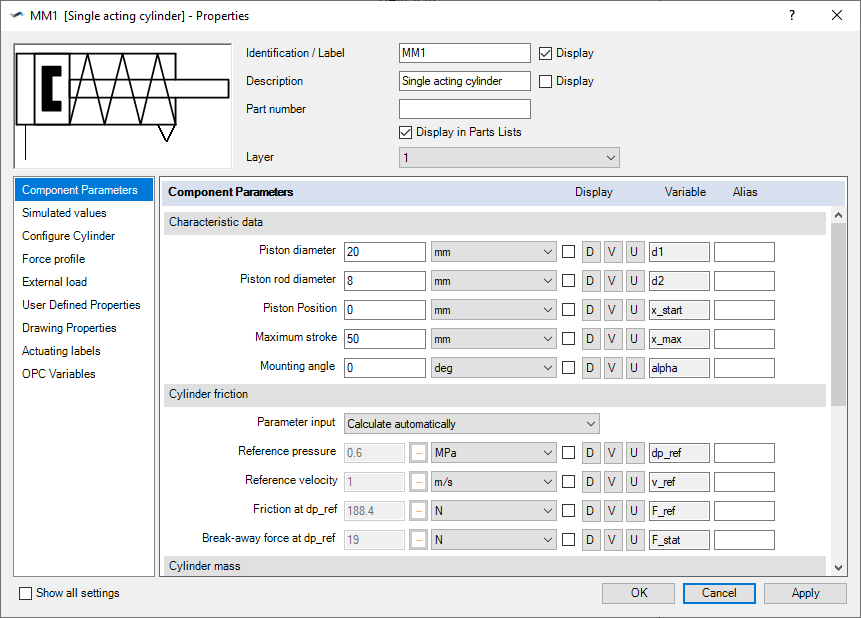
Product images
Sources
References used for this listing. Retrieval dates do not indicate hands-on testing.
More in utilities
View category ↗
1.1.1.1 with WARP 2026.8.2115.0
Encrypt traffic from your Mac to Cloudflare’s network with WARP, or use DNS-only mode for encrypted DNS queries to the 1.1.1.1 resolver.
1.1.1.1 with WARP 2026.8.2115.0
Encrypt traffic between your Windows PC and Cloudflare, or use encrypted DNS only, with the free 1.1.1.1 with WARP app.

3uTools 9.12.005
Manage iPhone and iPad photos, music, apps and backups from Windows with 3uTools, a free utility that also includes device checks and firmware flashing tools.