

Utilities Windows
Free Timer for Windows
Track countdowns on a colored clock face with Free Timer for Windows. Choose an alert sound, show the timer full screen or run separate timers side by side.
- Operating system
- Windows 11, 10, 8.1, 8, 7, Vista and XP (publisher-listed)
- Architecture
- Not specified by the publisher pages consulted
- Download package
- EXE installer; separate portable ZIP available from publisher
Publisher labels the installer 4.4 MB. Compatibility is publisher-declared; the application was not installed or run.
Link checked · Download guidance
What is Free Timer?
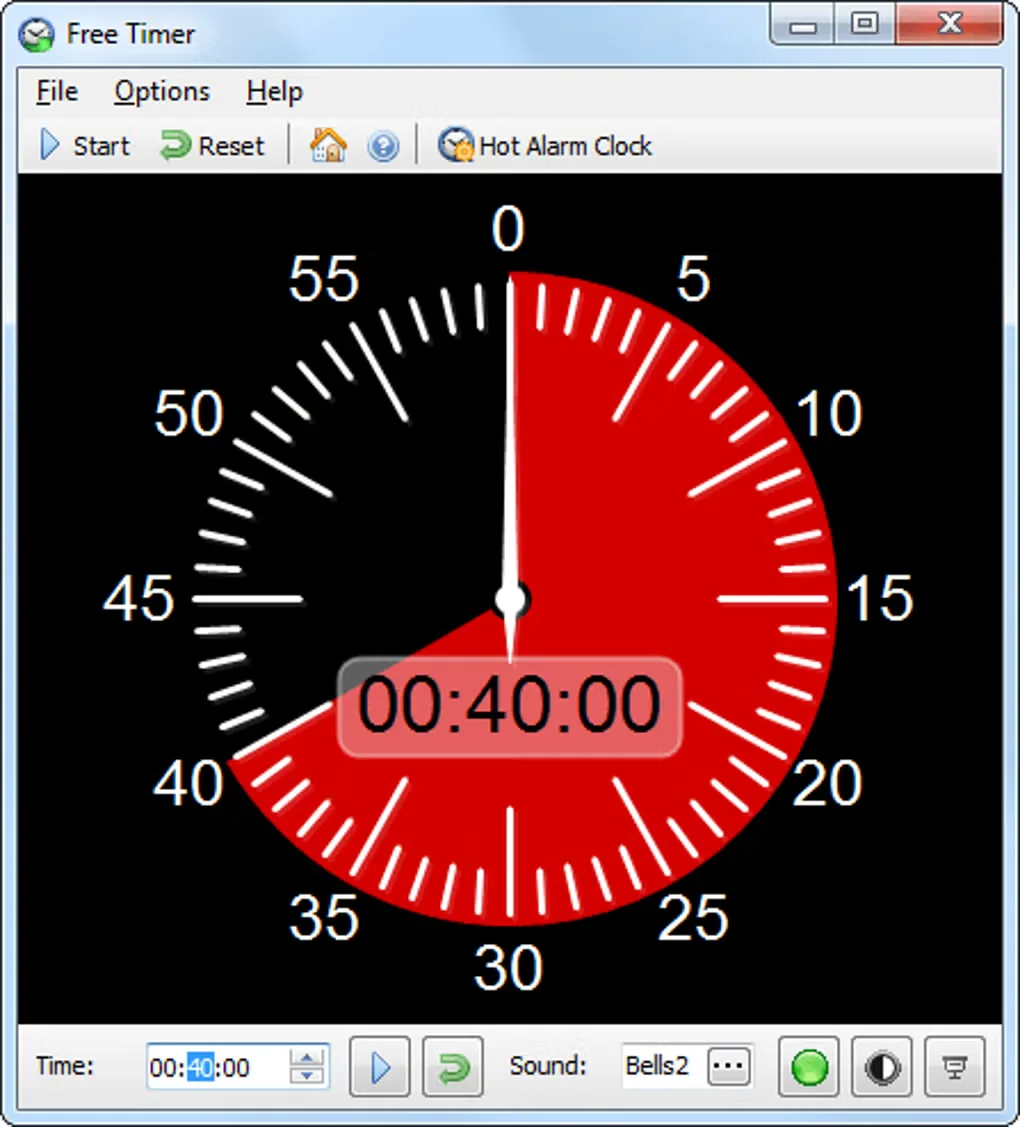
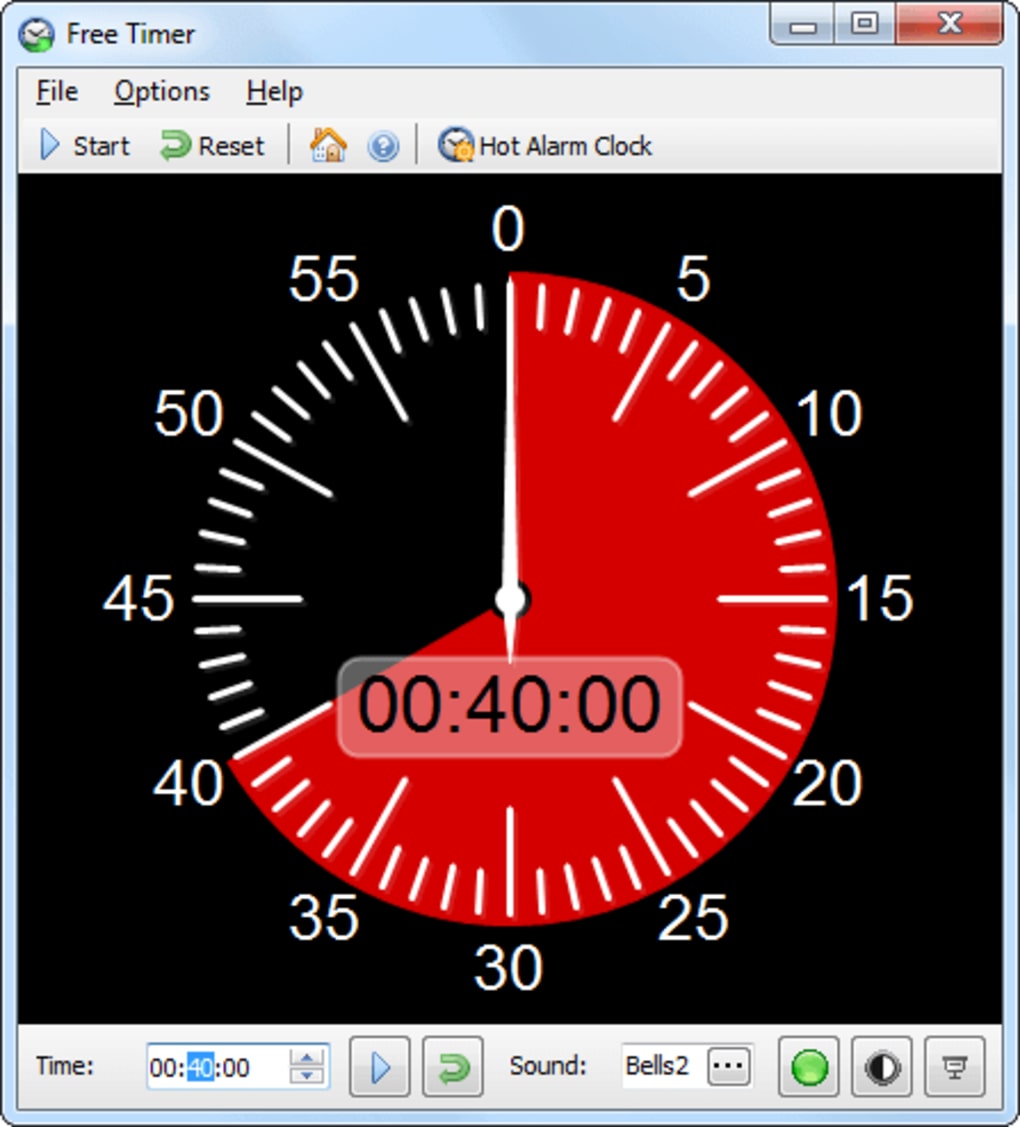
Free Timer turns a countdown into a shrinking colored section of a clock face, with a digital time display alongside it. Set an interval in hours, minutes and seconds, choose a sound and press Start. The display suits classroom activities, presentations or other tasks where seeing the remaining time matters.
You can change the dial color, switch to a dark background and expand the timer to full screen with F11. A metronome can begin shortly before time runs out. To track several activities, launch a separate instance for each timer and give them different colors. The publisher also offers a portable ZIP version that stores settings in Data.ini; the download linked here is the Windows EXE installation package.
For intervals longer than 12 hours, the color initially covers the entire dial rather than showing a distinct longer-than-12-hour scale. The screenshot is a historical Free Timer interface from the source gallery, not a verified capture of the publisher's listed 5.3 release.
What it offers
- Set countdowns in hours, minutes and seconds with a colored remaining-time dial.
- Choose an alert sound or music file and set how often it repeats.
- Expand the timer to full screen with F11 for a monitor or projector.
- Start a ticking metronome before the countdown ends.
- Run multiple program instances with different timer colors.
Good to know
- Several simultaneous timers require separate instances of the program.
- Intervals longer than 12 hours initially fill the entire colored dial; it has no separate scale for those longer intervals.
Product images
More in utilities
View category ↗
1.1.1.1 with WARP 2026.8.2115.0
Encrypt traffic from your Mac to Cloudflare’s network with WARP, or use DNS-only mode for encrypted DNS queries to the 1.1.1.1 resolver.
1.1.1.1 with WARP 2026.8.2115.0
Encrypt traffic between your Windows PC and Cloudflare, or use encrypted DNS only, with the free 1.1.1.1 with WARP app.

3uTools 9.12.005
Manage iPhone and iPad photos, music, apps and backups from Windows with 3uTools, a free utility that also includes device checks and firmware flashing tools.