

Utilities Windows
FreeFixer for Windows
Inspect Windows startup entries, processes and browser extensions with FreeFixer, a freeware tool for reviewing and removing potentially unwanted software.
- Operating system
- Windows 2000, XP, Vista, 7, 8, 8.1 and 10; Windows Server 2003, 2008, 2016 and 2019
- Architecture
- 32-bit and 64-bit Windows (publisher-listed)
- Download package
- EXE installer
The linked file is the publisher's freeware installer. Windows 11 compatibility is not established by the cited publisher pages; package architecture was not inspected.
Link checked · Download guidance
What is FreeFixer?
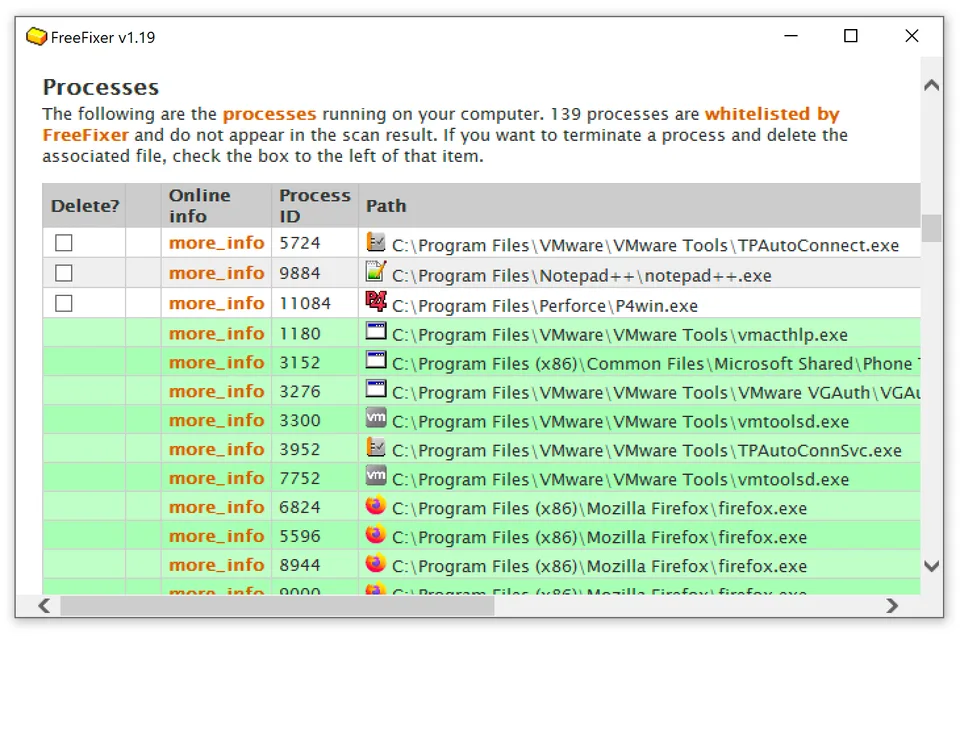
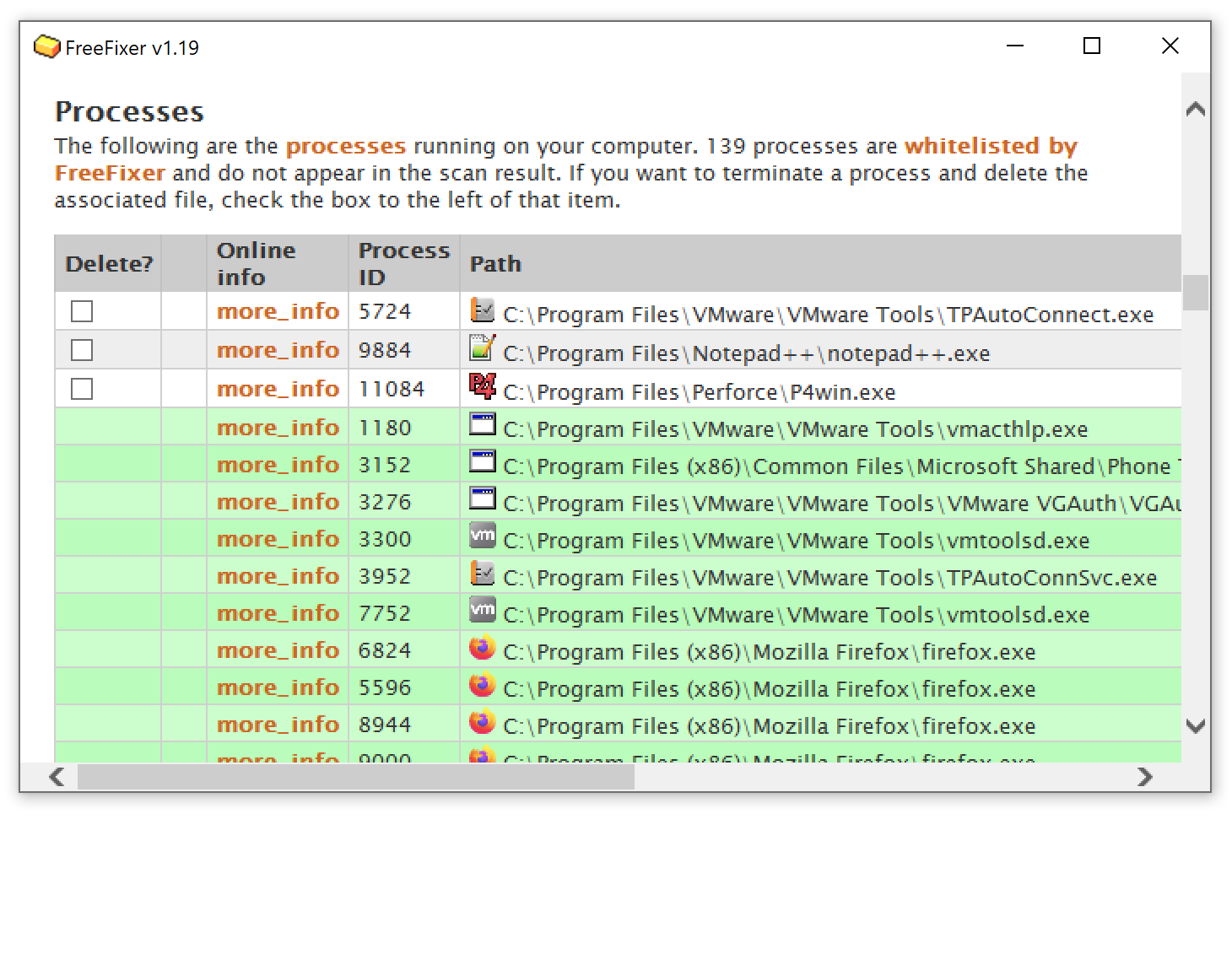
FreeFixer scans Windows locations where unwanted software can leave traces, including running processes, startup entries, scheduled tasks and browser extensions. It presents the results for you to investigate, with online information links for individual items and a log you can save for help interpreting the scan. The interface distinguishes trusted-publisher files with a green background.
Removal is a manual decision, not an automatic verdict that every listed item is malicious. Selecting an item and using Fix can remove files or change settings; deleting a legitimate file can damage Windows or other software. FreeFixer can schedule files it cannot delete during normal operation for removal at the next reboot.
The freeware edition does not include the Pro edition's automatic quarantine and restore feature. The publisher lists compatibility through Windows 10 and Windows Server 2019, but the cited pages do not establish Windows 11 support. Version 1.19 is the version shown by the publisher; no complete release date is supplied here.
What it offers
- Inspect running processes, startup entries, scheduled tasks and browser extensions.
- Open online information links for scan results and save a scan log for further analysis.
- Distinguish trusted-publisher files with green-highlighted results and no deletion checkbox.
- Schedule periodic background scans through Windows Task Scheduler.
- Queue files that cannot be deleted during normal operation for removal at the next reboot.
Good to know
- Scan results require manual judgment: legitimate items can appear, and deleting them can damage your computer.
- Automatic quarantine and restoration of deleted files are Pro features, not part of the freeware edition.
- The cited compatibility list stops at Windows 10 and Windows Server 2019; Windows 11 support is unconfirmed.
Product images
Sources
References used for this listing. Retrieval dates do not indicate hands-on testing.
- FreeFixer — publisher homepage ↗Retrieved
- FreeFixer User's Manual ↗Retrieved
- Download FreeFixer — publisher edition comparison and installer link ↗Retrieved
- FreeFixer Release Notes ↗Retrieved
More in utilities
View category ↗
1.1.1.1 with WARP 2026.8.2115.0
Encrypt traffic from your Mac to Cloudflare’s network with WARP, or use DNS-only mode for encrypted DNS queries to the 1.1.1.1 resolver.
1.1.1.1 with WARP 2026.8.2115.0
Encrypt traffic between your Windows PC and Cloudflare, or use encrypted DNS only, with the free 1.1.1.1 with WARP app.

3uTools 9.12.005
Manage iPhone and iPad photos, music, apps and backups from Windows with 3uTools, a free utility that also includes device checks and firmware flashing tools.