

Utilities Windows
Freeplane for Windows
Organize ideas, study notes and project plans into mind maps with Freeplane, a free, open-source application for Windows.
Version 1.13.3 · Direct publisher file
Link checked · Download guidance
What is Freeplane?
Freeplane turns ideas into a branching visual structure. Use it to organize a brainstorming session, connect study topics or outline a project rather than keeping everything in a flat list. Nodes can contain hyperlinks and images, while icons, fonts and styles help distinguish different kinds of information. Templates provide a starting point, and tabs let you work with several maps.
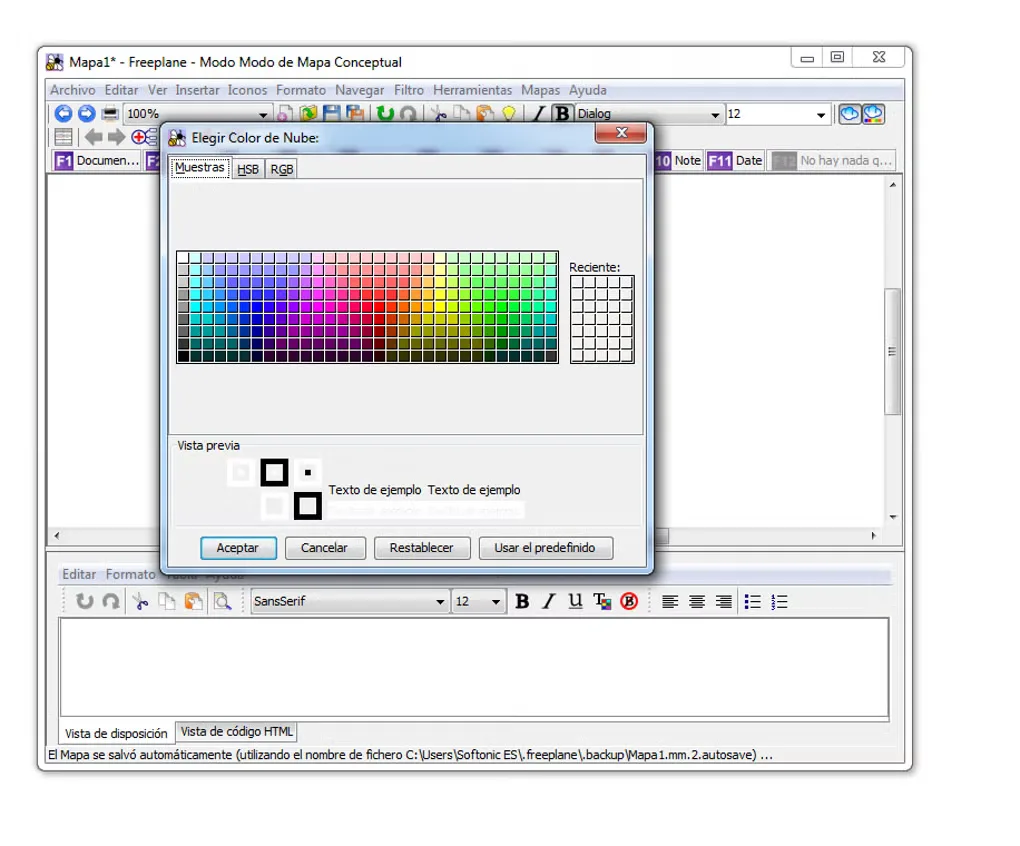
This entry links to the publisher's Freeplane 1.13.3 Windows EXE installer. Freeplane is Java-based: some distributions include the runtime, while others need a compatible Java installation supplied separately. Check the publisher's distribution guidance when choosing a package. The screenshot is an older Windows interface from Softonic's gallery, with Spanish menus; it is not a capture of version 1.13.3.
What it offers
- Arrange ideas as hierarchical mind maps for notes, brainstorming and project planning.
- Add hyperlinks and images to map nodes.
- Distinguish topics with icons, font formatting and node styles.
- Start from templates and keep multiple maps open in tabs.
Good to know
- Freeplane requires a Java runtime. Packages without embedded Java need a compatible runtime installed separately; check the distribution guidance before choosing a package.
Product images
Sources
References used for this listing. Retrieval dates do not indicate hands-on testing.
More in utilities
View category ↗
1.1.1.1 with WARP 2026.8.2115.0
Encrypt traffic from your Mac to Cloudflare’s network with WARP, or use DNS-only mode for encrypted DNS queries to the 1.1.1.1 resolver.
1.1.1.1 with WARP 2026.8.2115.0
Encrypt traffic between your Windows PC and Cloudflare, or use encrypted DNS only, with the free 1.1.1.1 with WARP app.

3uTools 9.12.005
Manage iPhone and iPad photos, music, apps and backups from Windows with 3uTools, a free utility that also includes device checks and firmware flashing tools.