

Utilities Windows
FTP Rush for Windows
Transfer files over FTP, FTPS, SFTP and WebDAV, or between supported cloud services, with FTP Rush, a free Windows file-transfer client.
- Operating system
- Windows; exact supported Windows versions are not specified in the FTP Rush download listing
- Architecture
- Not specified in the publisher's FTP Rush Windows listing
- Download package
- EXE setup package
Requires .NET Framework 4.6.2 or later. A separate portable ZIP is available from the publisher.
Link checked · Download guidance
What is FTP Rush?
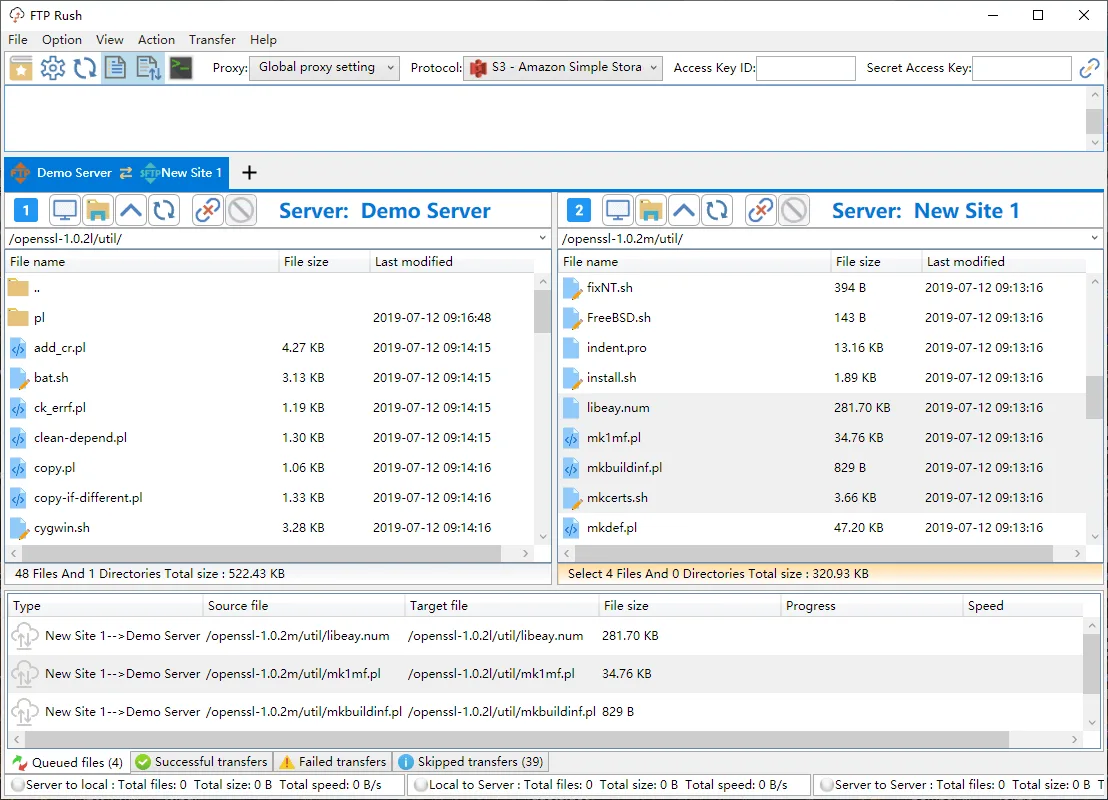
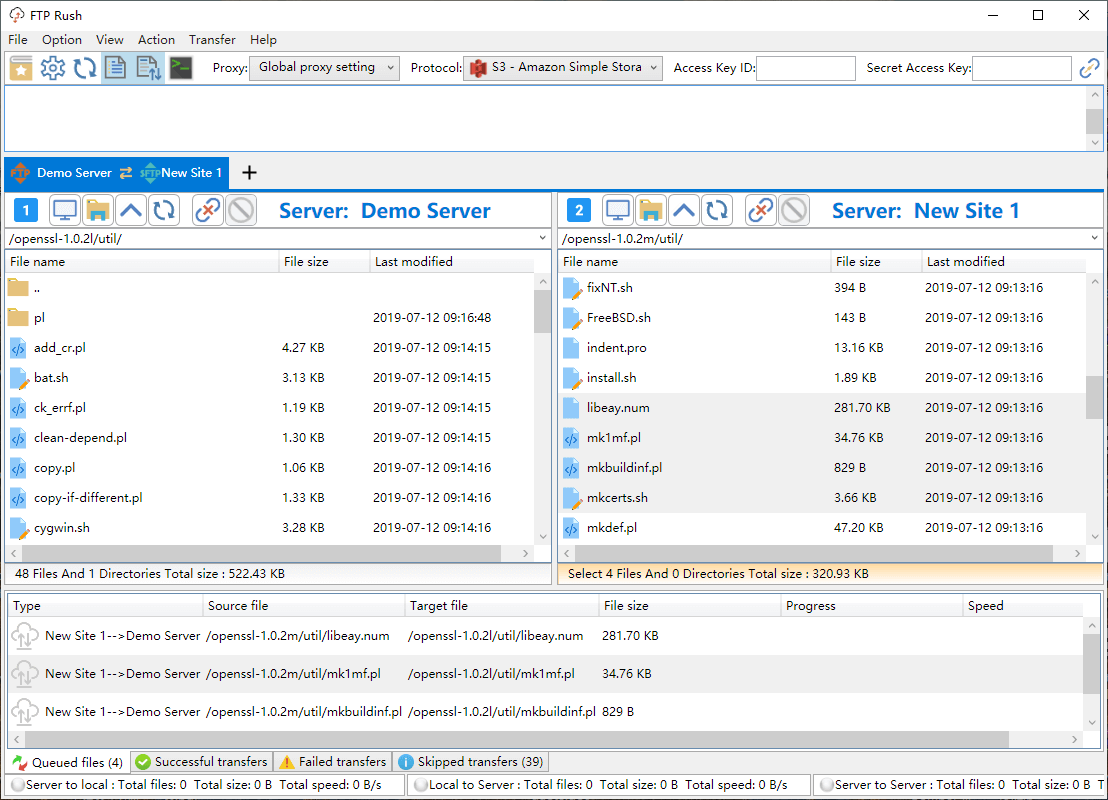
FTP Rush brings remote servers and cloud storage into a tabbed, Explorer-like interface. Open connections in separate tabs, browse folders and drag files between views. Alongside FTP, FTPS, SFTP and WebDAV, the publisher lists Google Drive, Dropbox, OneDrive, Amazon S3 and Wing FTP Web Client support.
For transfers between different protocols, FTP Rush uses your local computer as a bridge. This is useful for moving files between supported services, but that transfer mode is not a cloud-to-cloud job that runs independently of your computer. C# scripting and an interactive terminal provide additional ways to automate tasks.
The linked Windows download is the version 3.6.7 EXE setup package and requires .NET Framework 4.6.2 or later. The publisher also offers a separate portable ZIP. Its Windows download listing labels FTP Rush as freeware; the trial terms elsewhere on that download page apply to Wing FTP Server, a different product.
What it offers
- Connect to FTP, FTPS, SFTP, WebDAV and Wing FTP Web Client endpoints.
- Access supported cloud storage: Google Drive, Dropbox, OneDrive and Amazon S3.
- Manage multiple connections through tabs and an Explorer-like drag-and-drop interface.
- Use C# scripts, an interactive terminal, directory bookmarks and file filters.
Good to know
- The Windows setup package requires .NET Framework 4.6.2 or later.
- Transfers between different protocols use your local computer as a bridge rather than running independently between cloud services.
Product images
Sources
References used for this listing. Retrieval dates do not indicate hands-on testing.
- Free file transfer software - FTP Rush ↗Retrieved
- FTP Server Download — FTP Rush v3 section ↗Retrieved
- FTP Rush v3 release notes ↗Retrieved
More in utilities
View category ↗
1.1.1.1 with WARP 2026.8.2115.0
Encrypt traffic from your Mac to Cloudflare’s network with WARP, or use DNS-only mode for encrypted DNS queries to the 1.1.1.1 resolver.
1.1.1.1 with WARP 2026.8.2115.0
Encrypt traffic between your Windows PC and Cloudflare, or use encrypted DNS only, with the free 1.1.1.1 with WARP app.

3uTools 9.12.005
Manage iPhone and iPad photos, music, apps and backups from Windows with 3uTools, a free utility that also includes device checks and firmware flashing tools.