
Development Windows
fzf
Filter file paths and other text lists interactively in your terminal with fzf, a free, open-source command-line fuzzy finder for Windows.
- Operating system
- Windows; minimum version and build not established
- Architecture
- x64 (AMD64)
- Download package
- ZIP archive
Selected package is windows_amd64. A separate Windows ARM64 ZIP is listed. Terminal use; shell integration is configured separately.
Link checked · Download guidance
What is fzf?
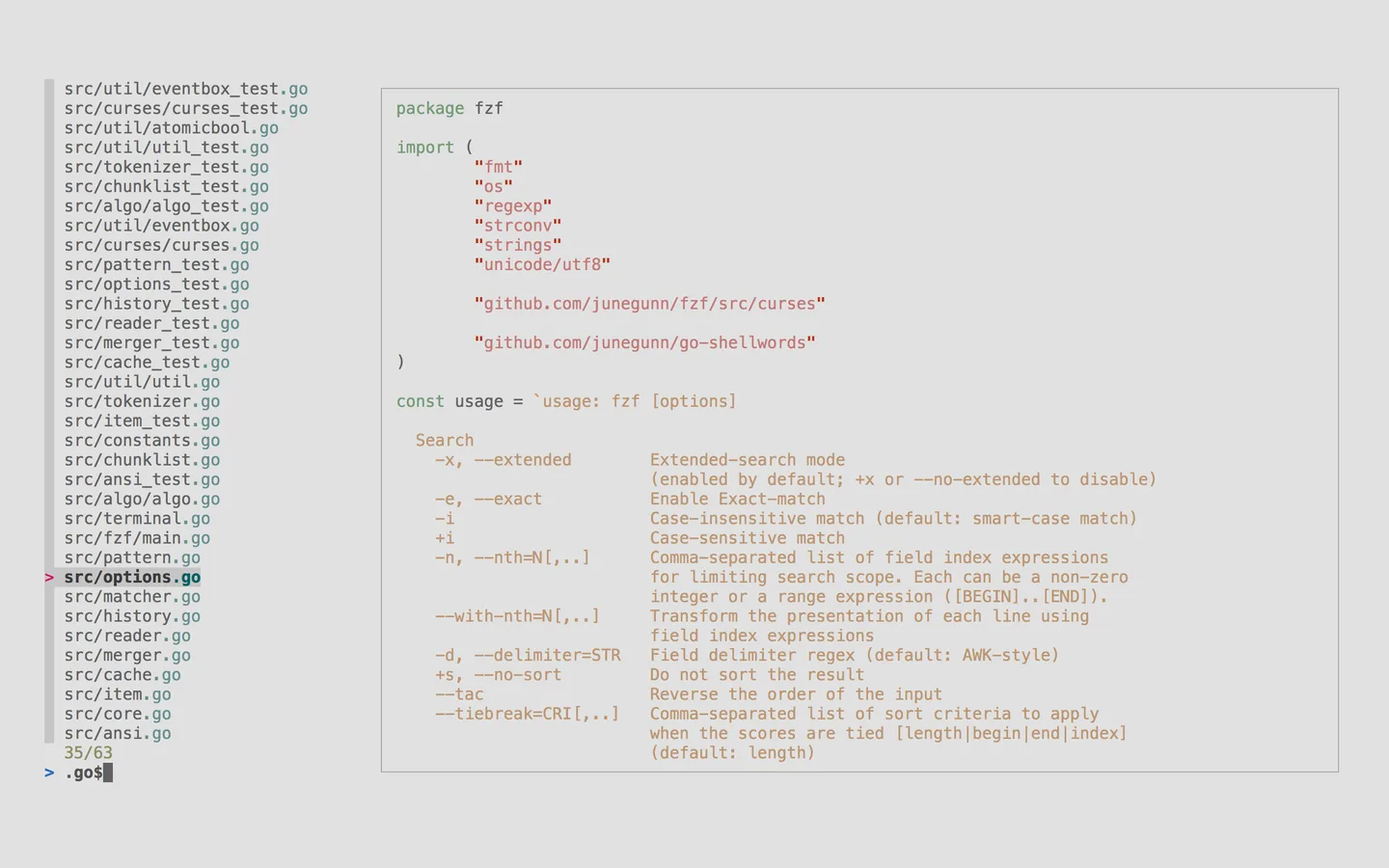
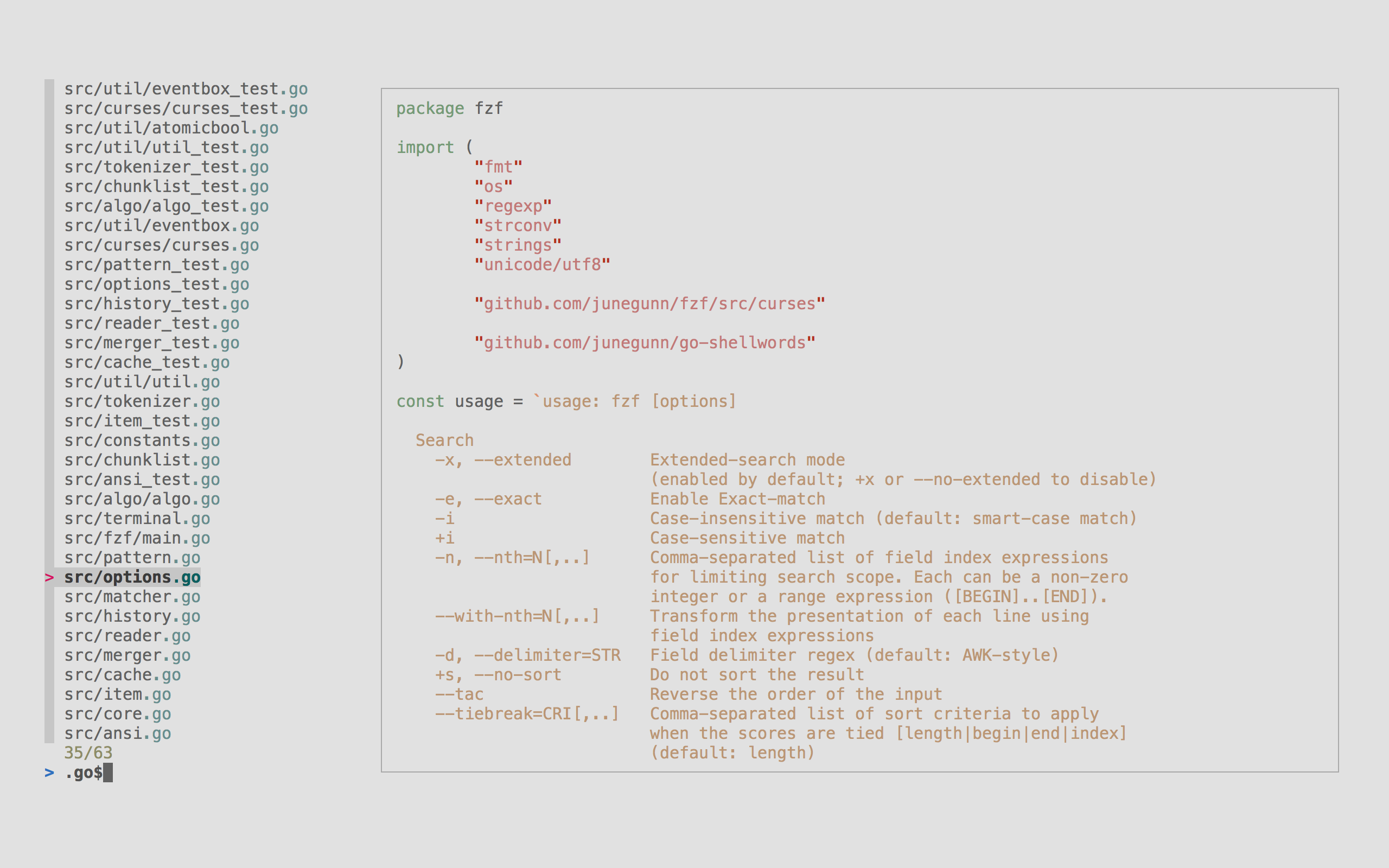
fzf turns a list of text into an interactive terminal selector. Type part of a file name or another entry to narrow the results, move to a match and press Enter to return it to the calling command. It is useful for choosing paths and building selection steps into command-line workflows rather than browsing through a desktop search window.
The finder reads candidates from standard input and writes the selected entry to standard output. When no list is piped in, it can list files beneath the current directory. Extended search adds exact, prefix, suffix and exclusion matching; multi-select mode lets you mark more than one entry. A configurable preview pane can show output from an external command beside the candidates.
This entry links to the official 0.74.5 Windows x64 ZIP, with a separate ARM64 archive listed by the publisher. Shell shortcuts and fuzzy completion require their own integration setup; downloading the binary does not establish that every shell feature is configured. Preview examples can also depend on external utilities. The publisher documentation inspected here does not establish a minimum Windows version or build.
What it offers
- Interactively filter text supplied through standard input and return the chosen entry through standard output.
- List files beneath the current directory when no input list is piped in.
- Combine fuzzy matching with exact, prefix, suffix and exclusion searches.
- Mark multiple entries in multi-select mode using Tab and Shift-Tab.
- Configure a preview pane that displays the output of an external command.
Good to know
- Terminal-based interface, not a desktop graphical file-search application.
- Shell key bindings and fuzzy completion need separate integration setup; preview commands can require external utilities.
- A minimum Windows version or build is not established by the inspected publisher sources.
Product images
Sources
References used for this listing. Retrieval dates do not indicate hands-on testing.
- FileLocator ProLite - Download — retained discovery link ↗Retrieved
- junegunn/fzf — publisher documentation (retained observation) ↗Retrieved
- fzf v0.74.5 — publisher release assets (retained observation) ↗Retrieved
- fzf README — publisher usage, shell setup and screenshot link ↗Retrieved
- fzf — MIT License ↗Retrieved
More in development
View category ↗
010 Editor 17.0
Inspect and edit binary files on Mac with 010 Editor, a paid text and hex editor with Binary Templates, file comparison and a 30-day trial.
010 Editor 17.0
Inspect and edit binary files with 010 Editor for Windows, a text and hex editor with Binary Templates, file comparison and scripting. Includes a 30-day trial.
10x Editor
Edit and navigate C++ projects on Windows with a built-in parser, workspace search and Visual Studio project support. A paid license is required after the 30-day trial.