

Utilities Windows
Game Extractor for Windows
Open supported game archives and extract their files with Game Extractor Basic for Windows. Previewing assets, conversion and archive editing require the paid Full edition.
- Operating system
- Windows; publisher officially supports Windows only
- Architecture
- Publisher specifies 32-bit Java 8; installer CPU architecture not independently established
- Download package
- EXE installer — Basic edition
Java 8 runtime is bundled according to the publisher. Softonic lists 3.15; this entry links publisher release 3.16.0008. No local installation or compatibility test performed.
Link checked · Download guidance
What is Game Extractor?
Game Extractor opens the archive containers that games use to store textures, sounds, models and other resources. The free Basic edition lets you browse a supported archive and extract its files to your computer. It is a tool for examining game data rather than a general promise that every file from every game can be opened.
The linked Windows installer is Basic version 3.16.0008 from the publisher’s GitHub release. The paid Full edition adds previews of supported images, audio and 3D meshes, thumbnail browsing, conversion to formats such as PNG or OBJ, and editing and saving certain archives. Those capabilities are not included in the free Basic download, and support varies by game and format.
Check the publisher’s supported-games list for the archive you need. Even a listed game may contain archives a plugin cannot read. Extracted files may still use game-specific compression or encryption, and some archives do not store usable filenames. Keep original archives unchanged: the publisher does not guarantee that edited archives will work in a game.
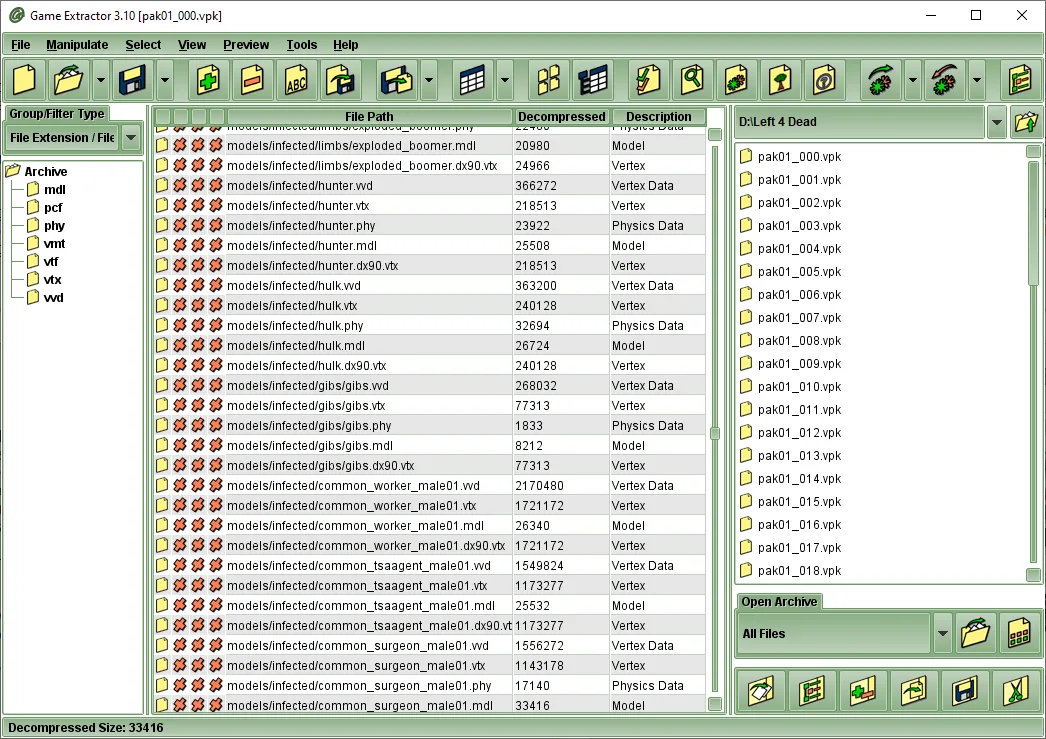
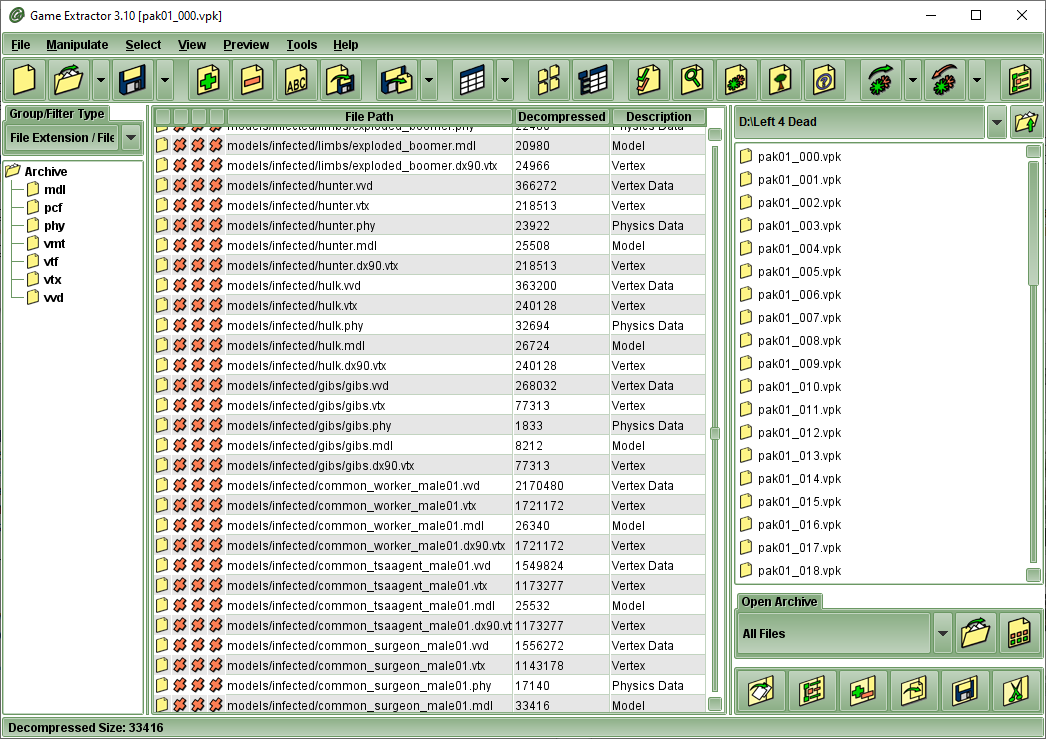
The publisher specifies a bundled 32-bit Java 8 runtime and reports difficulties with 64-bit Java. The screenshot illustrates the older 3.10 interface and is not evidence that this release was installed or tested.
What it offers
- Browse the files inside supported game archives.
- Extract archive contents to your computer with the free Basic edition.
- Use game-format plugins; the publisher maintains a supported-games list.
- Consult bundled help and tutorials for opening archives and extracting files.
Good to know
- Asset previews, thumbnails, conversion and archive editing require the paid Full edition; availability also depends on the game.
- A listed game may have archives the relevant plugin cannot open; extracted resources can remain compressed, encrypted or in game-specific formats.
- Publisher specifies bundled 32-bit Java 8 and notes problems with 64-bit Java.
Product images
Sources
References used for this listing. Retrieval dates do not indicate hands-on testing.
More in utilities
View category ↗
1.1.1.1 with WARP 2026.8.2115.0
Encrypt traffic from your Mac to Cloudflare’s network with WARP, or use DNS-only mode for encrypted DNS queries to the 1.1.1.1 resolver.
1.1.1.1 with WARP 2026.8.2115.0
Encrypt traffic between your Windows PC and Cloudflare, or use encrypted DNS only, with the free 1.1.1.1 with WARP app.

3uTools 9.12.005
Manage iPhone and iPad photos, music, apps and backups from Windows with 3uTools, a free utility that also includes device checks and firmware flashing tools.