
Utilities Windows
GCompris for Windows
Practice reading, arithmetic, science and computer skills with GCompris, a free educational activity suite for children aged 2 to 10 on Windows.
- Operating system
- Windows 10 or 11
- Architecture
- 64-bit
- Download package
- EXE installer
Publisher also offers an MSI package. Use the GCompris (Safe Mode) entry if Direct3D 11 is unavailable or not working properly.
Link checked · Download guidance
What is GCompris?
GCompris gives young children a menu of learning activities rather than a single game. Children can practice recognizing letters, using a keyboard and mouse, working with numbers and telling the time. Other activities introduce science and geography, alongside puzzles, memory games and chess. Parents and teachers can choose activities for the skill they want to practice.
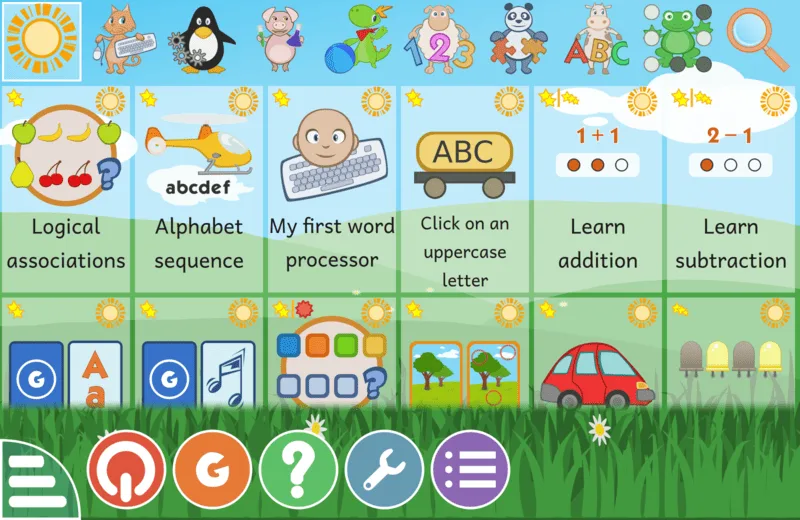
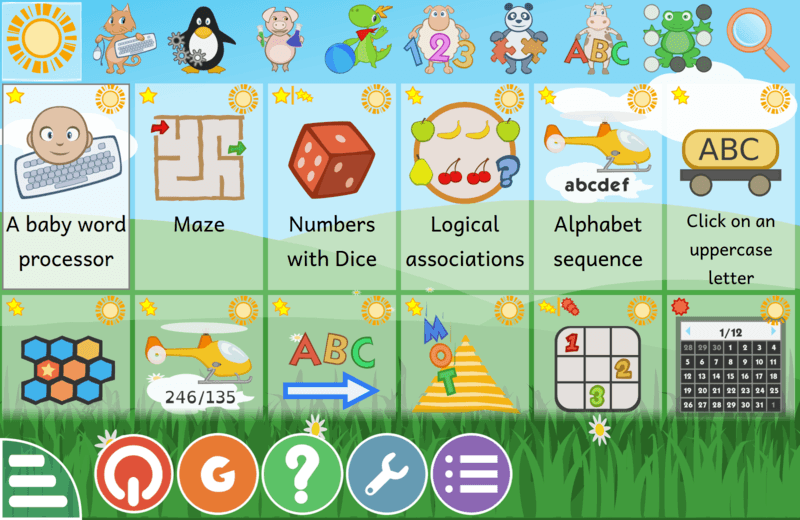
The main menu groups activities by category and uses stars to indicate their difficulty and intended age range. Individual activities have help and settings controls where available, so the same suite can cover different learning tasks without switching applications.
This entry links to the publisher’s GCompris 26.2 64-bit EXE installer for Windows 10 or 11. It is not the legacy 15.10 package listed on the discovery page. Windows 7, 8 and XP require older builds listed separately by the publisher. If Direct3D 11 is unavailable or does not work correctly, the publisher directs users to the GCompris (Safe Mode) start-menu entry for software rendering.
What it offers
- Practice letters, words, reading and keyboard skills through educational activities.
- Explore numbers, arithmetic, science and geography topics.
- Choose puzzles and strategy activities, including memory games and chess.
- Browse activity categories and use star indicators to choose an age-appropriate difficulty.
- Use activity help and configuration controls where available.
Good to know
- The linked 26.2 Windows installer requires 64-bit Windows 10 or 11; older Windows systems need separate legacy builds.
- Systems without working Direct3D 11 support need the GCompris (Safe Mode) software-rendering option.
Product images
Sources
References used for this listing. Retrieval dates do not indicate hands-on testing.
- GCompris - Download — Windows discovery page ↗Retrieved
- GCompris Educational Software ↗Retrieved
- Download - GCompris ↗Retrieved
- Screenshots - GCompris ↗Retrieved
More in utilities
View category ↗
1.1.1.1 with WARP 2026.8.2115.0
Encrypt traffic from your Mac to Cloudflare’s network with WARP, or use DNS-only mode for encrypted DNS queries to the 1.1.1.1 resolver.
1.1.1.1 with WARP 2026.8.2115.0
Encrypt traffic between your Windows PC and Cloudflare, or use encrypted DNS only, with the free 1.1.1.1 with WARP app.

3uTools 9.12.005
Manage iPhone and iPad photos, music, apps and backups from Windows with 3uTools, a free utility that also includes device checks and firmware flashing tools.