

Development Windows
Geany for Windows
Edit source code with syntax highlighting, symbol navigation and configurable build commands in Geany, a free, open-source editor and lightweight IDE.
- Operating system
- Windows; minimum version not specified on the release page
- Architecture
- 64-bit
- Download package
- EXE installer
Geany 2.1 with bundled GTK libraries. Geany-Plugins is a separate Windows download.
Link checked · Download guidance
What is Geany?
Geany combines a source-code editor with tools for navigating code and running build commands. Syntax highlighting, code folding, snippets and symbol completion help with editing, while the symbol list and code navigation help you move through a file. Supported filetypes include C, Java, Python, PHP and HTML. Simple project management keeps project-specific settings together.
The Build menu runs external commands rather than supplying its own build system, so configure it for the tools your language uses. A few plugins are included, with a separate Geany-Plugins package available for additional functions. The download here is the publisher's Geany 2.1 Windows 64-bit EXE installer, not the source archive or the separate plugin installer. It bundles the GTK libraries Geany needs; the cited release page does not specify a minimum Windows version.
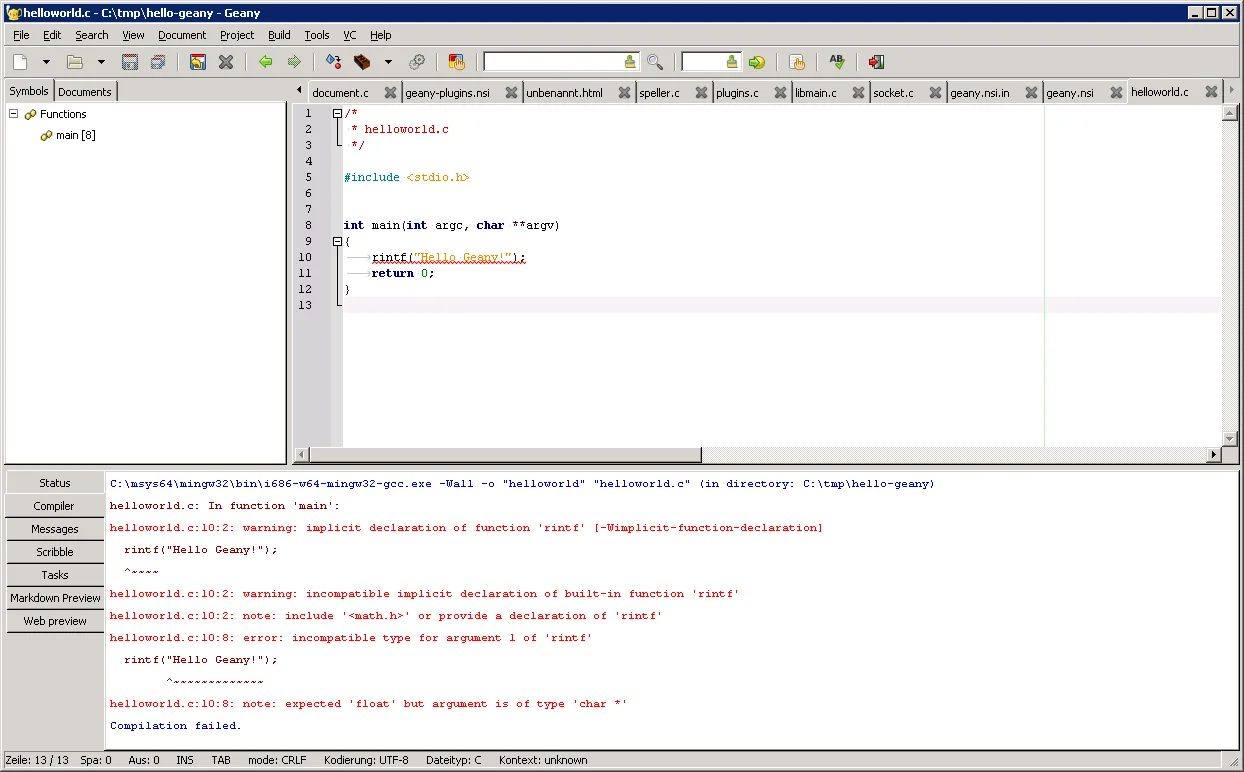
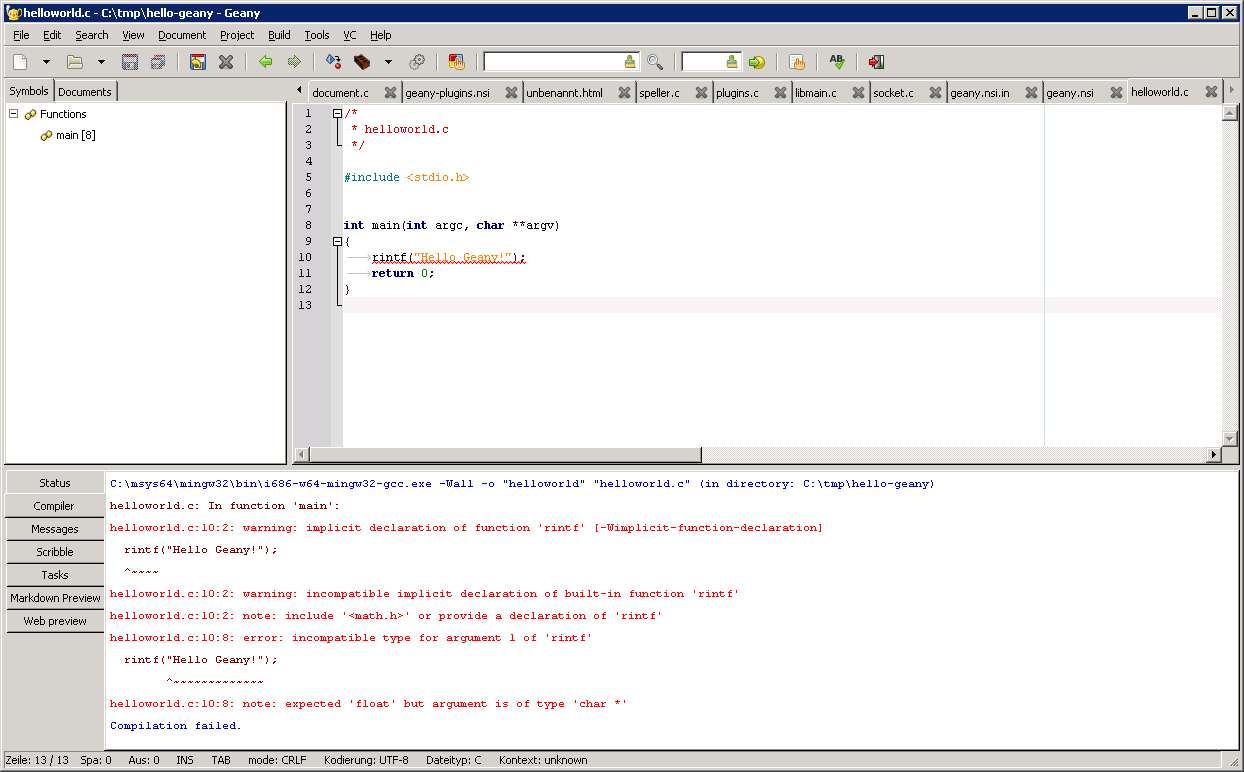
The publisher screenshot shows Geany 1.35 on Windows 7 in June 2019, with C source code and compiler diagnostics. It illustrates the editor layout, not the appearance or Windows requirements of version 2.1.
What it offers
- Edit supported languages with syntax highlighting, code folding, snippets and symbol completion.
- Browse symbols and navigate code without leaving the editor.
- Run configurable external build commands and inspect captured output and recognized errors.
- Keep project-specific settings with simple project management and extend functionality through plugins.
Good to know
- The Build menu launches external commands; it is not a built-in build system. Configure the commands and language tools needed for your project.
- Additional Geany-Plugins extensions are a separate Windows package, not all included in this installer.
Product images
Sources
References used for this listing. Retrieval dates do not indicate hands-on testing.
- Geany releases — official packages ↗Retrieved
- About Geany — purpose and features ↗Retrieved
- Geany 2.1 manual — license, requirements and Build menu ↗Retrieved
- Geany 2.1.0 release notes ↗Retrieved
More in development
View category ↗
010 Editor 17.0
Inspect and edit binary files on Mac with 010 Editor, a paid text and hex editor with Binary Templates, file comparison and a 30-day trial.
010 Editor 17.0
Inspect and edit binary files with 010 Editor for Windows, a text and hex editor with Binary Templates, file comparison and scripting. Includes a 30-day trial.
10x Editor
Edit and navigate C++ projects on Windows with a built-in parser, workspace search and Visual Studio project support. A paid license is required after the 30-day trial.