
Utilities Windows
Gear Doc Converter
Convert documents, PDFs, spreadsheets, presentations, email and images on Windows, with folder watches and drag-and-drop shortcuts. Free for personal use; business use requires PRO.
- Operating system
- Windows 10 or later; .NET Framework 4.8 required
- Architecture
- 64-bit; publisher also lists native Windows on Arm support
- Download package
- ZIP installer archive
Uses the publisher's Download Free ZIP, whose filename includes PROInstaller. Package contents and architecture were not independently inspected or executed.
Link checked · Download guidance
What is Gear Doc Converter?
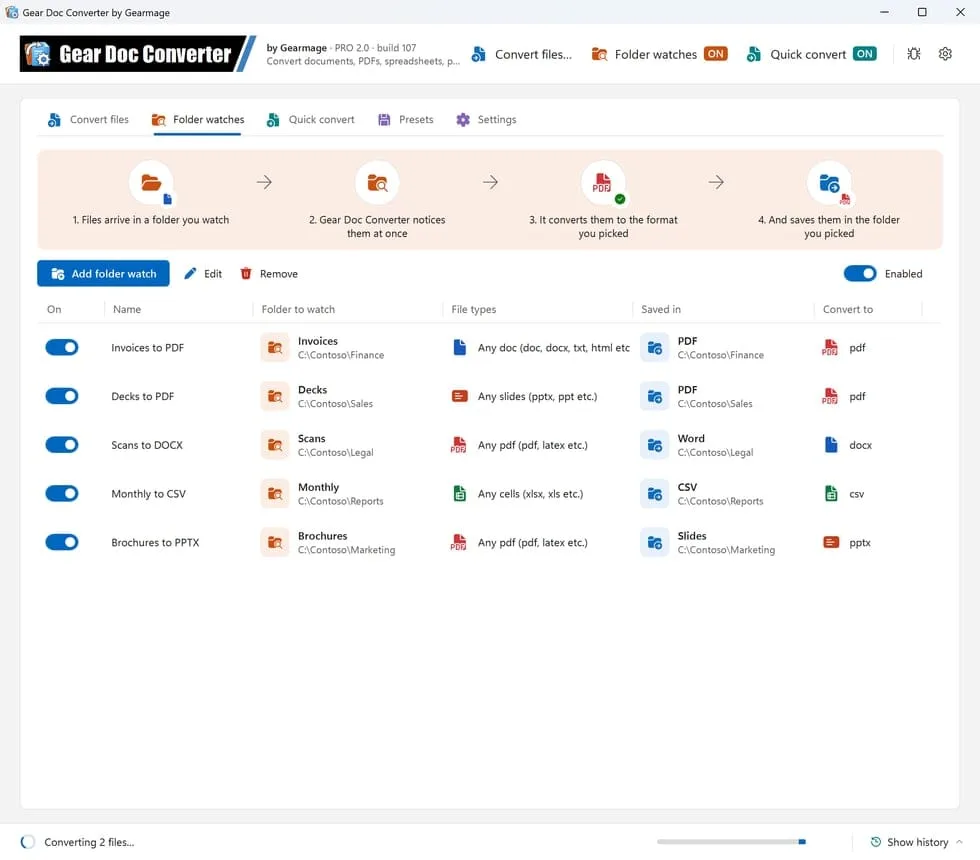
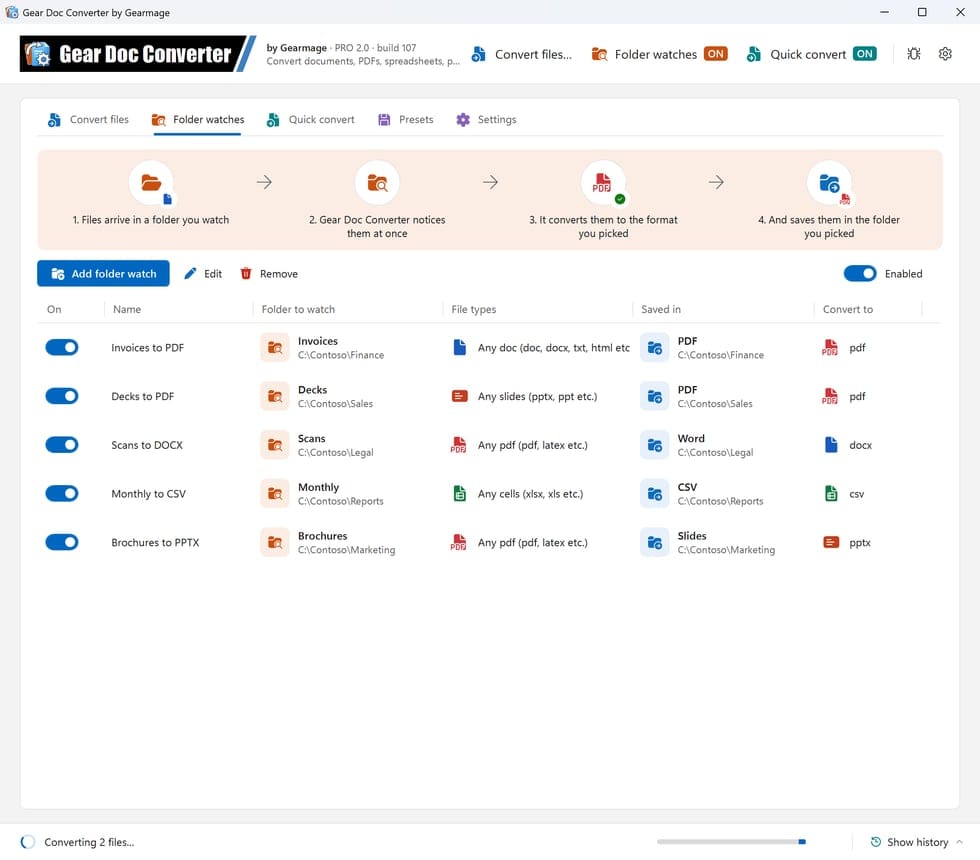
Gear Doc Converter converts files on a Windows PC through a main conversion window, floating Quick convert buttons, File Explorer's Convert File menu or watched folders. It suits recurring jobs such as saving incoming documents as PDFs: choose a watched folder, the file types and the output format, and new files are converted into your chosen destination. For occasional jobs, drop files or folders onto the Convert files tab instead.
The publisher lists more than 50 formats across documents, spreadsheets, presentations, email and images. You can choose the built-in conversion engine, free libraries or a custom combination. These are publisher-described capabilities, not conversion-quality or privacy test results.
Free use is personal and non-commercial only. Work, business and organizational use require a paid PRO license. The Free edition uses Default conversion options; changing those options, saving custom presets and using the headless command line require PRO. The selected ZIP is the publisher's Download Free destination even though its filename includes PROInstaller.
What it offers
- Convert files or folders from the main window, including subfolders when selected.
- Watch folders and convert matching files as they arrive, with separate switches for each watch.
- Drop files onto floating Quick convert buttons and choose an output format.
- Use File Explorer's Convert File menu; Windows 11 exposes it through Show more options.
- Choose the built-in engine, free libraries or a custom combination for different file types.
Good to know
- The Free edition is for personal, non-commercial use only; work, business and organizational use require PRO.
- Changing Default conversion options, saving custom presets and headless command-line conversion require PRO.
- The current publisher requirements are 64-bit Windows 10 or later and .NET Framework 4.8; older Windows 7 requirements refer to earlier material.
Product images
Sources
References used for this listing. Retrieval dates do not indicate hands-on testing.
More in utilities
View category ↗
1.1.1.1 with WARP 2026.8.2115.0
Encrypt traffic from your Mac to Cloudflare’s network with WARP, or use DNS-only mode for encrypted DNS queries to the 1.1.1.1 resolver.
1.1.1.1 with WARP 2026.8.2115.0
Encrypt traffic between your Windows PC and Cloudflare, or use encrypted DNS only, with the free 1.1.1.1 with WARP app.

3uTools 9.12.005
Manage iPhone and iPad photos, music, apps and backups from Windows with 3uTools, a free utility that also includes device checks and firmware flashing tools.