

Development Windows
Genymotion Desktop for Windows
Run virtual Android phones and tablets on Windows 11 for app development and manual testing. Genymotion Desktop offers a limited free personal-use edition; professional use requires a paid license.
- Operating system
- Windows 11 Home, Pro (publisher recommended) or Enterprise
- Architecture
- x86_64
- Download package
- EXE installer with VirtualBox included
Intel x86_64 6th generation or AMD Ryzen; enabled VT-x or AMD-V; OpenGL 3.3 GPU; 16 GB or more RAM; 1920×1080 display. Storage: 250 MB plus at least 1 GB per virtual device. Internet required at first run.
Link checked · Download guidance
What is Genymotion Desktop?
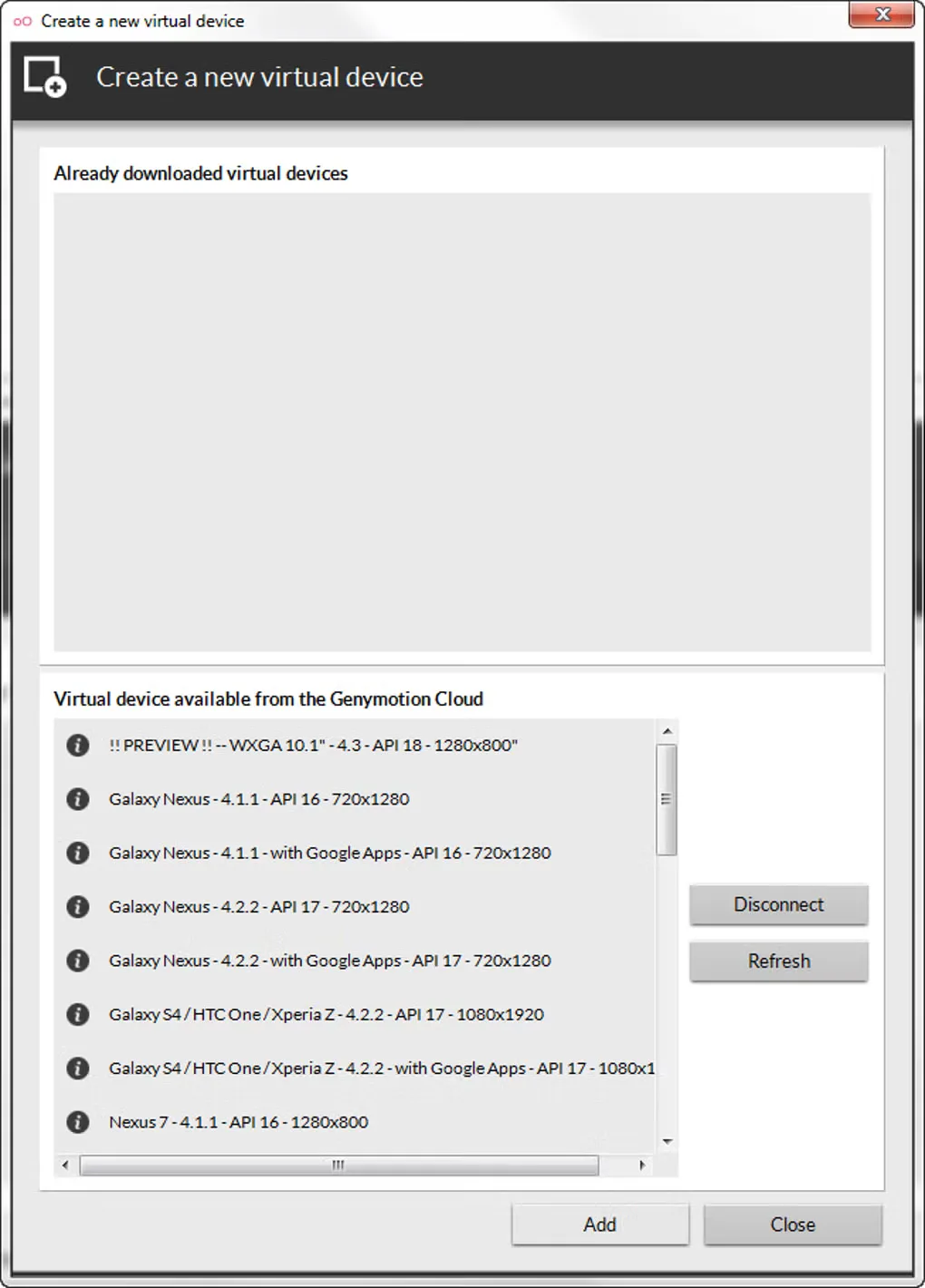
Genymotion Desktop creates local virtual Android devices for developing apps, checking their behavior and giving demonstrations without using a physical phone for every configuration. Choose a customizable phone or tablet template and connect an ADB-based development environment such as Android Studio. Device widgets provide controls for simulated conditions, with availability depending on the license.
This Windows download is the publisher's Genymotion Desktop 3.11.0 EXE installer with VirtualBox included, for x86_64 Windows 11. The publisher lists 16 GB or more of memory, an OpenGL 3.3-capable GPU and enabled hardware virtualization among its requirements. Internet access is mandatory at first run.
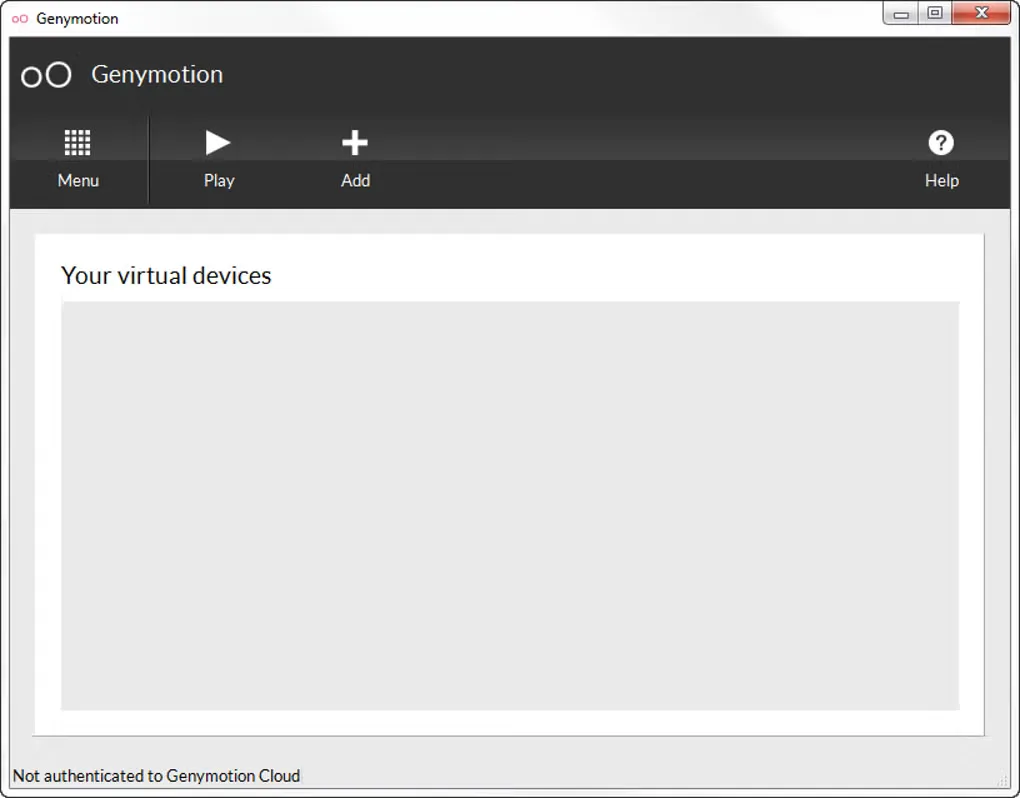
The free edition is restricted to personal, non-commercial and non-professional use. It excludes technical assistance and features such as the latest available Android version, camera and media injection, network profiles and GPS route simulation. Paid Desktop licenses cover development and manual testing; automated testing requires an Enterprise license. The gallery images show an older Windows interface, not the redesigned 3.11.0 interface.
What it offers
- Create virtual Android phones and tablets from customizable device templates.
- Connect Android Studio or another ADB-based IDE to virtual devices.
- Capture screenshots and screen recordings of a virtual device.
- Use host GPU acceleration for local virtual devices.
- Paid Pro widgets include camera and media injection, network simulation, GPS routes and biometrics simulation.
Good to know
- Free personal use excludes commercial and professional environments, technical assistance and several advanced features.
- The Windows package targets x86_64 Windows 11 and requires VirtualBox, hardware virtualization and an OpenGL 3.3-capable GPU; the publisher lists 16 GB or more of RAM.
- An Internet connection is mandatory at first run; personal-use setup includes creating and activating a Genymotion account.
- Desktop personal, Indie and Business licenses do not cover automated testing; the terms require an Enterprise license for that use.
Product images
Sources
References used for this listing. Retrieval dates do not indicate hands-on testing.
More in development
View category ↗
010 Editor 17.0
Inspect and edit binary files on Mac with 010 Editor, a paid text and hex editor with Binary Templates, file comparison and a 30-day trial.
010 Editor 17.0
Inspect and edit binary files with 010 Editor for Windows, a text and hex editor with Binary Templates, file comparison and scripting. Includes a 30-day trial.
10x Editor
Edit and navigate C++ projects on Windows with a built-in parser, workspace search and Visual Studio project support. A paid license is required after the 30-day trial.