
Utilities Windows
GetNetworkInfo
Find devices on your local Ethernet or Wi-Fi network, inspect IP and MAC addresses, and export a device list with GetNetworkInfo for Windows.
- Operating system
- Windows 7, 8, 8.1, 10 and 11
- Architecture
- Publisher lists 32-bit and 64-bit Windows support
- Download package
- EXE installer
Requires an Ethernet or Wi-Fi connection to the network being scanned. The selected installer architecture was not independently inspected.
Link checked · Download guidance
What is GetNetworkInfo?
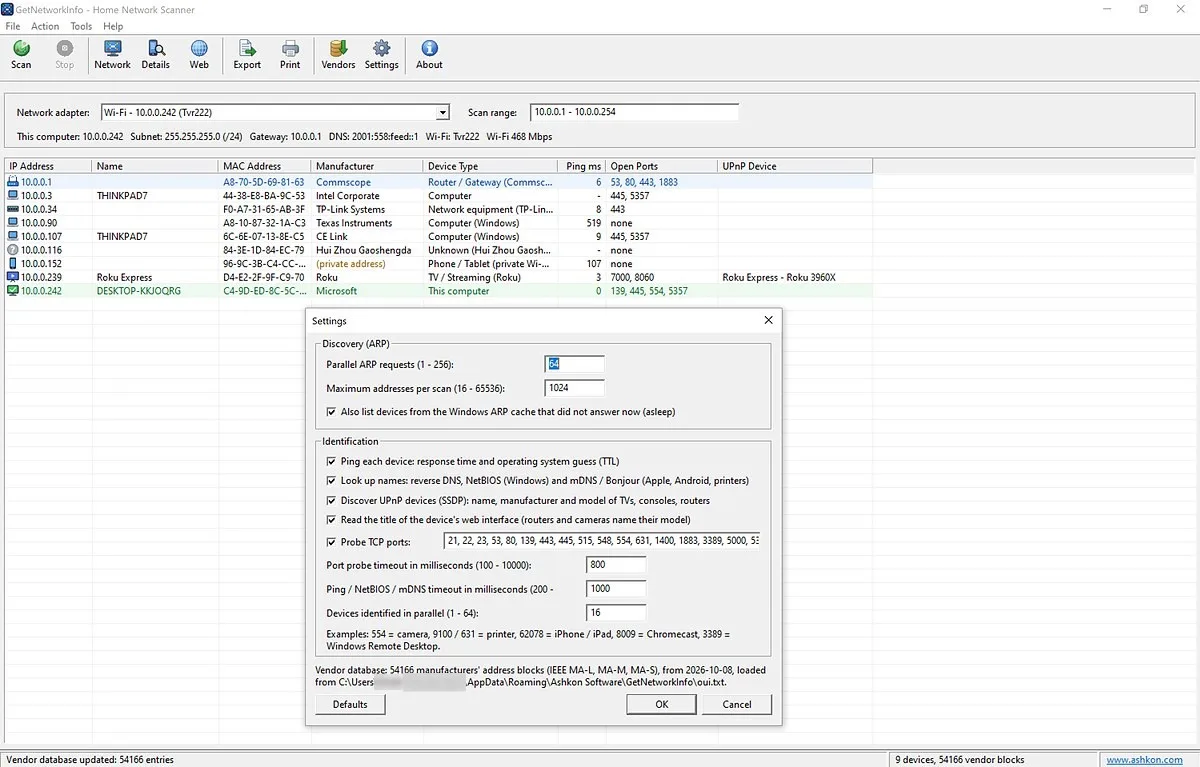
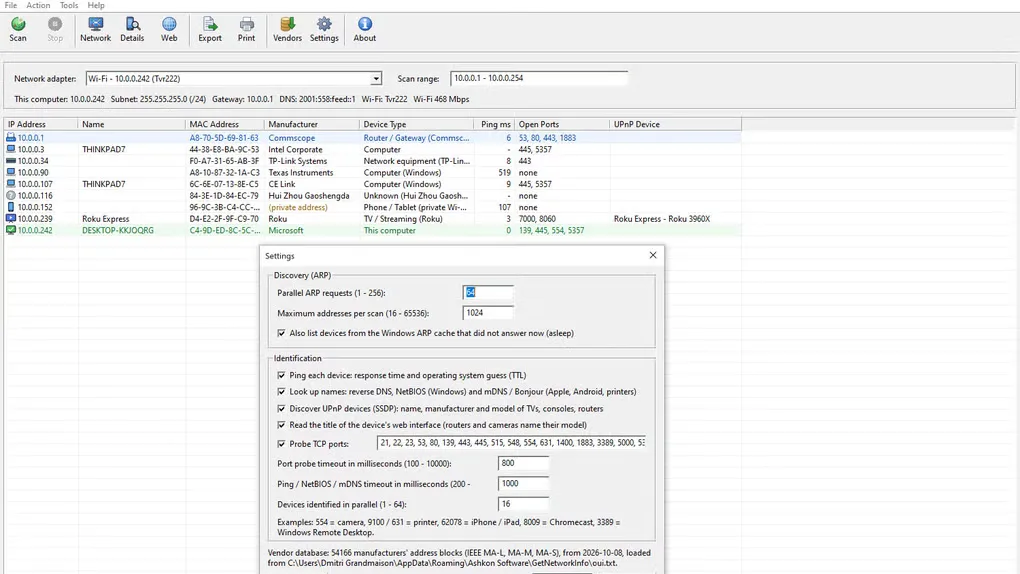
GetNetworkInfo scans the local network connected to a selected Windows adapter and collects details about devices it can reach. Use it to locate a printer or camera's IP address, identify your router, or compare connected devices with the hardware you own. Its results combine addresses, names, manufacturer information, response times, selected open TCP ports and UPnP details.
ARP discovery can find local devices that do not answer ping. DNS, NetBIOS, mDNS, MAC address lookups and other clues help classify each result; the Device Details window explains the classification. A separate Network window shows the PC's adapter settings, Wi-Fi information and public IP addresses. Export the visible device-list columns to CSV or tab-separated text, or print the list.
This is a local-network inventory tool, not a guarantee that every device is identified. ARP cannot reach a different subnet or an isolated guest Wi-Fi network, and device types and operating systems are estimates. Randomized MAC addresses can prevent manufacturer identification. The publisher offers a 30-day trial; continued use requires a purchased license.
What it offers
- Scan the selected adapter's subnet or enter an IPv4 address range or CIDR range.
- Inspect device IP and MAC addresses, names, manufacturer, ping response, selected open TCP ports and UPnP information.
- Review the clues behind a device classification in the Device Details window.
- View local adapter configuration, Wi-Fi network information and public IPv4 and IPv6 addresses.
- Export visible columns to CSV or tab-separated text, print the device list, and adjust discovery and identification settings.
Good to know
- ARP discovery is limited to the local network; devices on another subnet or isolated guest Wi-Fi require scanning from that network.
- Device types and operating systems are estimates; randomized MAC addresses can hide the manufacturer.
- The free trial lasts 30 days; continued use requires a paid license.
Product images
Sources
References used for this listing. Retrieval dates do not indicate hands-on testing.
More in utilities
View category ↗
1.1.1.1 with WARP 2026.8.2115.0
Encrypt traffic from your Mac to Cloudflare’s network with WARP, or use DNS-only mode for encrypted DNS queries to the 1.1.1.1 resolver.
1.1.1.1 with WARP 2026.8.2115.0
Encrypt traffic between your Windows PC and Cloudflare, or use encrypted DNS only, with the free 1.1.1.1 with WARP app.

3uTools 9.12.005
Manage iPhone and iPad photos, music, apps and backups from Windows with 3uTools, a free utility that also includes device checks and firmware flashing tools.