

Development Windows
Git for Windows
Track project changes, record commits and compare file history with Git for Windows, including Git Bash, Git GUI and Explorer integration.
- Operating system
- Windows 10 or later
- Architecture
- x64 (AMD64)
- Download package
- EXE installer
This link is the x64 installer. ARM64 and portable packages are separate; Windows 8.1 and 32-bit Windows are not supported by this installer.
Link checked · Download guidance
What is Git?
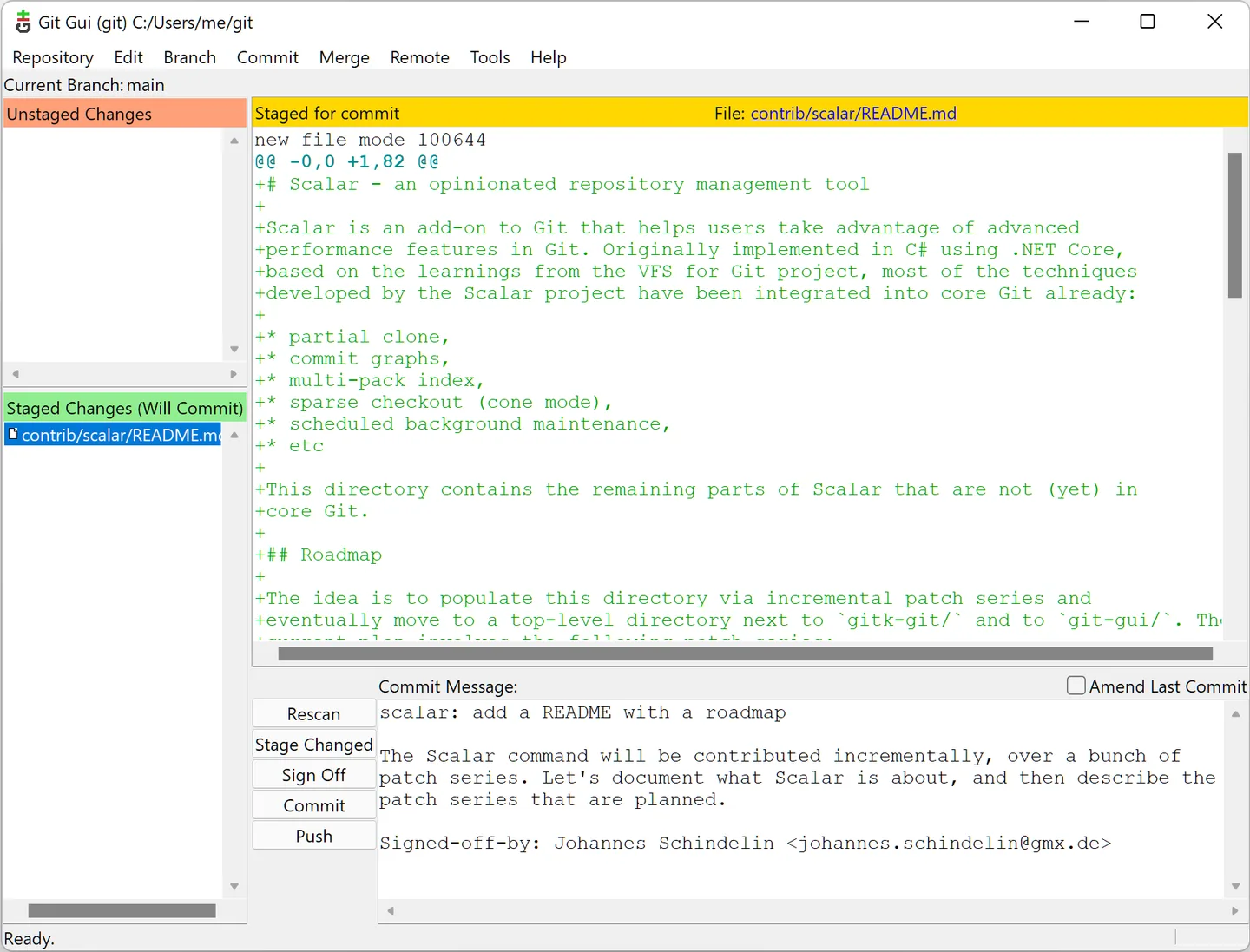
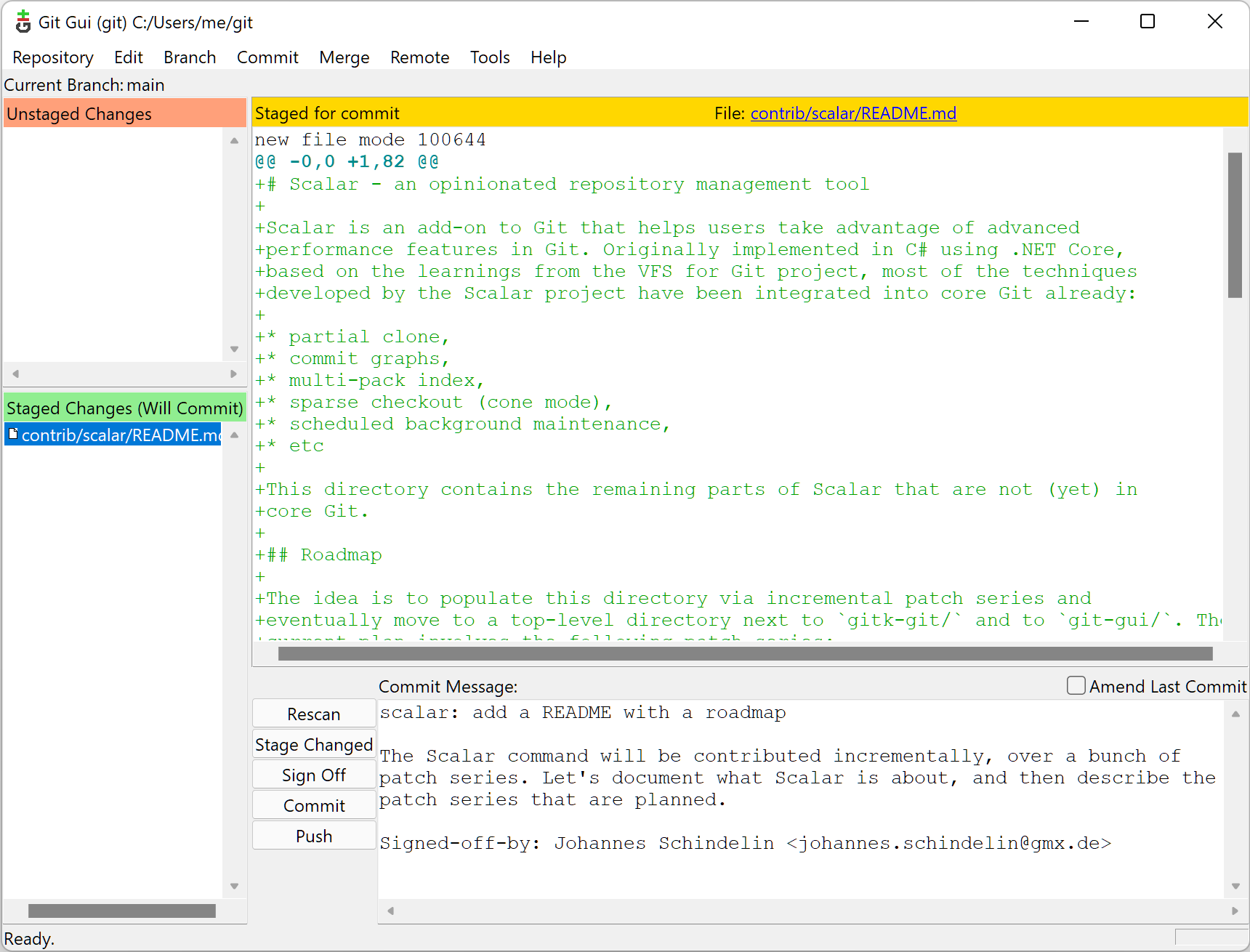
Git records snapshots of a project so you can inspect earlier revisions and compare changes. Git for Windows brings that version-control workflow to Windows with Git Bash for command-line work and Git GUI for graphical tasks. You can stage selected changes before committing them, browse locally stored history and make local commits without a network connection.
This download is the x64 EXE installer for Windows 10 or later, not the ARM64 or portable package. Windows 8.1 is no longer supported by this release. Repositories with paths longer than 260 characters can also need extra configuration: Git for Windows refuses to check out those paths by default, and enabling core.longPaths does not remove the limitations of other Windows applications.
What it offers
- Stage selected changes and save project snapshots as commits.
- Browse locally stored history, compare revisions and commit while offline.
- Use Git Bash for command-line work or Git GUI for graphical operations.
- Open Git Bash or Git GUI from a folder's Windows Explorer context menu.
Good to know
- Paths longer than 260 characters are not checked out by default. The core.longPaths option enables handling in Git, but other Windows tools may still have path-length limits.
- This release no longer supports Windows 8.1; the linked full installer is not for 32-bit Windows.
Product images
Sources
References used for this listing. Retrieval dates do not indicate hands-on testing.
- Git — Install for Windows ↗Retrieved
- Git for Windows — Tools & Features ↗Retrieved
- Git for Windows — Prerequisites ↗Retrieved
- Git for Windows 2.56.0(4) — Release Notes, Known Issues and Licenses ↗Retrieved
- Pro Git — What is Git? ↗Retrieved
More in development
View category ↗
010 Editor 17.0
Inspect and edit binary files on Mac with 010 Editor, a paid text and hex editor with Binary Templates, file comparison and a 30-day trial.
010 Editor 17.0
Inspect and edit binary files with 010 Editor for Windows, a text and hex editor with Binary Templates, file comparison and scripting. Includes a 30-day trial.
10x Editor
Edit and navigate C++ projects on Windows with a built-in parser, workspace search and Visual Studio project support. A paid license is required after the 30-day trial.