
Development Windows
GNS3
Build virtual network labs with GNS3 for Windows, a free, open-source topology editor for networking practice, configuration and troubleshooting.
Version 2.2.61 · Direct publisher file
Link checked · Download guidance
What is GNS3?
GNS3 helps network students and engineers assemble virtual network topologies before working with physical equipment. Its graphical workspace connects simulated devices and emulated appliances from multiple vendors. Use it for certification practice, interoperability experiments or a network proof of concept, with the devices running on a local server or a GNS3 virtual machine.
The graphical client is only one part of a working lab. A simple topology can use built-in devices, while more advanced appliances need the appropriate server, virtualization setup and operating-system images. The publisher recommends the GNS3 VM for complex Windows topologies and QEMU-based appliances. Cisco images are not supplied by GNS3; obtain them lawfully and check their separate licensing. CPU, memory and storage requirements grow with the devices you run.
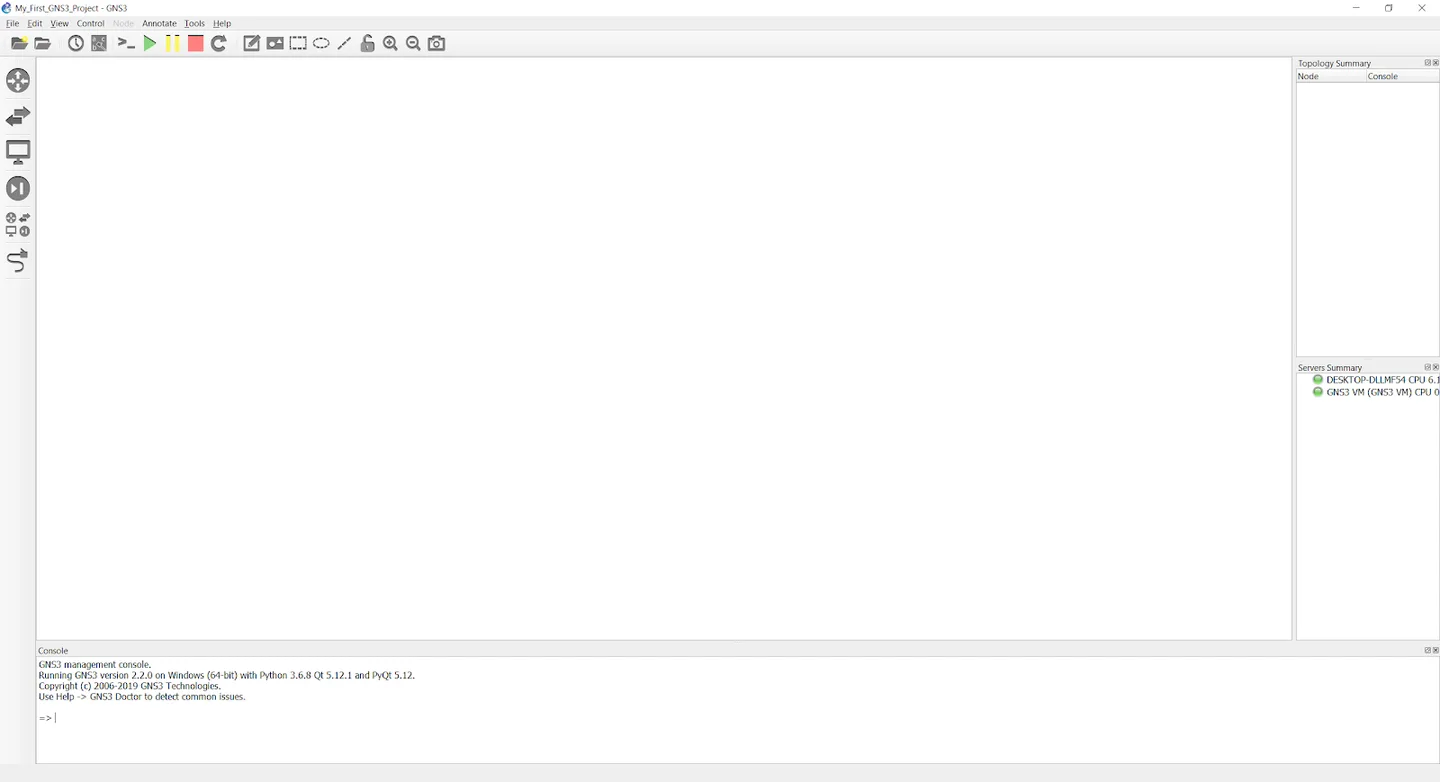
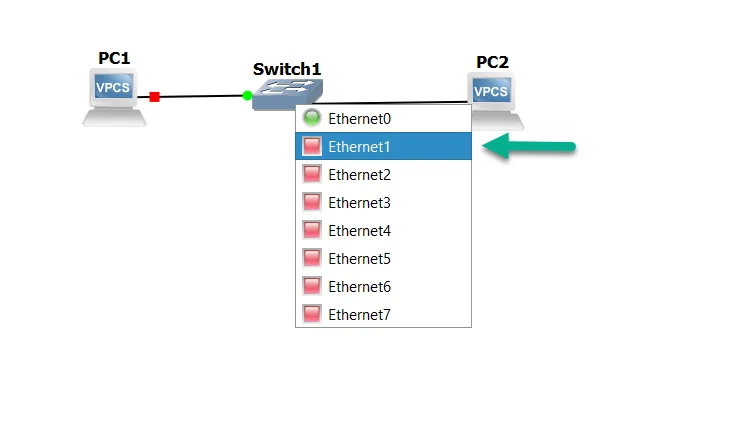
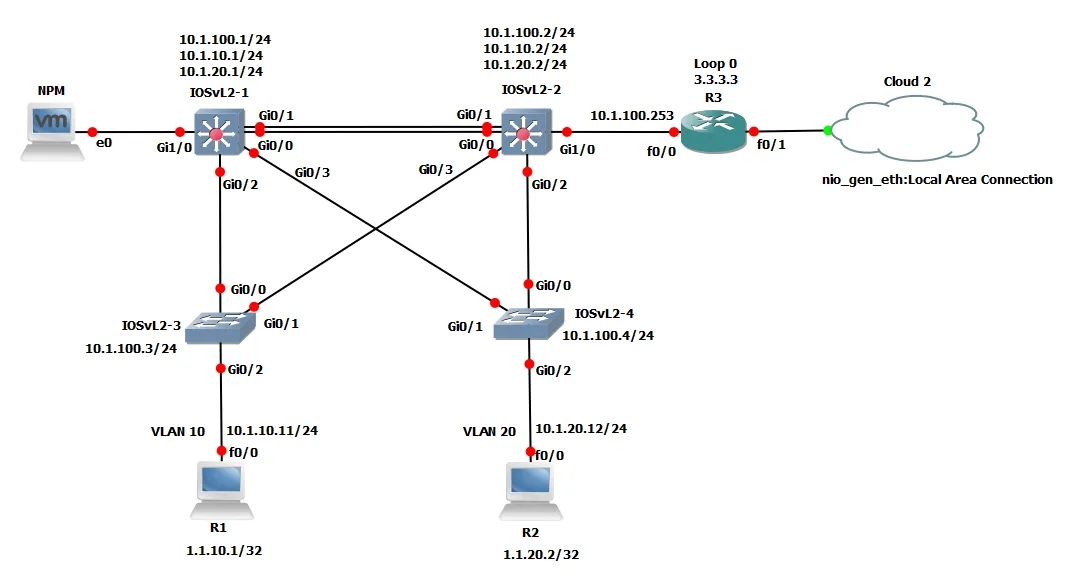
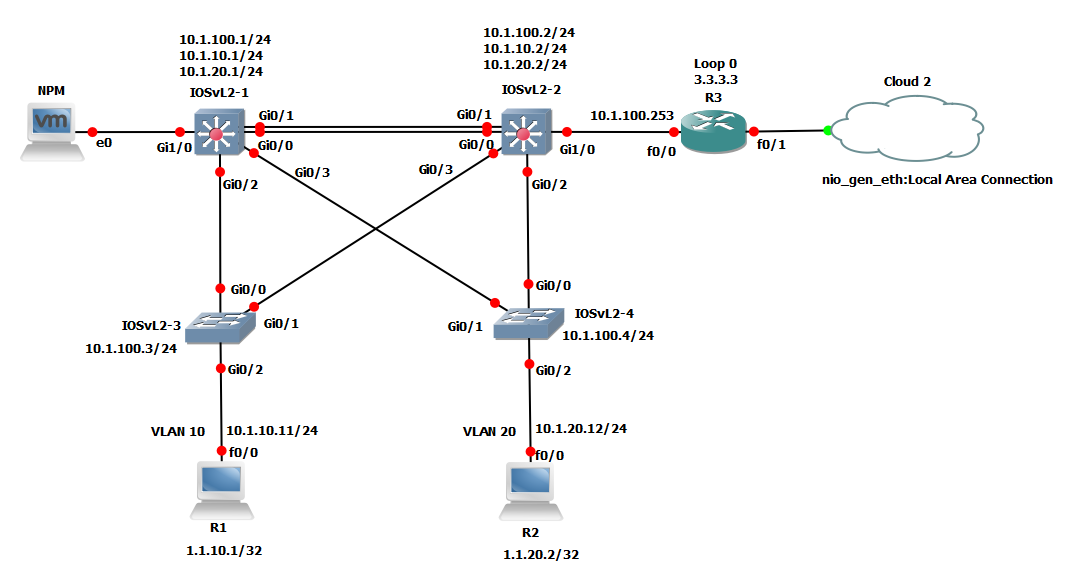
This entry links to the publisher-hosted GNS3 2.2.61 Windows all-in-one EXE. The retained release listing identifies that version separately from 3.1 alpha prereleases. The installation documentation still uses 2.2.0 examples and older Windows versions, so it does not establish exact compatibility for this build or Windows 11. Gallery images are historical publisher documentation screenshots, not evidence that this revision installed or tested the package.
What it offers
- Create network topologies in a graphical workspace by adding devices and links.
- Combine supported simulated devices with emulated appliances from multiple network vendors.
- Run lab devices through a local GNS3 server, a local GNS3 VM or a remote GNS3 VM.
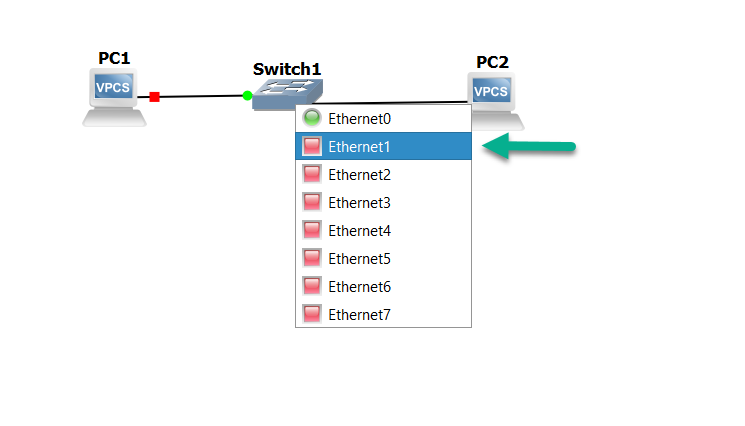
- Use built-in switching and VPCS devices for a basic practice topology.
- Start, pause and stop topology devices, then open their consoles for configuration.
Good to know
- Cisco operating-system images must be supplied lawfully by the user and may require separate licenses.
- Complex Windows topologies and QEMU appliances generally require the GNS3 VM and suitable virtualization resources.
- Lab size is constrained by available CPU, memory and storage; the graphical client alone is not a complete appliance collection.
- The legacy Windows guide does not confirm exact Windows-build compatibility for the selected 2.2.61 installer.
Product images
Sources
References used for this listing. Retrieval dates do not indicate hands-on testing.
More in development
View category ↗
010 Editor 17.0
Inspect and edit binary files on Mac with 010 Editor, a paid text and hex editor with Binary Templates, file comparison and a 30-day trial.
010 Editor 17.0
Inspect and edit binary files with 010 Editor for Windows, a text and hex editor with Binary Templates, file comparison and scripting. Includes a 30-day trial.
10x Editor
Edit and navigate C++ projects on Windows with a built-in parser, workspace search and Visual Studio project support. A paid license is required after the 30-day trial.