

Utilities macOS
Google Chrome for macOS
Browse websites and web apps with Google Chrome for Mac, with tab groups, extensions, saved passwords and access to bookmarks across signed-in devices.
What is Google Chrome?
Google Chrome is Google's web browser for opening websites and using web apps on a Mac. Tab groups let you label and color-code related pages, while extensions from the Chrome Web Store add tools for different browsing tasks. Built-in Google Password Manager can save and manage passwords, and autofill helps fill in forms.
Signing in to Chrome lets you access bookmarks, saved passwords and more across devices. That account-linked convenience is distinct from simply browsing: using your saved information across devices requires signing in.
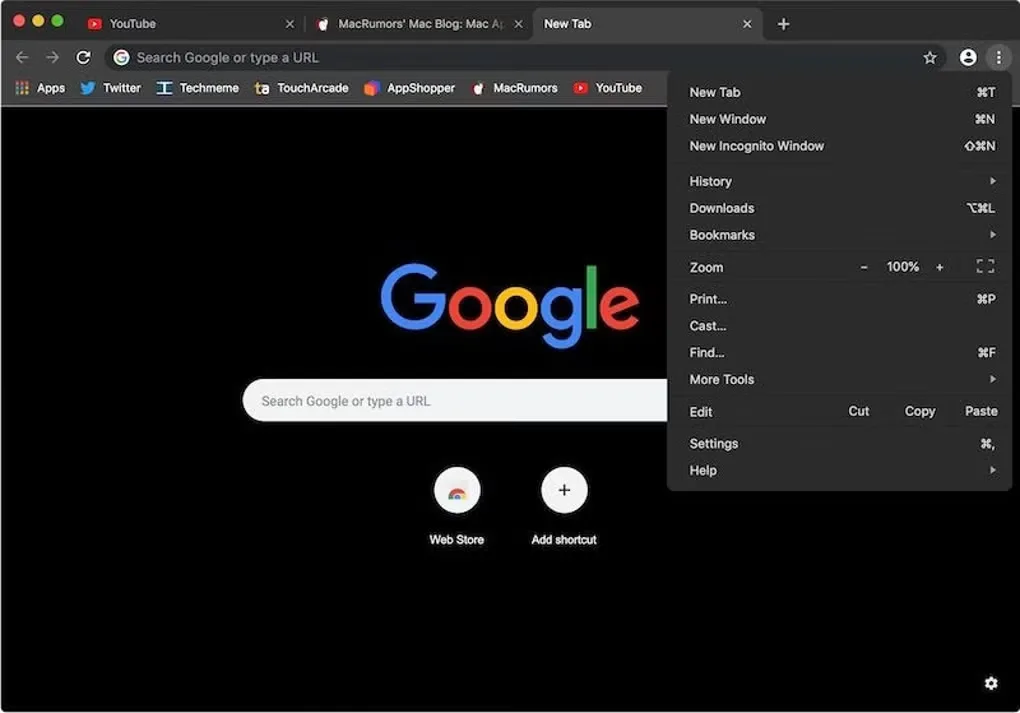
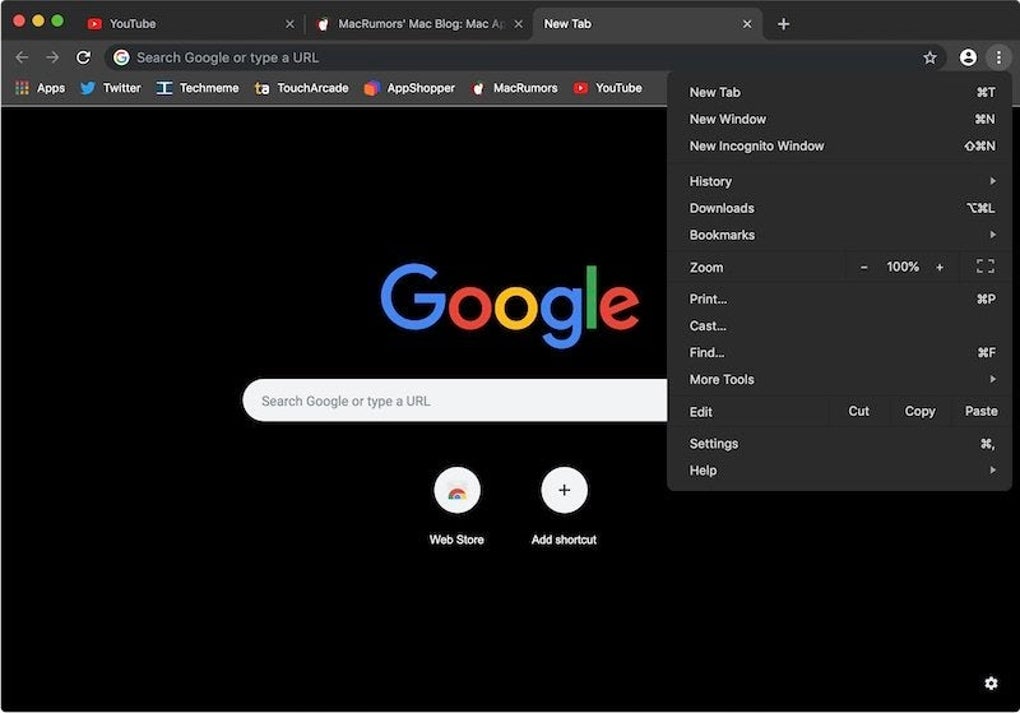
Google's current installation guidance requires macOS 13 Ventura or later. The download linked here is Google's Mac DMG; its delivery endpoint is not pinned to a version, so no release number or release date is claimed. The screenshot shows an older Mac interface with a dark New Tab page and the browser menu open, rather than a promise of the current release's appearance.
What it offers
- Organize related pages into labeled, color-coded tab groups.
- Add browsing tools and themes through the Chrome Web Store.
- Save and manage passwords with built-in Google Password Manager, and use autofill for form details.
- Access bookmarks, saved passwords and more across devices by signing in to Chrome.
Good to know
- The current Mac download requires macOS 13 Ventura or later; older macOS releases do not meet Google's current installation requirements.
- Accessing saved browsing information across devices requires signing in to Chrome.
Product images
Sources
References used for this listing. Retrieval dates do not indicate hands-on testing.
- Google Chrome - The Fast & Secure Web Browser Built to be Yours ↗Retrieved
- Download and install Google Chrome - Computer - Google Chrome Help ↗Retrieved
- Chrome/ChromeOS/GooglebookOS Additional Terms of Service ↗Retrieved
- Google Chrome for Google Chrome - Download ↗Retrieved
- Google Chrome publisher installer URL configuration ↗Retrieved
More in utilities
View category ↗
1.1.1.1 with WARP 2026.8.2115.0
Encrypt traffic from your Mac to Cloudflare’s network with WARP, or use DNS-only mode for encrypted DNS queries to the 1.1.1.1 resolver.
1.1.1.1 with WARP 2026.8.2115.0
Encrypt traffic between your Windows PC and Cloudflare, or use encrypted DNS only, with the free 1.1.1.1 with WARP app.

3uTools 9.12.005
Manage iPhone and iPad photos, music, apps and backups from Windows with 3uTools, a free utility that also includes device checks and firmware flashing tools.