

Utilities Windows
Google Chrome for Windows
Browse websites, organize tabs and access saved passwords with Google Chrome, Google’s free web browser. This download is the stable Windows 64-bit standalone installer.
- Operating system
- Windows 10 and Windows 11
- Architecture
- x64 (64-bit Intel/AMD)
- Download package
- Stable-channel standalone EXE installer
Google’s selected package is labeled Windows 11/10 64-bit. ARM devices require a separate package and Windows 11 or later. Version and release date are not inferred from the rolling download URL.
Link checked · Download guidance
What is Google Chrome?
Google Chrome is a web browser for opening websites and using web applications on Windows. It combines everyday browsing with tab groups, a built-in password manager and extensions from the Chrome Web Store. Themes and dark mode let you adjust its appearance, while Memory Saver and Energy Saver provide controls for resource use.
Signing in lets you access bookmarks and saved passwords across devices. That convenience depends on a Google Account; it is not a promise that your browsing data stays only on this PC. Google also provides a Privacy Guide for reviewing what you share.
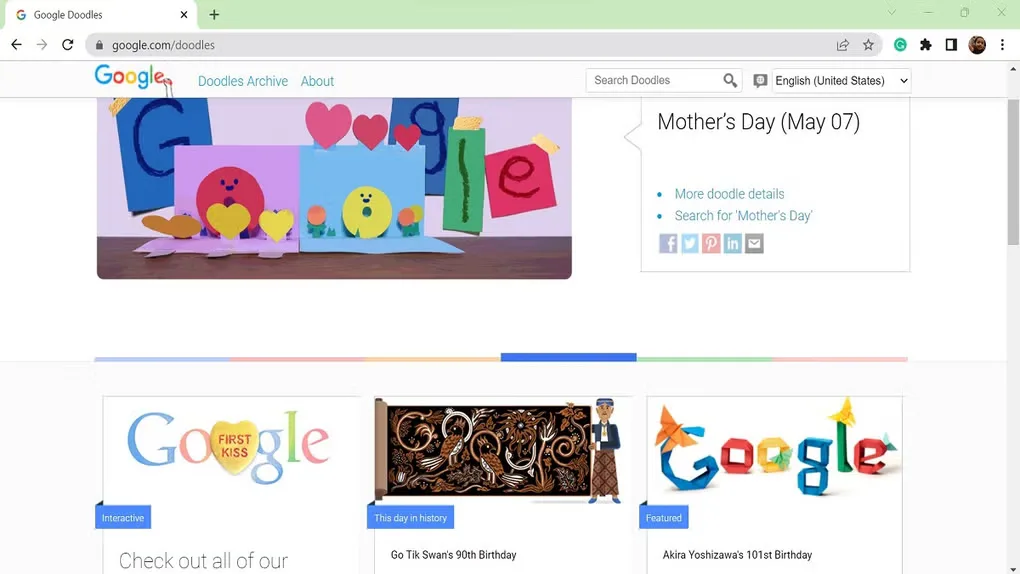
The linked download is Google’s stable-channel standalone EXE for Windows 10 or 11 on x64 hardware, not a Dev or Canary build. ARM devices need a different package and Windows 11 or later. The gallery image shows an earlier Chrome interface on Windows; it illustrates browser use rather than the exact appearance of the current installer’s release.
What it offers
- Organize open pages with named, color-coded tab groups.
- Save and manage passwords with the built-in Google Password Manager.
- Customize browsing with themes, dark mode and Chrome Web Store extensions.
- Use Memory Saver and Energy Saver controls to adjust resource use.
- Access bookmarks and saved passwords across devices when signed in.
Good to know
- This x64 installer is not the native ARM package; Google lists Windows 11 or later for ARM devices.
- Cross-device access to bookmarks and saved passwords requires signing in to Chrome.
Product images
Sources
References used for this listing. Retrieval dates do not indicate hands-on testing.
- Google Chrome — official product features ↗Retrieved
- Download and install Google Chrome — Computer — Google Chrome Help ↗Retrieved
- Google Chrome — official Windows 64-bit standalone selection ↗Retrieved
- Chrome/ChromeOS/GooglebookOS Additional Terms of Service ↗Retrieved
- Google Chrome for Google Chrome - Download ↗Retrieved
More in utilities
View category ↗
1.1.1.1 with WARP 2026.8.2115.0
Encrypt traffic from your Mac to Cloudflare’s network with WARP, or use DNS-only mode for encrypted DNS queries to the 1.1.1.1 resolver.
1.1.1.1 with WARP 2026.8.2115.0
Encrypt traffic between your Windows PC and Cloudflare, or use encrypted DNS only, with the free 1.1.1.1 with WARP app.

3uTools 9.12.005
Manage iPhone and iPad photos, music, apps and backups from Windows with 3uTools, a free utility that also includes device checks and firmware flashing tools.