

Utilities Windows
GSplit for Windows
Split large files into smaller pieces for sharing or removable storage, then restore them with GUnite or a self-uniting Windows program.
- Operating system
- Windows 7, 8, 10 and 11
- Architecture
- 32-bit and 64-bit Windows supported; installer binary architecture not specified
- Download package
- EXE installer including GSplit and GUnite
Publisher lists 10 MB free disk space, 256 MB RAM and an 800 × 600 display minimum. Portable editions are separate downloads.
Link checked · Download guidance
What is GSplit?
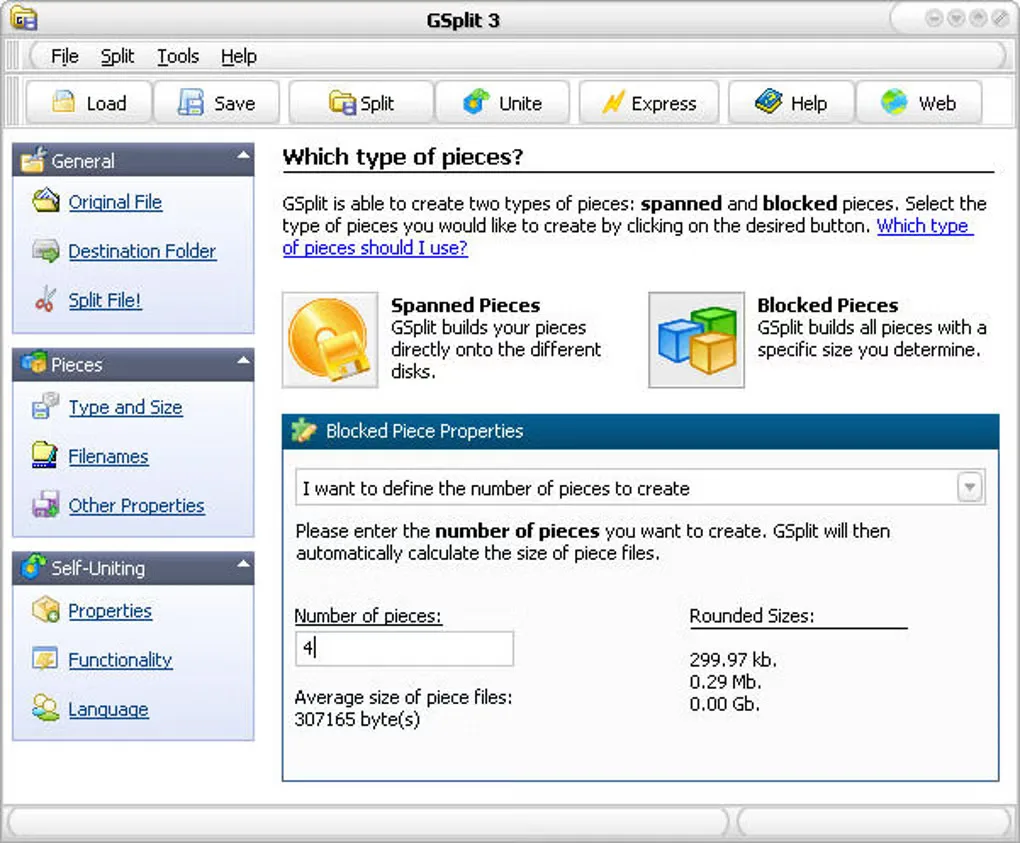
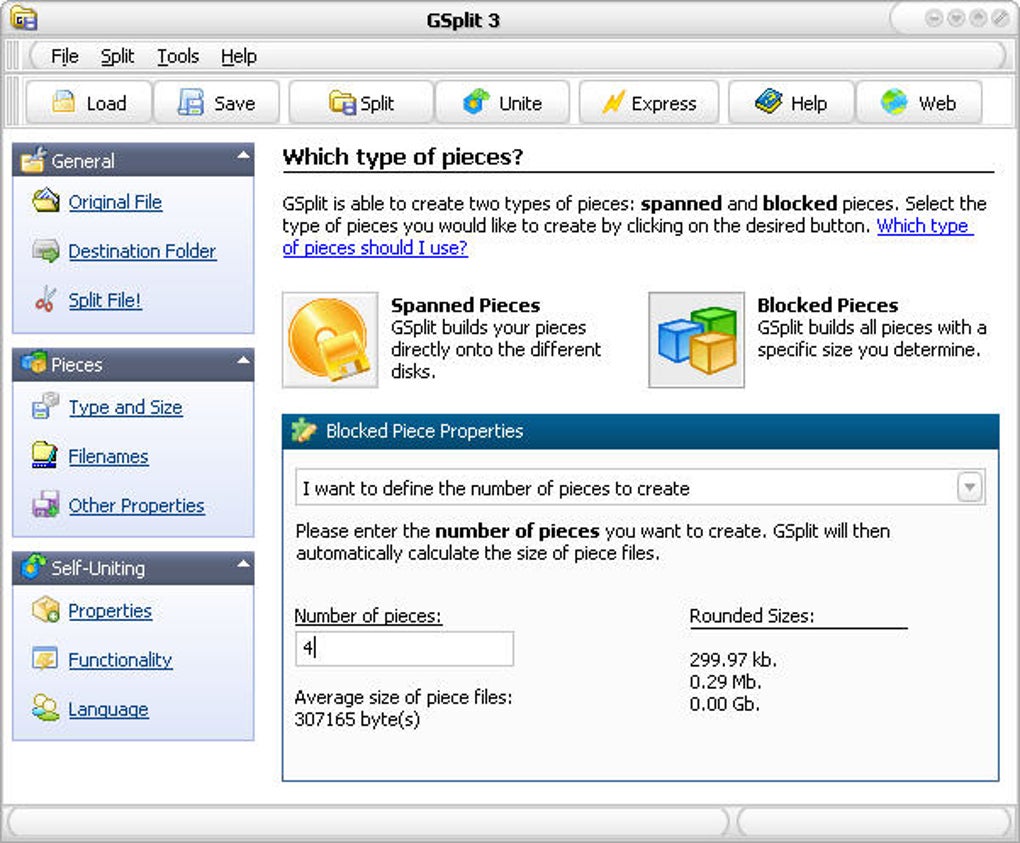
GSplit divides a large file into smaller pieces when an attachment limit, upload limit or storage medium cannot accommodate the original. Choose a piece size or a number of pieces, or use disk-spanned pieces sized for available removable-disk space. For text, CSV and log files, it can split at line counts or specified patterns and repeat a header in each part.
The included GUnite tool restores the original file from standard pieces. Alternatively, GSplit can create a self-uniting Windows executable so the recipient can reassemble the file without installing GSplit. The publisher documents size, offset and CRC32 checks for detecting damaged pieces, along with preservation of file dates and attributes. Command-line options and saved profiles support repeat operations.
Splitting is not compression: the publisher recommends compressing an uncompressed file first if smaller total size is needed. Standard pieces require GUnite for reassembly unless a self-uniting program was created. The download linked here is the GSplit 3.0.1 Windows installer, which includes GUnite; portable EXE and ZIP editions are separate publisher options.
What it offers
- Choose fixed-size pieces, a target piece count or disk-spanned output sized for removable media.
- Split text, CSV and log files by lines or pattern occurrences, with an optional repeated header.
- Create a self-uniting Windows program or restore standard pieces with the included GUnite tool.
- Use documented size, offset and CRC32 integrity checks and preserve original file dates and attributes.
- Automate splitting with command-line options and reuse settings through profiles.
Good to know
- GSplit splits files rather than compressing them; compress the original separately if reducing total size is the goal.
- Standard pieces need GUnite to restore the original unless a self-uniting program was created; self-uniting programs are Windows executables.
Product images
Sources
References used for this listing. Retrieval dates do not indicate hands-on testing.
- Download GSplit - Free File Splitter for Windows ↗Retrieved
- GSplit - Free File Splitter for Windows | Split Text and Log Files ↗Retrieved
- Introduction to GSplit | GSplit Docs ↗Retrieved
- Working with GUnite | GSplit Docs ↗Retrieved
- License Agreement for GSplit | GSplit Docs ↗Retrieved
- GSplit - Download ↗Retrieved
More in utilities
View category ↗
1.1.1.1 with WARP 2026.8.2115.0
Encrypt traffic from your Mac to Cloudflare’s network with WARP, or use DNS-only mode for encrypted DNS queries to the 1.1.1.1 resolver.
1.1.1.1 with WARP 2026.8.2115.0
Encrypt traffic between your Windows PC and Cloudflare, or use encrypted DNS only, with the free 1.1.1.1 with WARP app.

3uTools 9.12.005
Manage iPhone and iPad photos, music, apps and backups from Windows with 3uTools, a free utility that also includes device checks and firmware flashing tools.