

Utilities Windows
HDClone for Windows
Copy or migrate hard drives and SSDs with HDClone for Windows. The Free Edition is for private use, supports drives up to 4 TB and caps copying at 70 MB/s.
- Operating system
- Windows XP or higher, according to the publisher download page
- Architecture
- Not specified for this setup; the publisher offers a separate ARM64 package
- Download package
- EXE Windows setup with English manual
Includes Windows and self-booting components. Edition-specific hardware support applies; no installation or hardware compatibility test was performed.
Link checked · Download guidance
What is HDClone?
HDClone copies drives for backups and migration, including moving an existing operating-system installation to another drive. This download is Miray Software's X.7 Free Edition Windows setup, not one of the paid editions. The publisher offers it without registration for private use.
The setup includes the Windows application, a self-booting version, an English PDF manual and tools to create a bootable USB stick or CD/DVD. This gives you a choice between working in Windows and starting HDClone from its own boot medium.
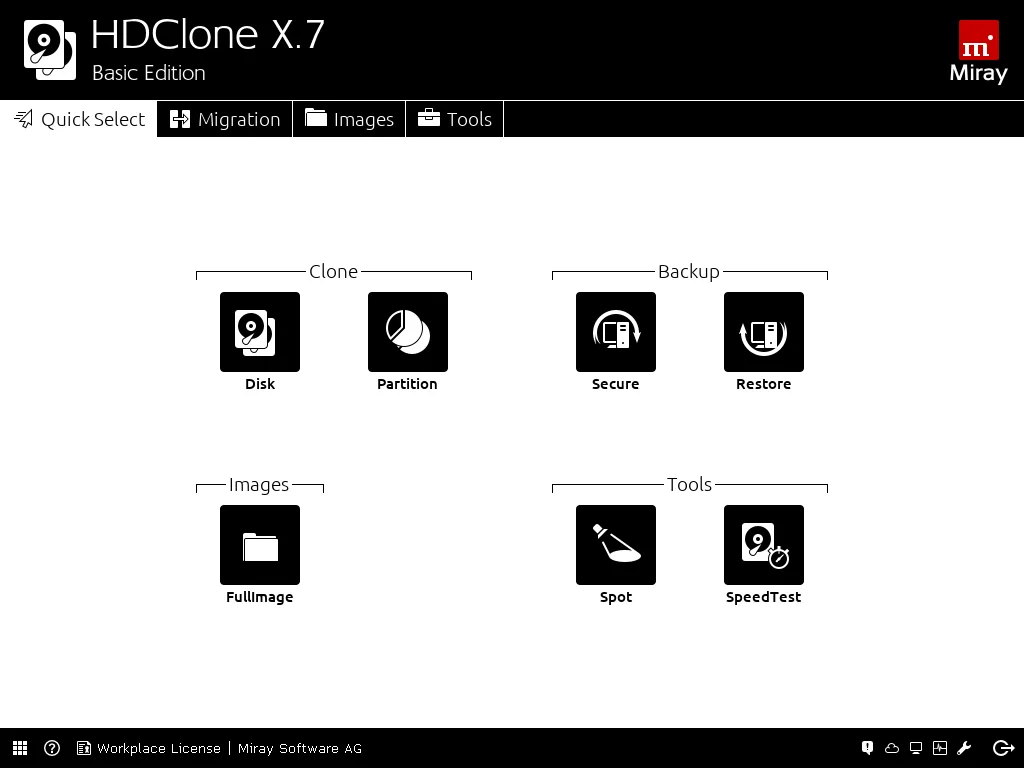
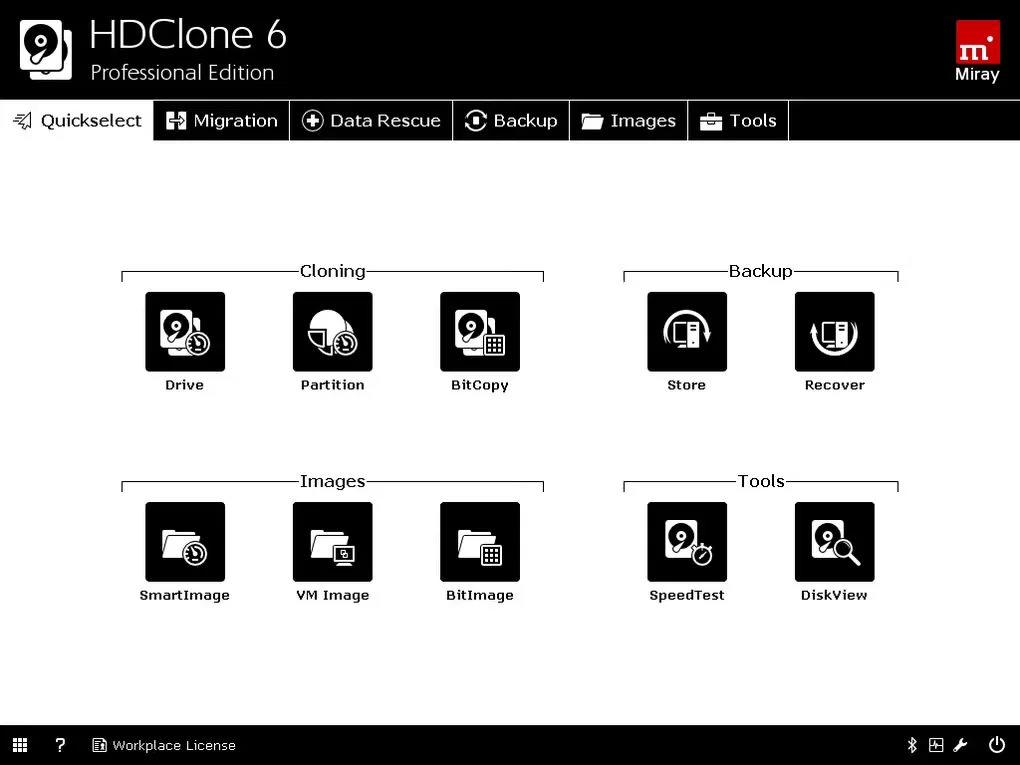
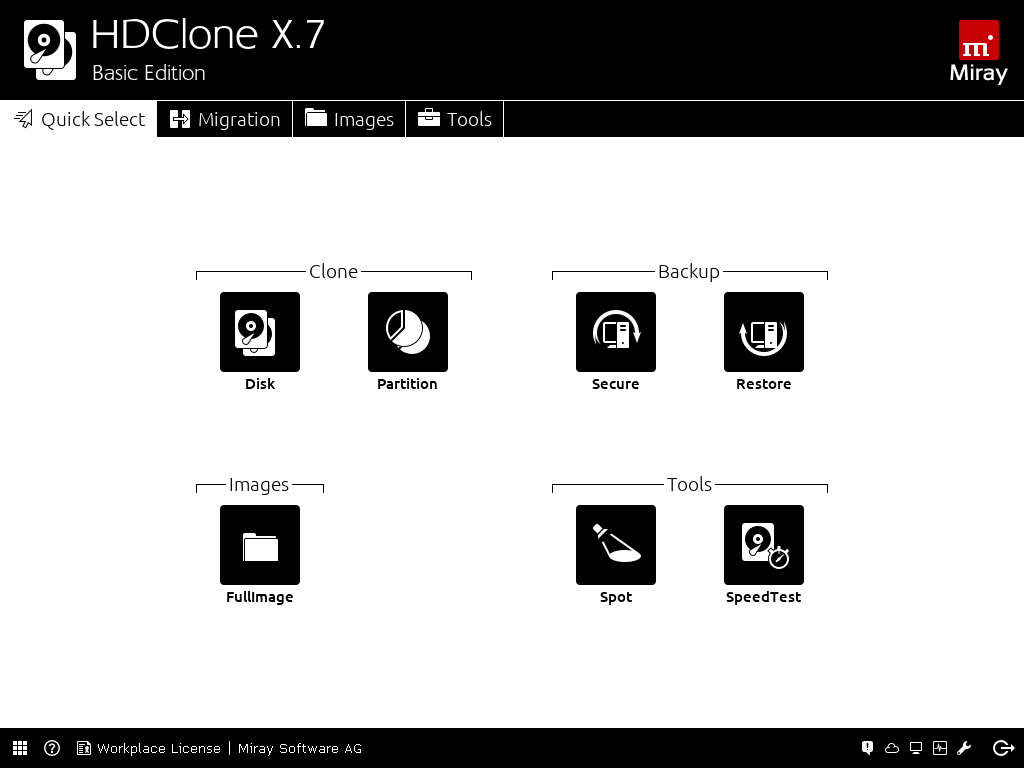
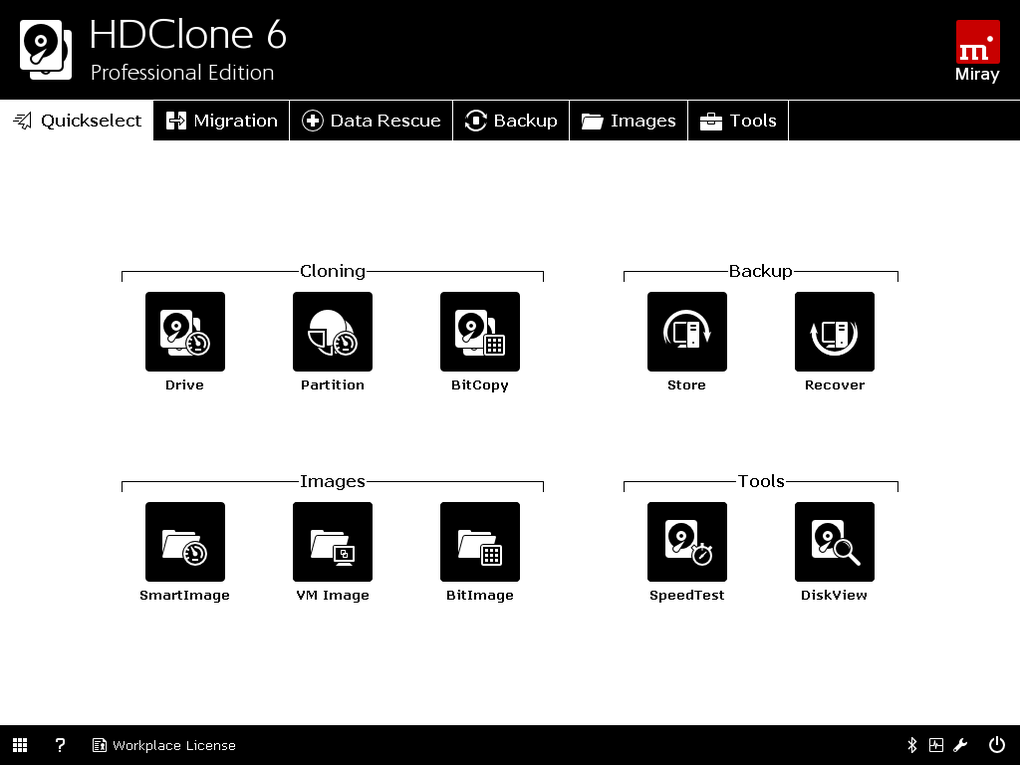
Free Edition is limited to drives up to 4 TB and copying speeds of up to 70 MB/s; that is a published ceiling, not a measured transfer rate. Higher editions provide additional features, performance and hardware support. The screenshots show the publisher's X.7 Basic Edition interface and an older HDClone 6 Professional Edition interface from Softonic, not the Free Edition feature set.
What it offers
- Copy and migrate hard drives and SSDs within the Free Edition's capacity limit.
- Use the included Windows application or the self-booting HDClone program.
- Create a bootable USB stick or CD/DVD using the included boot setup.
- Consult the English PDF manual included with the selected setup.
Good to know
- Free Edition supports drives up to 4 TB and limits copying to 70 MB/s; actual speed depends on the hardware.
- The publisher describes Free Edition as freeware for private use; higher editions are offered for regular, commercial or professional use.
- Advanced features and extended hardware support depend on the edition. A drive appearing in the interface does not mean Free Edition can use it.
Product images
Sources
References used for this listing. Retrieval dates do not indicate hands-on testing.
More in utilities
View category ↗
1.1.1.1 with WARP 2026.8.2115.0
Encrypt traffic from your Mac to Cloudflare’s network with WARP, or use DNS-only mode for encrypted DNS queries to the 1.1.1.1 resolver.
1.1.1.1 with WARP 2026.8.2115.0
Encrypt traffic between your Windows PC and Cloudflare, or use encrypted DNS only, with the free 1.1.1.1 with WARP app.

3uTools 9.12.005
Manage iPhone and iPad photos, music, apps and backups from Windows with 3uTools, a free utility that also includes device checks and firmware flashing tools.