
Utilities Windows
HDDScan for Windows
Inspect drive S.M.A.R.T. attributes, monitor temperature and run surface tests with HDDScan, a free Windows diagnostic utility for supported HDDs, SSDs and USB storage.
- Operating system
- Windows XP SP3, Server 2003 (with restrictions), Vista, 7, 8 and 10
- Architecture
- Not specified on the publisher pages consulted
- Download package
- ZIP archive
Windows 11 is not listed in the publisher requirements. Do not run from read-only media. Drive and controller support determine which diagnostics are available.
Link checked · Download guidance
What is HDDScan?
HDDScan helps examine storage-device health information and look for slow or unreadable blocks. Select a supported drive to view its identity, read S.M.A.R.T. attributes or queue a surface test. Test results can be viewed as a speed graph, a response-time map or a report, making it useful when investigating a drive rather than just checking its capacity.
The publisher lists ATA/SATA and SCSI/SAS hard drives, external USB and FireWire drives, RAID volumes, USB flash drives and SATA/ATA SSDs. Available functions depend on the device and controller: RAID volumes and USB flash drives are listed for surface tests only, and unsupported USB/FireWire bridges may prevent S.M.A.R.T. access. Run one test at a time, as the publisher reports unstable results with simultaneous tests.
Choose test modes carefully. Erase overwrites the selected blocks and destroys their previous contents; it is not a read-only health check. The publisher also warns that Verify may be unreliable on USB/flash devices. Its Windows requirements list ends at Windows 10, so this entry does not claim Windows 11 compatibility. If a drive makes abnormal noises, follow the publisher's advice to stop using it and seek professional recovery help.
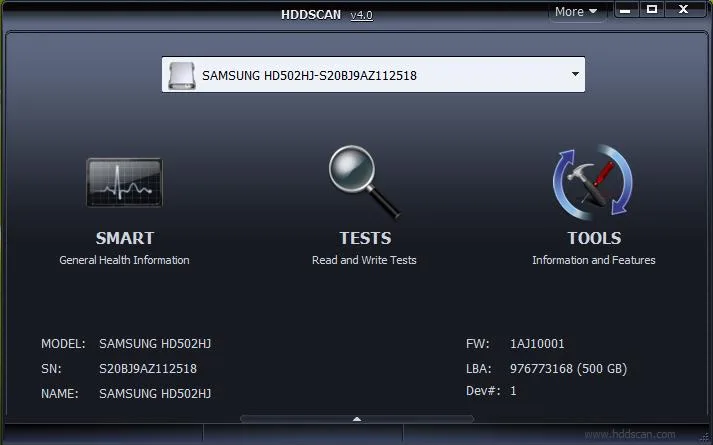
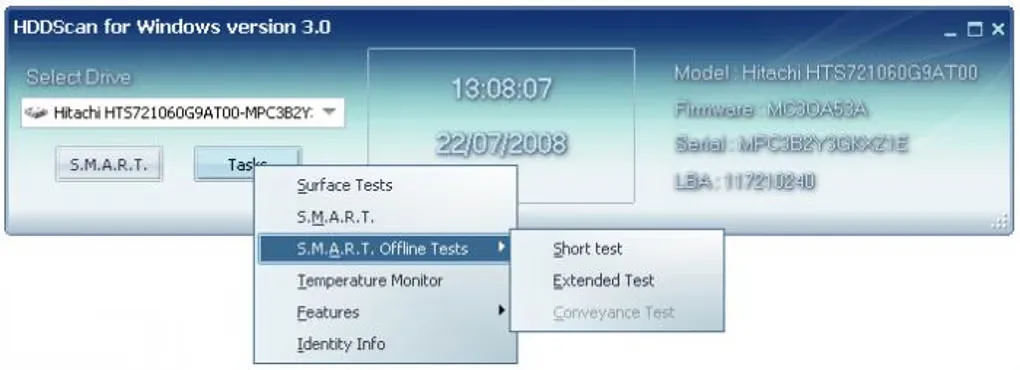
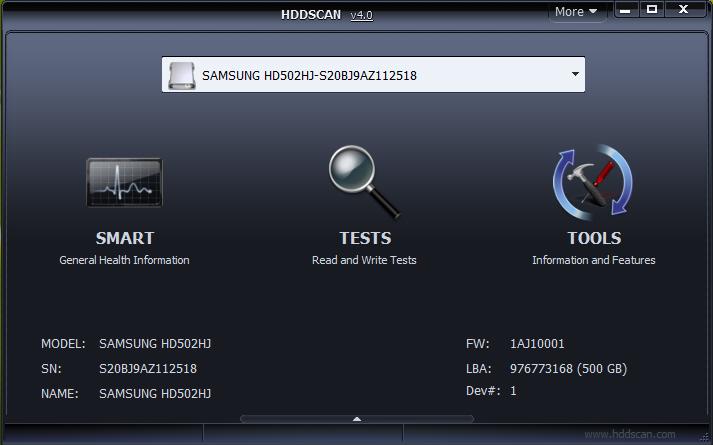
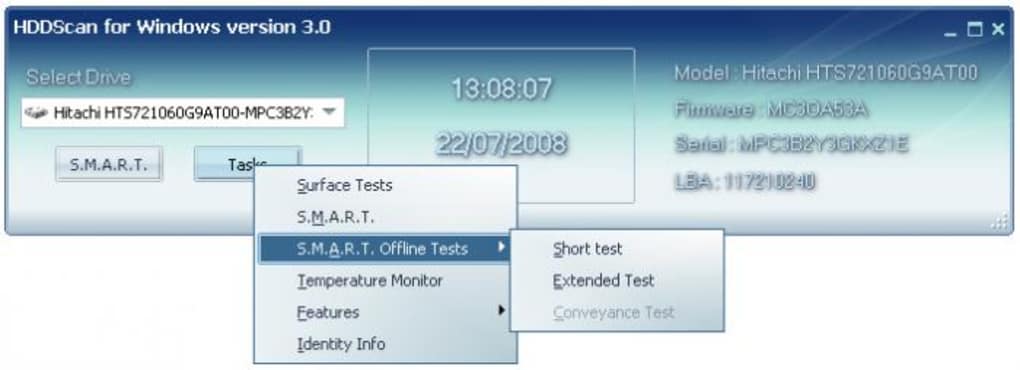
The official download is offered as version 4.1 in a ZIP archive. The screenshots illustrate earlier interfaces: the publisher image is labeled v4.0, and the Softonic gallery image shows version 3.0. They are source-provided illustrations, not captures of a locally installed copy.
What it offers
- Read S.M.A.R.T. attributes and device identity information from supported drives.
- Run linear Read, Verify and Erase surface tests, plus Butterfly Read tests.
- Inspect test speed graphs, response-time maps and detailed reports.
- Monitor drive temperature and run supported S.M.A.R.T. self-tests.
- Save reports in MHT format and adjust supported drive acoustic or power-management parameters.
Good to know
- Erase mode irreversibly overwrites data in the selected blocks; do not treat it as a read-only diagnostic.
- RAID volumes and USB flash drives are listed for surface tests only; other functions depend on the drive and controller.
- The publisher advises running only one test at a time and warns that Verify may be unreliable on USB/flash devices.
- The published Windows requirements stop at Windows 10; Windows 11 compatibility is not established by these sources.
Product images
Sources
References used for this listing. Retrieval dates do not indicate hands-on testing.
More in utilities
View category ↗
1.1.1.1 with WARP 2026.8.2115.0
Encrypt traffic from your Mac to Cloudflare’s network with WARP, or use DNS-only mode for encrypted DNS queries to the 1.1.1.1 resolver.
1.1.1.1 with WARP 2026.8.2115.0
Encrypt traffic between your Windows PC and Cloudflare, or use encrypted DNS only, with the free 1.1.1.1 with WARP app.

3uTools 9.12.005
Manage iPhone and iPad photos, music, apps and backups from Windows with 3uTools, a free utility that also includes device checks and firmware flashing tools.