

Development Windows
HelpScribble for Windows
Write Windows help files, web documentation and printed manuals from one project with HelpScribble. The evaluation download adds a note to generated help topics.
Version 8.3.4 · Direct publisher file
Link checked · Download guidance
What is HelpScribble?
HelpScribble is a Windows help-authoring tool for developers and documentation writers. A single project can produce HTML Help (.chm), WinHelp (.hlp), a printed manual and online documentation. It can also import HPJ and RTF files from other help-authoring tools, allowing existing material to be reused.
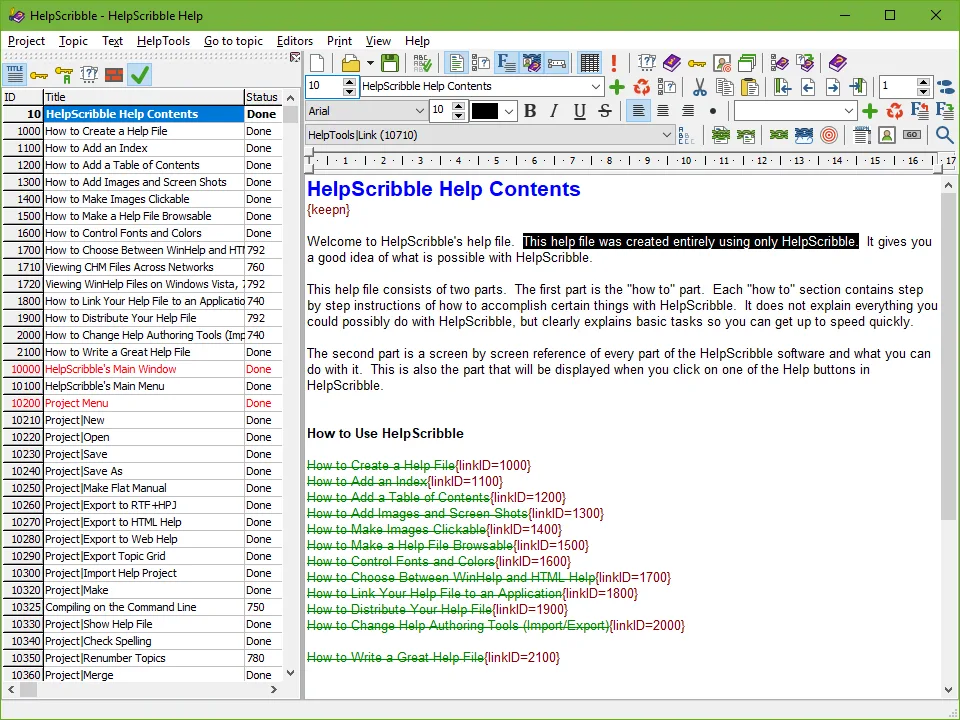
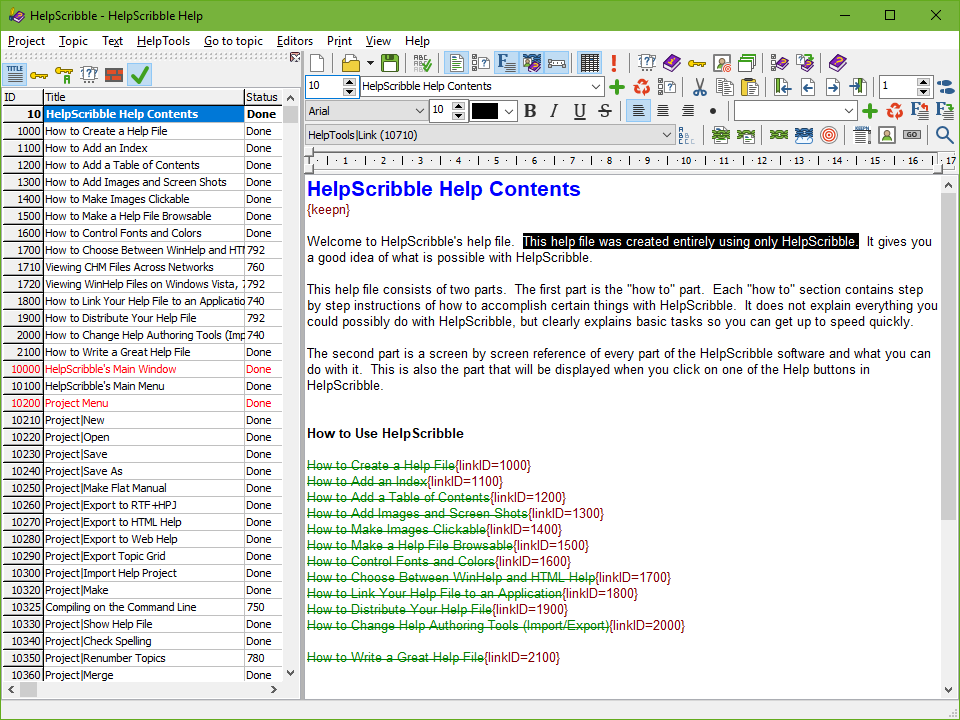
The help files can provide context-sensitive documentation for Windows applications or serve as stand-alone documents. The publisher lists Windows 10 and 11 among the supported systems. The screenshot shows the topic list beside the formatted help-topic editor; it is publisher-supplied imagery, not evidence of a local installation.
This download is the non-expiring evaluation version, not the purchased edition. It supports building WinHelp and HTML Help files, but adds a purchase reminder to generated topics and cannot export projects into source files for other help-authoring tools. The publisher says recompiling with the full version removes the reminders.
What it offers
- Create HTML Help (.chm) and WinHelp (.hlp) files from a help project.
- Produce a printed manual and online documentation from the same project.
- Import HPJ and RTF files created by other help-authoring tools.
- Create context-sensitive help for Windows applications or stand-alone documentation.
Good to know
- The evaluation version adds a purchase reminder to generated help topics; removing it requires recompiling with the full version.
- The evaluation version cannot export projects into source files readable by other help-authoring tools.
Product images
Sources
References used for this listing. Retrieval dates do not indicate hands-on testing.
More in development
View category ↗
010 Editor 17.0
Inspect and edit binary files on Mac with 010 Editor, a paid text and hex editor with Binary Templates, file comparison and a 30-day trial.
010 Editor 17.0
Inspect and edit binary files with 010 Editor for Windows, a text and hex editor with Binary Templates, file comparison and scripting. Includes a 30-day trial.
10x Editor
Edit and navigate C++ projects on Windows with a built-in parser, workspace search and Visual Studio project support. A paid license is required after the 30-day trial.