

Utilities Windows
HFSExplorer for Windows
Browse HFS, HFS+ and HFSX Mac-formatted drives and extract files on Windows with HFSExplorer, a free, read-only utility that requires Java.
- Operating system
- Windows (publisher-provided installer)
- Architecture
- Not specified by the publisher for this installer
- Download package
- EXE installer
Separate Java runtime required; publisher specifies Java 5.0 or later. Administrator privileges are required for physical disks. No local installation or OS compatibility testing was performed.
Link checked · Download guidance
What is HFSExplorer?
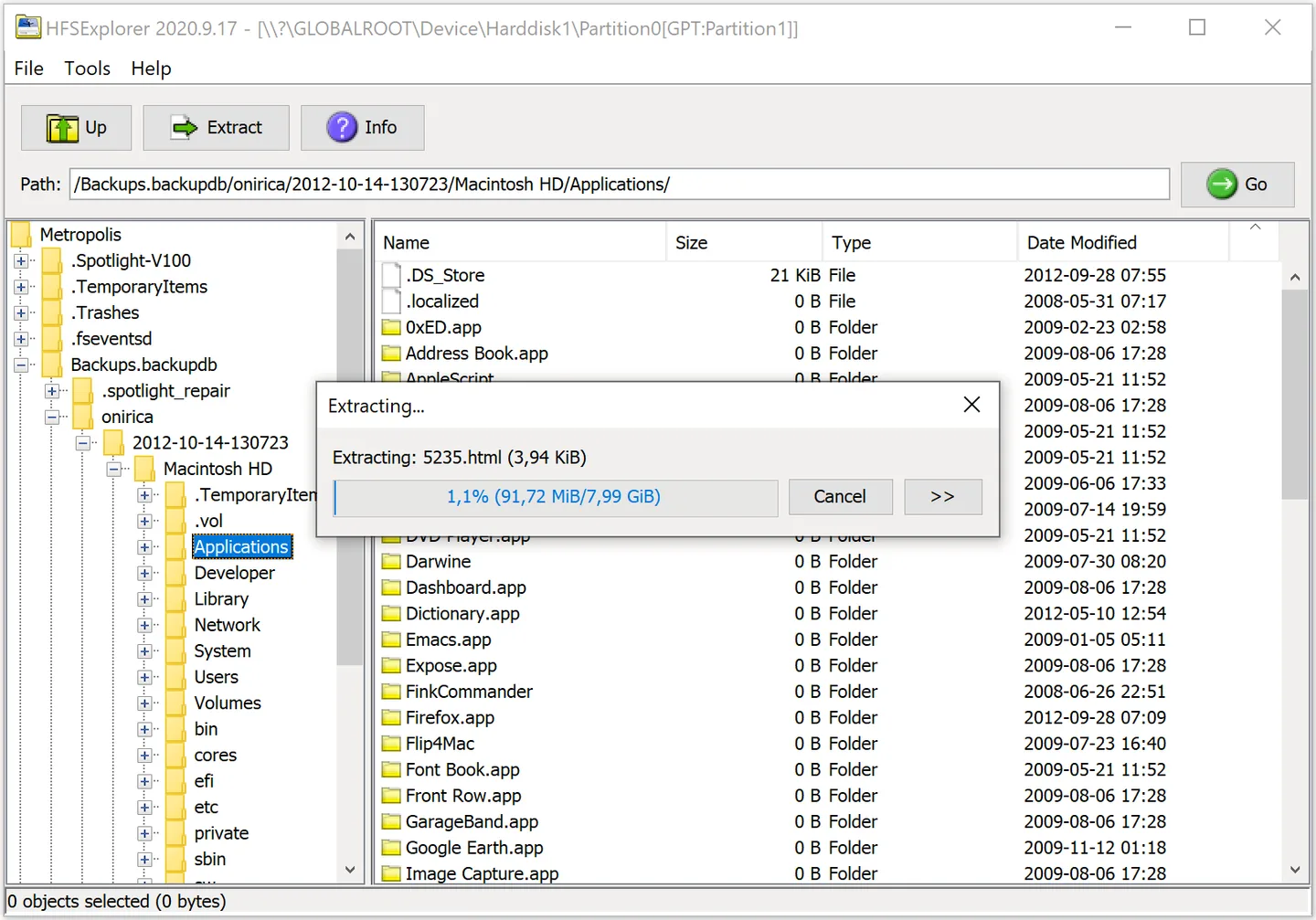
HFSExplorer opens Mac-formatted disks and disk images so you can browse their folders and copy files to a Windows drive. Its graphical browser reads HFS, HFS+ and case-sensitive HFSX volumes, shows volume information and can create a disk image from a volume. It is useful when you need files from an older Mac disk or a supported Mac disk image rather than a tool for editing the original volume.
The application reads most DMG and sparsebundle images, including supported compressed and encrypted images. On Windows, you can load a disk image from a file or select a physical device. Device autodetection is available; the publisher also documents manual selection when it does not find the volume.
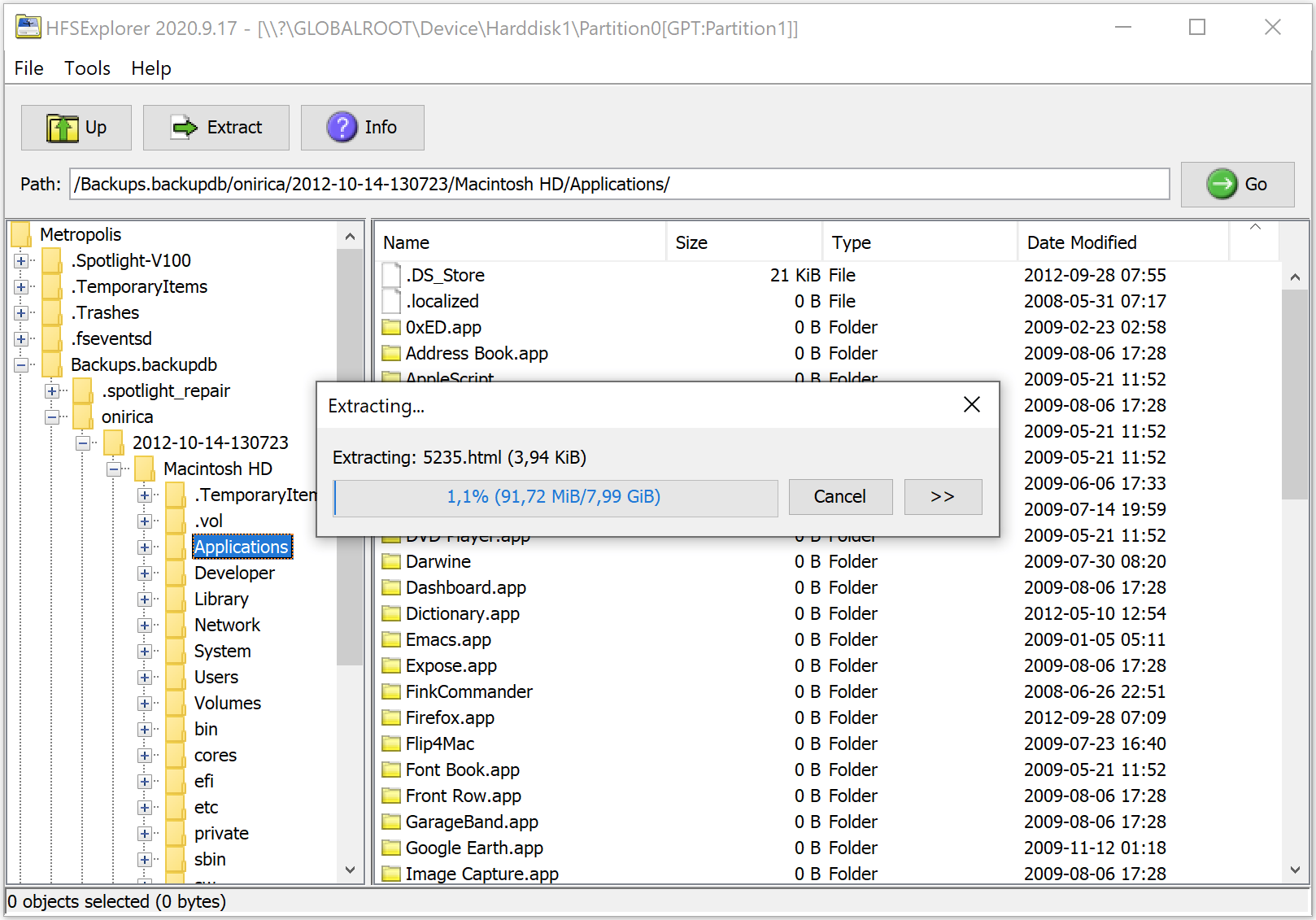
HFSExplorer operates in read-only mode: extract files to another drive instead of expecting to change files on the source volume. A separate Java runtime, version 5.0 or later according to the publisher, is required. Accessing physical disks requires administrator privileges. The download linked here is the publisher's Windows setup executable for version 2026.4.9; the screenshot is the publisher's older 2020.9.17 interface illustration.
What it offers
- Browse HFS, HFS+ and HFSX volumes with a graphical folder tree and file list.
- Extract files to another drive, inspect volume information and create disk images from volumes.
- Open most DMG and sparsebundle images, including supported zlib/bzip2-compressed and AES-128/AES-256-encrypted images.
- Read Master Boot Record, GUID Partition Table and Apple Partition Map partition schemes.
Good to know
- Read-only access does not let you edit files on the source Mac volume.
- Requires a separate Java runtime; the publisher specifies Java 5.0 or later and says OpenJDK works.
- Physical disk access requires administrator privileges, and device autodetection may require manual selection.
Product images
Sources
References used for this listing. Retrieval dates do not indicate hands-on testing.
- Catacombae - HFSExplorer ↗Retrieved
- HFSExplorer Changelog ↗Retrieved
- HFSExplorer - Download ↗Retrieved
More in utilities
View category ↗
1.1.1.1 with WARP 2026.8.2115.0
Encrypt traffic from your Mac to Cloudflare’s network with WARP, or use DNS-only mode for encrypted DNS queries to the 1.1.1.1 resolver.
1.1.1.1 with WARP 2026.8.2115.0
Encrypt traffic between your Windows PC and Cloudflare, or use encrypted DNS only, with the free 1.1.1.1 with WARP app.

3uTools 9.12.005
Manage iPhone and iPad photos, music, apps and backups from Windows with 3uTools, a free utility that also includes device checks and firmware flashing tools.