
Utilities Windows
Hiddify
Use your own proxy configuration or subscription with Hiddify for Windows, a free client with profile imports, automatic server selection and VPN routing mode.
- Operating system
- Windows 10 version 1809 or later; Windows 11
- Architecture
- x64 (64-bit)
- Download package
- EXE installer
Windows 7 and 8 are unsupported. The linked package is x64; the publisher also lists MSIX and portable ZIP options. VPN mode requires administrator rights.
Link checked · Download guidance
What is Hiddify?
Hiddify is a proxy and VPN client for people who already have a server configuration or subscription link. It brings profiles in Sing-box, V2ray, Clash and Clash Meta formats into one interface, with automatic subscription updates and delay-based server selection. This entry links to the publisher’s Windows x64 EXE installer for version 4.1.1.
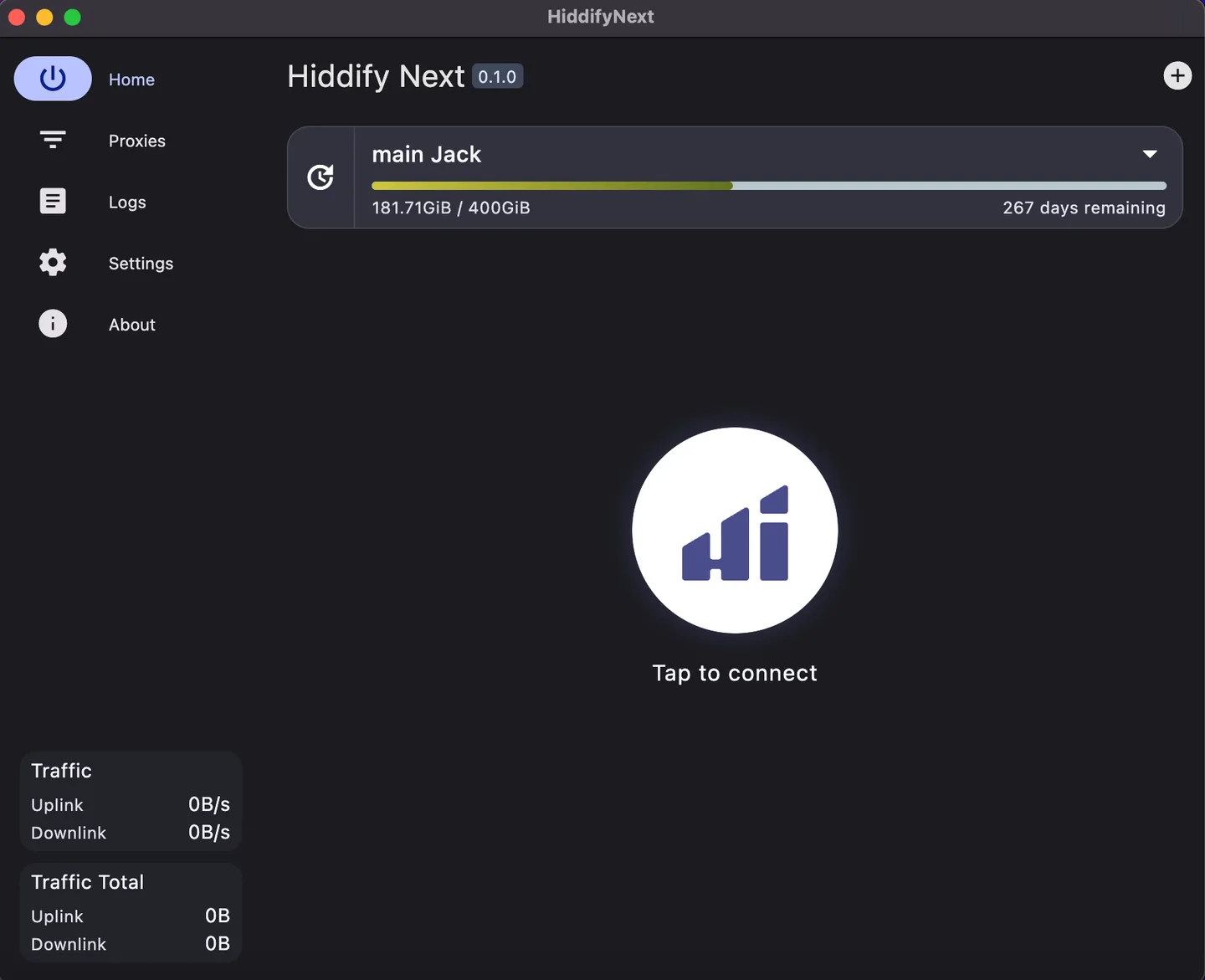
Add a provider link through the plus button on Home, using the clipboard or manual entry, then use the main button to connect. The Proxies page lets you inspect server delay and choose a server yourself instead of relying on automatic selection. Use the same main button to disconnect.
Routing mode matters on Windows. The default System proxy mode is not used by every desktop application. The publisher documents VPN mode for traffic that needs broader routing, and that mode requires administrator rights. Installing the client alone does not supply the provider configuration needed for this workflow.
The gallery image is the publisher’s historical macOS desktop screenshot of Hiddify Next 0.1.0. It illustrates the profile and connection layout, not the appearance of Windows version 4.1.1; current screens differ.
What it offers
- Import subscription profiles in Sing-box, V2ray, Clash and Clash Meta formats.
- Connect using protocols including VLESS, VMess, Reality, TUIC, Hysteria, WireGuard and SSH.
- Update subscriptions automatically and select servers by measured delay.
- Choose between local Proxy, System proxy and VPN service modes.
- Use light or dark interface themes.
Good to know
- You need a configuration or subscription link from a provider or your own server for the described connection workflow.
- System proxy mode does not cover every desktop application; VPN mode requires administrator rights.
- Windows 7 and Windows 8 are not supported.
- The publisher’s license adds noncommercial and other conditions; it is not an unrestricted commercial-use grant.
Product images
Sources
References used for this listing. Retrieval dates do not indicate hands-on testing.
- Hiddify - Download ↗Retrieved
- Hiddify app — official repository and features ↗Retrieved
- How to install the Hiddify app - Hiddify ↗Retrieved
- How to use the Hiddify app - Hiddify ↗Retrieved
- Release v4.1.1 · hiddify/hiddify-app · GitHub ↗Retrieved
- hiddify-app/LICENSE.md at main · hiddify/hiddify-app · GitHub ↗Retrieved
More in utilities
View category ↗
1.1.1.1 with WARP 2026.8.2115.0
Encrypt traffic from your Mac to Cloudflare’s network with WARP, or use DNS-only mode for encrypted DNS queries to the 1.1.1.1 resolver.
1.1.1.1 with WARP 2026.8.2115.0
Encrypt traffic between your Windows PC and Cloudflare, or use encrypted DNS only, with the free 1.1.1.1 with WARP app.

3uTools 9.12.005
Manage iPhone and iPad photos, music, apps and backups from Windows with 3uTools, a free utility that also includes device checks and firmware flashing tools.