

Development Windows
HTTP Toolkit for Windows
Inspect HTTP and HTTPS requests on Windows, pause traffic for manual edits, and send API requests with HTTP Toolkit. Automated mocking and reusable rules require a paid plan.
- Operating system
- Windows; exact minimum Windows version not established by the cited publisher documentation
- Architecture
- x64
- Download package
- Standalone ZIP archive
Selected package is HttpToolkit-1.27.3-win-x64.zip. A separate Windows installer is available from the publisher.
Link checked · Download guidance
What is HTTP Toolkit?
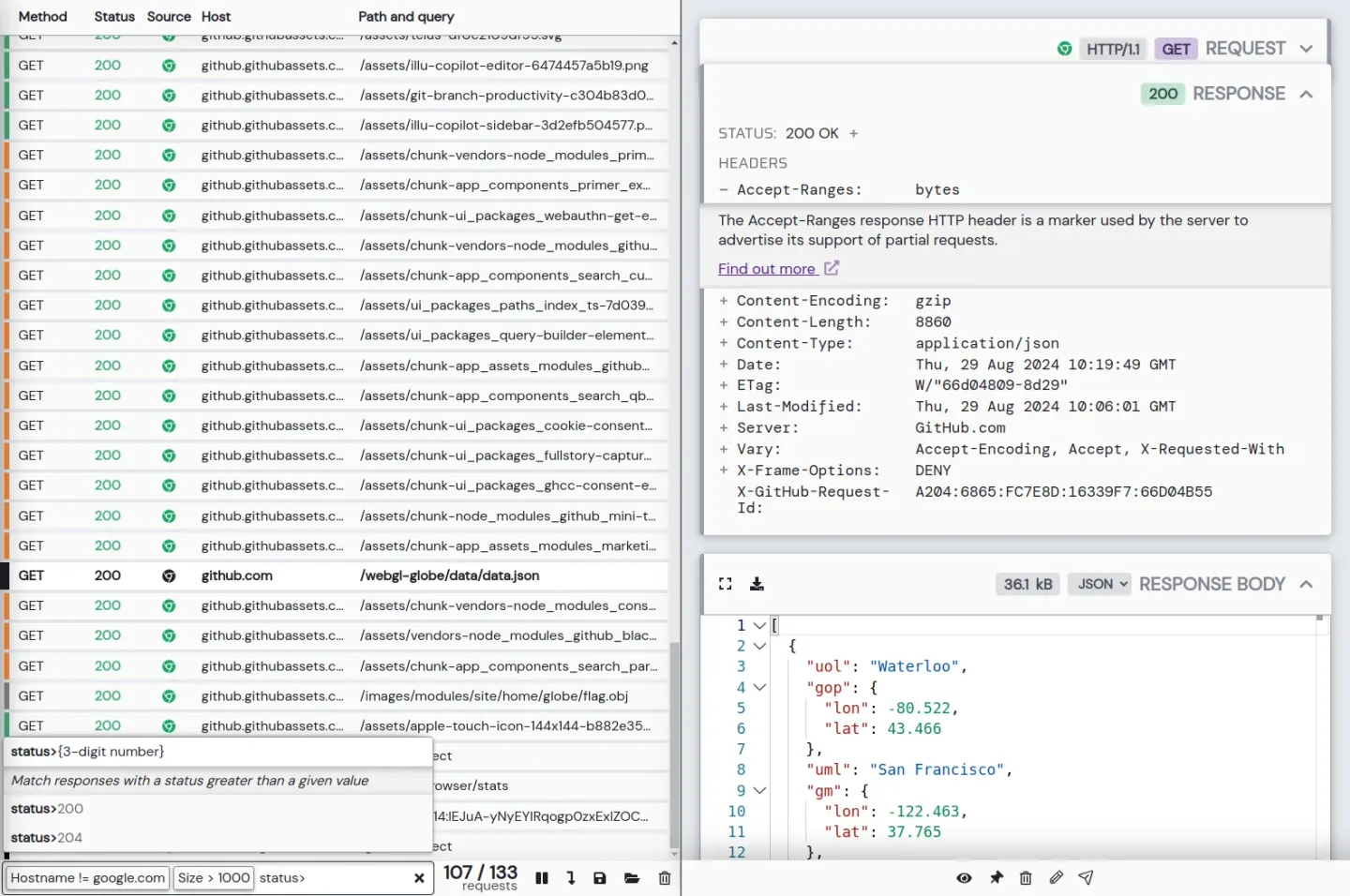
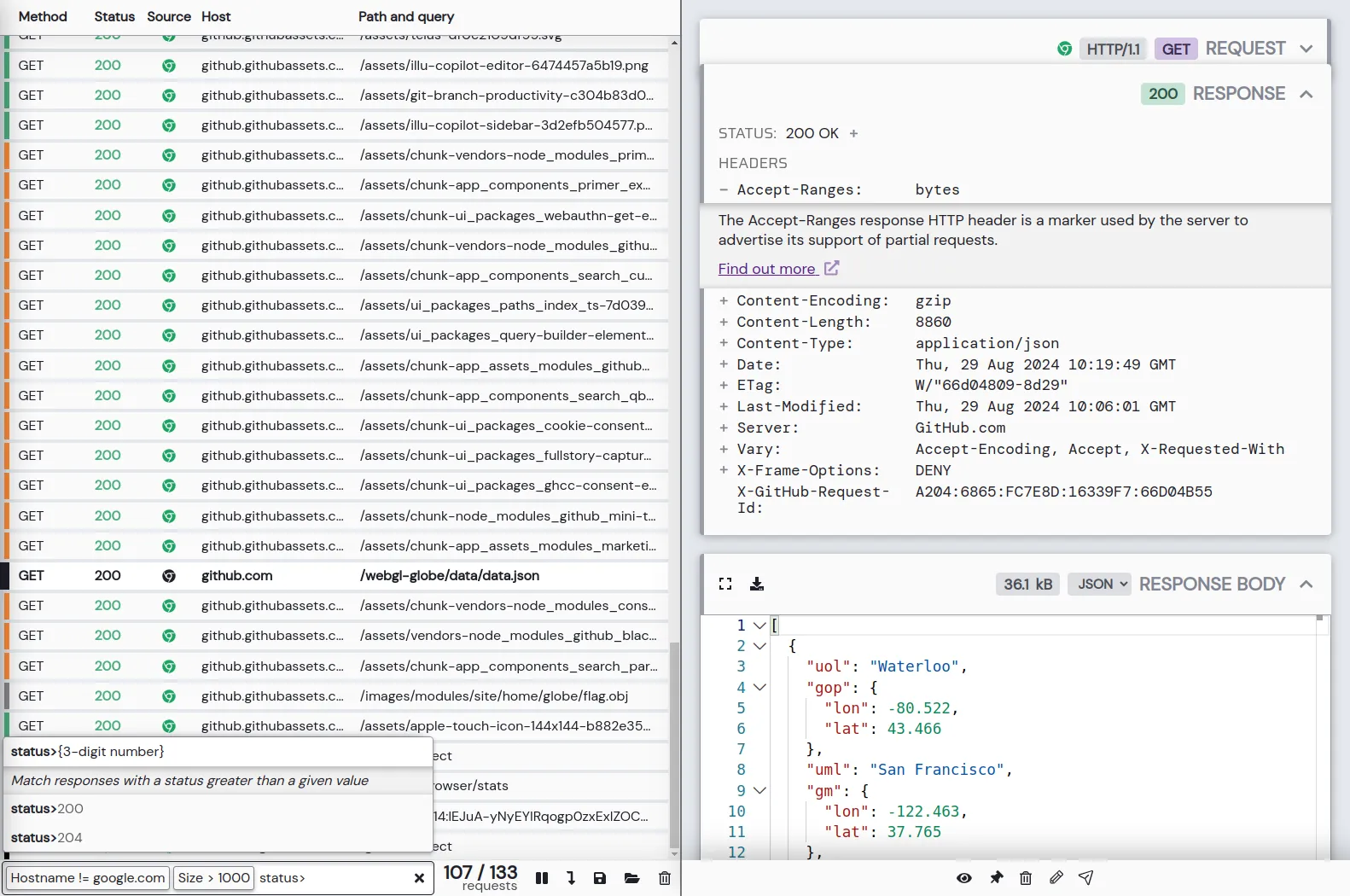
HTTP Toolkit is an HTTP(S) debugging proxy and client for investigating what applications send and receive. Connect a supported browser or development process, then select a request to inspect its URL, status, headers and body. Filtering and formatted body views help isolate an unexpected API response without reading every message in a session.
The free Hobbyist plan includes traffic inspection, request filtering, manual request and response breakpoints, and a built-in HTTP client. Breakpoints let you pause an exchange and change its contents before it continues. Automated response mocking, rewrite rules and traffic import/export belong to paid plans rather than the free feature set.
This entry links to the publisher’s version 1.27.3 Windows x64 standalone ZIP, not the EXE installer or a claim to the newest release. The publisher also offers an installer separately. For clients without automatic interception setup, configure their proxy and, for HTTPS, make them trust HTTP Toolkit’s certificate. Available automatic interception options depend on the applications installed on your system.
What it offers
- Inspect request and response URLs, status codes, headers and message bodies.
- Filter captured traffic and view supported bodies with syntax highlighting and formatting.
- Pause requests or responses with breakpoints for manual editing.
- Send custom HTTP requests with the built-in client.
- Automatically mock responses, rewrite messages and inject errors with a paid plan.
Good to know
- Automated mocking and rewriting, reusable rules, and traffic import/export require a paid plan.
- Manual HTTPS interception requires proxy configuration and certificate trust in the client; automatic options depend on installed applications.
Product images
Sources
References used for this listing. Retrieval dates do not indicate hands-on testing.
- HTTP Toolkit - Download — discovery page ↗Retrieved
- Intercept, debug & build with HTTP ↗Retrieved
- HTTP Toolkit pricing — Hobbyist, Professional and Team ↗Retrieved
- Installing HTTP Toolkit ↗Retrieved
- Intercepting HTTP traffic ↗Retrieved
- HTTP Toolkit Desktop — publisher repository and license ↗Retrieved
- Publisher GitHub release API — selected 1.27.3 Windows x64 ZIP ↗Retrieved
More in development
View category ↗
010 Editor 17.0
Inspect and edit binary files on Mac with 010 Editor, a paid text and hex editor with Binary Templates, file comparison and a 30-day trial.
010 Editor 17.0
Inspect and edit binary files with 010 Editor for Windows, a text and hex editor with Binary Templates, file comparison and scripting. Includes a 30-day trial.
10x Editor
Edit and navigate C++ projects on Windows with a built-in parser, workspace search and Visual Studio project support. A paid license is required after the 30-day trial.