

Utilities Windows
HWiNFO for Windows
Inspect PC hardware, monitor system sensors and export reports with HWiNFO for Windows. The x64/ARM64 edition is free for personal, non-commercial use.
- Operating system
- Windows 7 64-bit and later
- Architecture
- x64 or ARM64; installer selects the edition
- Download package
- EXE installer
Version 8.54; not the portable or legacy x86 package. Free for personal, non-commercial use; commercial use beyond the 14-day evaluation needs an Engineer or Corporate Pro license.
Link checked · Download guidance
What is HWiNFO?
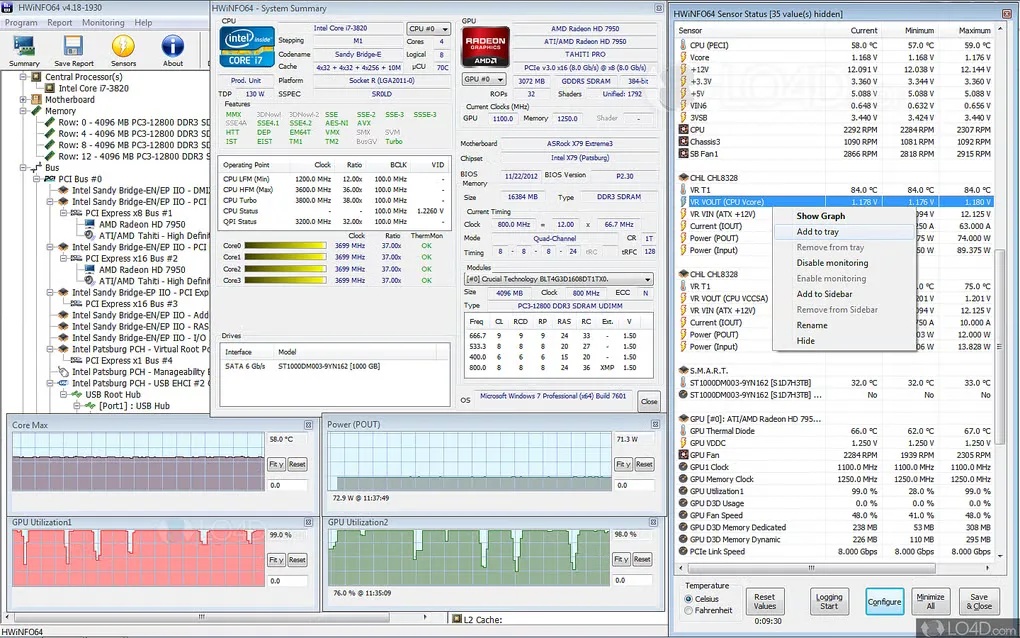
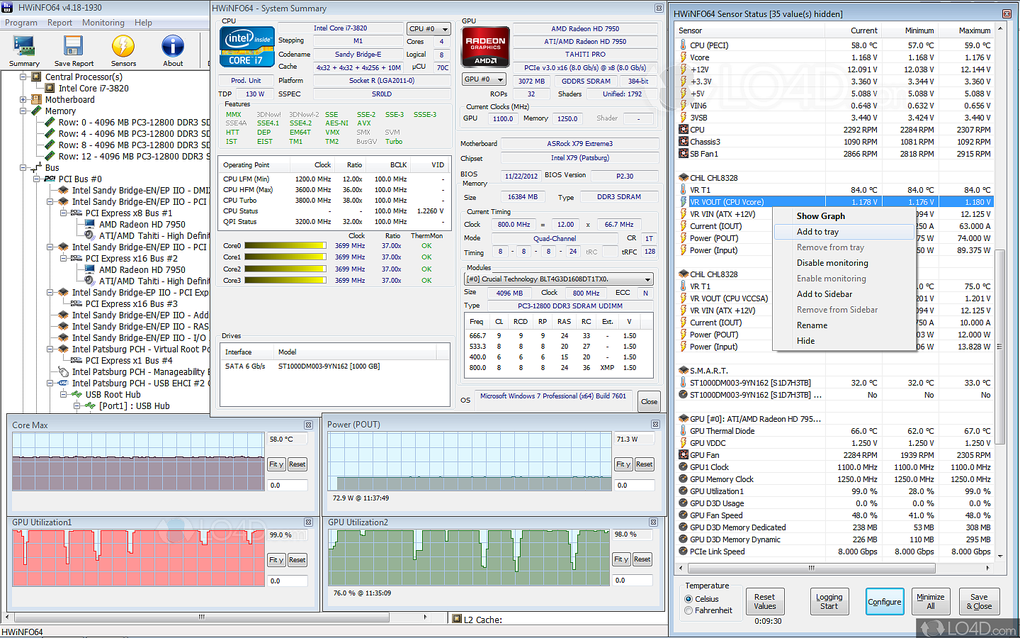
HWiNFO combines a hardware inventory with real-time system monitoring. Use it to identify components, inspect CPU, GPU, motherboard and drive parameters, or watch monitored values while investigating overheating or performance loss. Hardware information is available as a quick summary or a detailed hierarchy, with report exports for keeping a record.
The linked EXE is the version 8.54 automatic installer for Windows 7 64-bit and later on x64 or ARM64; it selects the edition for the platform. It is not the portable package or the legacy 32-bit edition. Personal, non-commercial use is free. Commercial use beyond the 14-day evaluation requires an Engineer or Corporate Pro license; a Personal Pro license does not permit commercial use.
The non-Pro edition limits shared-memory sensor access to 12 hours before it must be manually enabled again. This matters when another application relies on HWiNFO sensor data; it is not a 12-hour limit on the whole application.
What it offers
- Inspect a hardware summary or expand a detailed component hierarchy.
- Monitor system and hardware parameters for CPUs, GPUs, mainboards, drives and peripherals in real time.
- Export hardware reports in XML, CSV or HTML format.
- View monitoring data in customizable tables, graphs or tray icons, and configure alerts with user-defined actions.
Good to know
- The x64/ARM64 edition is free for non-commercial use only. After a 14-day commercial evaluation, an Engineer or Corporate Pro license is required; Personal Pro does not cover commercial use.
- Non-Pro shared-memory sensor access is limited to 12 hours per activation and must then be manually enabled again; integrations using that interface can lose access.
Product images
Sources
References used for this listing. Retrieval dates do not indicate hands-on testing.
More in utilities
View category ↗
1.1.1.1 with WARP 2026.8.2115.0
Encrypt traffic from your Mac to Cloudflare’s network with WARP, or use DNS-only mode for encrypted DNS queries to the 1.1.1.1 resolver.
1.1.1.1 with WARP 2026.8.2115.0
Encrypt traffic between your Windows PC and Cloudflare, or use encrypted DNS only, with the free 1.1.1.1 with WARP app.

3uTools 9.12.005
Manage iPhone and iPad photos, music, apps and backups from Windows with 3uTools, a free utility that also includes device checks and firmware flashing tools.