
Development Windows
HxD Hex Editor
Inspect and edit binary files, disk data and process memory with HxD, a free Windows hex editor with search, comparison and checksum tools.
- Operating system
- Windows XP, 2003, Vista, 7, 8 or 10, as listed by the publisher
- Architecture
- 32-bit and 64-bit (x86/x64)
- Download package
- ZIP archive containing the installable-edition setup
Publisher lists a separate portable setup. Windows 11 is listed by Softonic but not in the publisher's displayed OS list; no installation or compatibility testing was performed.
Link checked · Download guidance
What is HxD Hex Editor?
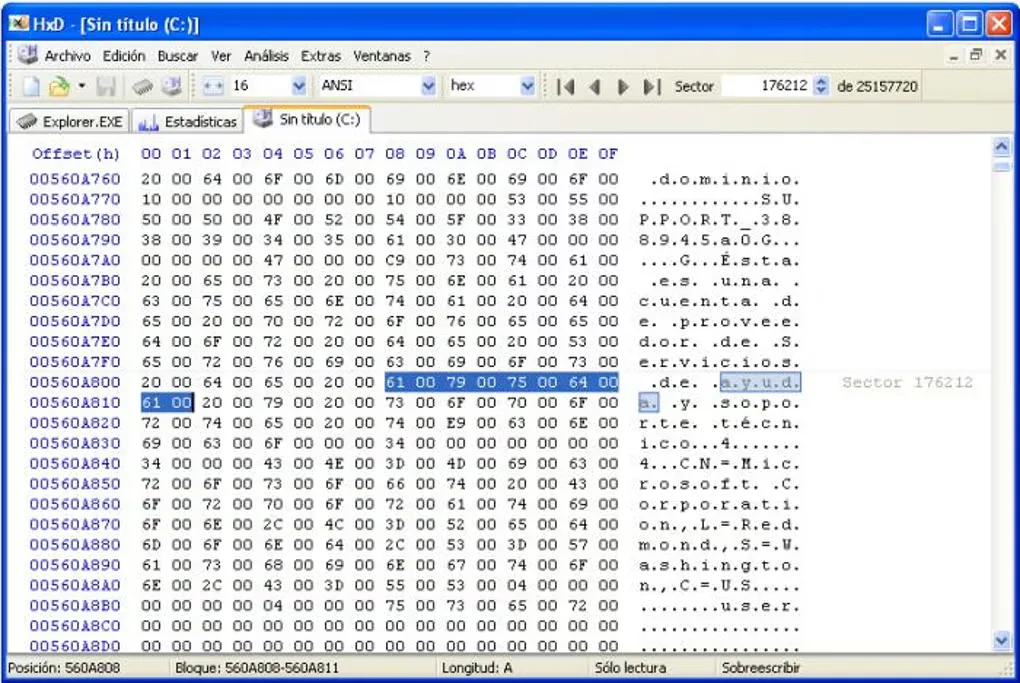
HxD is a Windows hex editor for examining and changing data at byte level. It presents file contents as hexadecimal values alongside a character view, with search and replace for text, hex values, integers and floating-point numbers. Use it to inspect an unfamiliar binary file, compare two files or calculate a checksum without converting the data into a document format.
The same editor also opens disks and process memory. Byte grouping, bookmarks and highlighted modifications help with navigation, while export options include source-code arrays, formatted text, Intel HEX and Motorola S-record. File splitting, concatenation and byte-distribution statistics provide additional ways to examine or reorganize data.
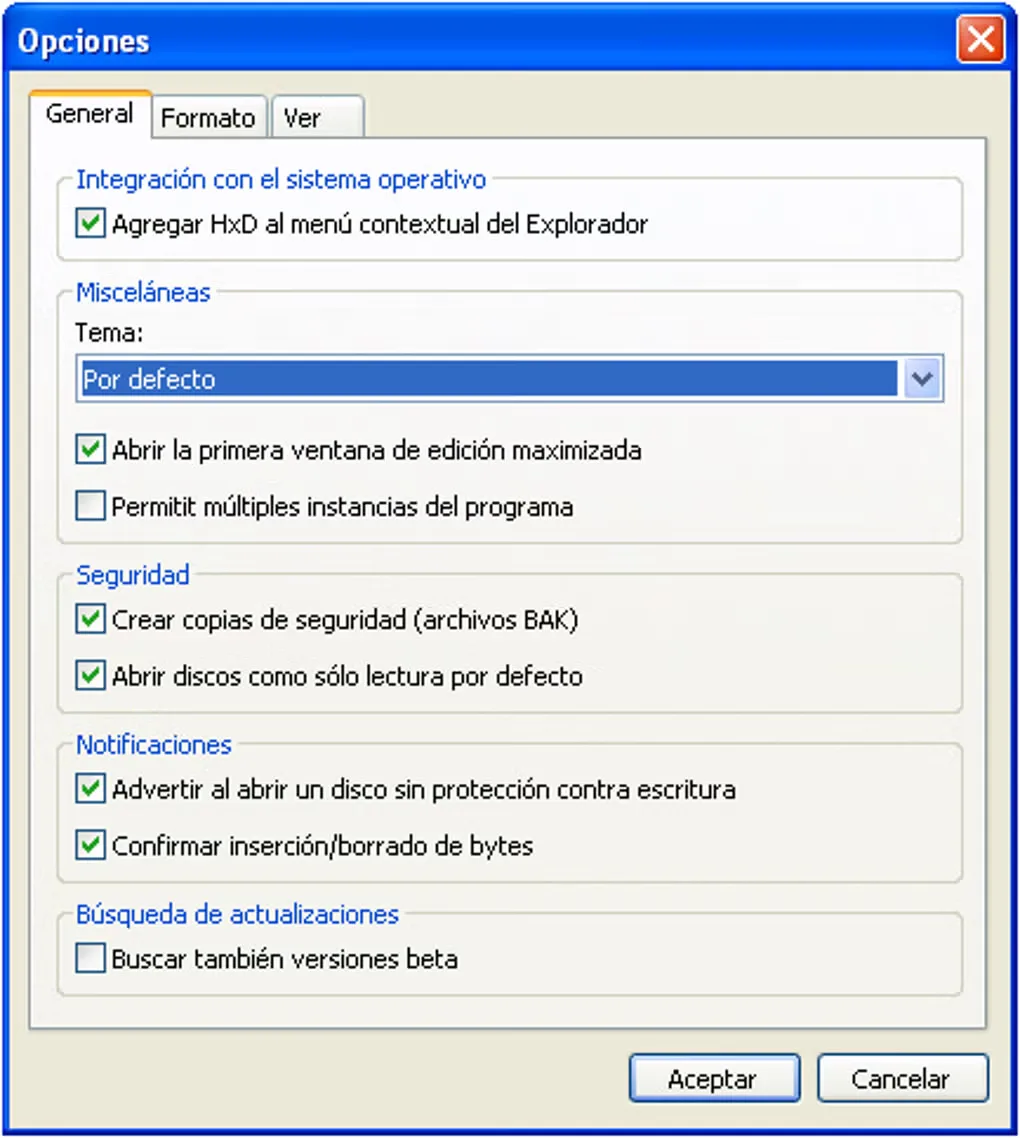
Disk editing has access restrictions: administrator or appropriate privileges may be required, and the running Windows system drive cannot be written to. HxD's file comparison is described by the publisher as simple. The linked download is the publisher's ZIP package for the installable edition; a separate portable setup is also available. The gallery images show an older Spanish-language Windows interface, not a verified view of version 2.5.0.0.
What it offers
- Search and replace text, Unicode text, hexadecimal values, integers and floating-point numbers.
- Inspect and edit files, raw disks and process memory through a byte-oriented interface.
- Compare files and calculate checksums or digests, including CRC, SHA-1, SHA-512 and MD5.
- Export data as source code, formatted text, Intel HEX or Motorola S-record.
- Navigate with bookmarks and byte grouping; split or concatenate files and inspect byte-distribution statistics.
Good to know
- Disk editing requires administrator or appropriate access privileges; the running Windows system drive cannot be written to.
- The publisher describes file comparison as simple, rather than a full binary-analysis workflow.
Product images
Sources
References used for this listing. Retrieval dates do not indicate hands-on testing.
- HxD - Freeware Hex Editor and Disk Editor | mh-nexus ↗Retrieved
- Downloads | mh-nexus ↗Retrieved
- Change log for HxD | mh-nexus ↗Retrieved
- HxD License | mh-nexus ↗Retrieved
- HxD Hex Editor - Download ↗Retrieved
More in development
View category ↗
010 Editor 17.0
Inspect and edit binary files on Mac with 010 Editor, a paid text and hex editor with Binary Templates, file comparison and a 30-day trial.
010 Editor 17.0
Inspect and edit binary files with 010 Editor for Windows, a text and hex editor with Binary Templates, file comparison and scripting. Includes a 30-day trial.
10x Editor
Edit and navigate C++ projects on Windows with a built-in parser, workspace search and Visual Studio project support. A paid license is required after the 30-day trial.