
Utilities Windows
Igor Pro
Analyze scientific data, fit curves and create 2D or 3D graphs with Igor Pro for Windows. The commercial application includes a 30-day full-function evaluation.
- Operating system
- Windows 10 build 1809 or later; Windows 11
- Architecture
- x64 (Intel/AMD); 64-bit only
- Download package
- EXE installer
Version 10 requires 64-bit XOP extensions. Windows ARM64 x64 emulation is not explicitly supported by WaveMetrics.
Link checked · Download guidance
What is Igor Pro?
Igor Pro combines scientific data analysis with graphing and a programmable workspace. Researchers and engineers can import measurements, organize data in hierarchical folders, apply mathematical operations and turn results into graphs or page layouts. Its analysis tools cover curve fitting, peak analysis, signal processing and statistics; image-processing tools handle scientific images. Graphs can be exported in SVG, EPS, PDF and PNG formats.
For repeated work, the built-in programming language can automate data import, analysis and graph creation. Igor Pro 10 adds built-in Python integration for executing Python code and exchanging data, alongside built-in HDF5 support. The combination suits workflows that need both interactive exploration and repeatable processing rather than graph drawing alone.
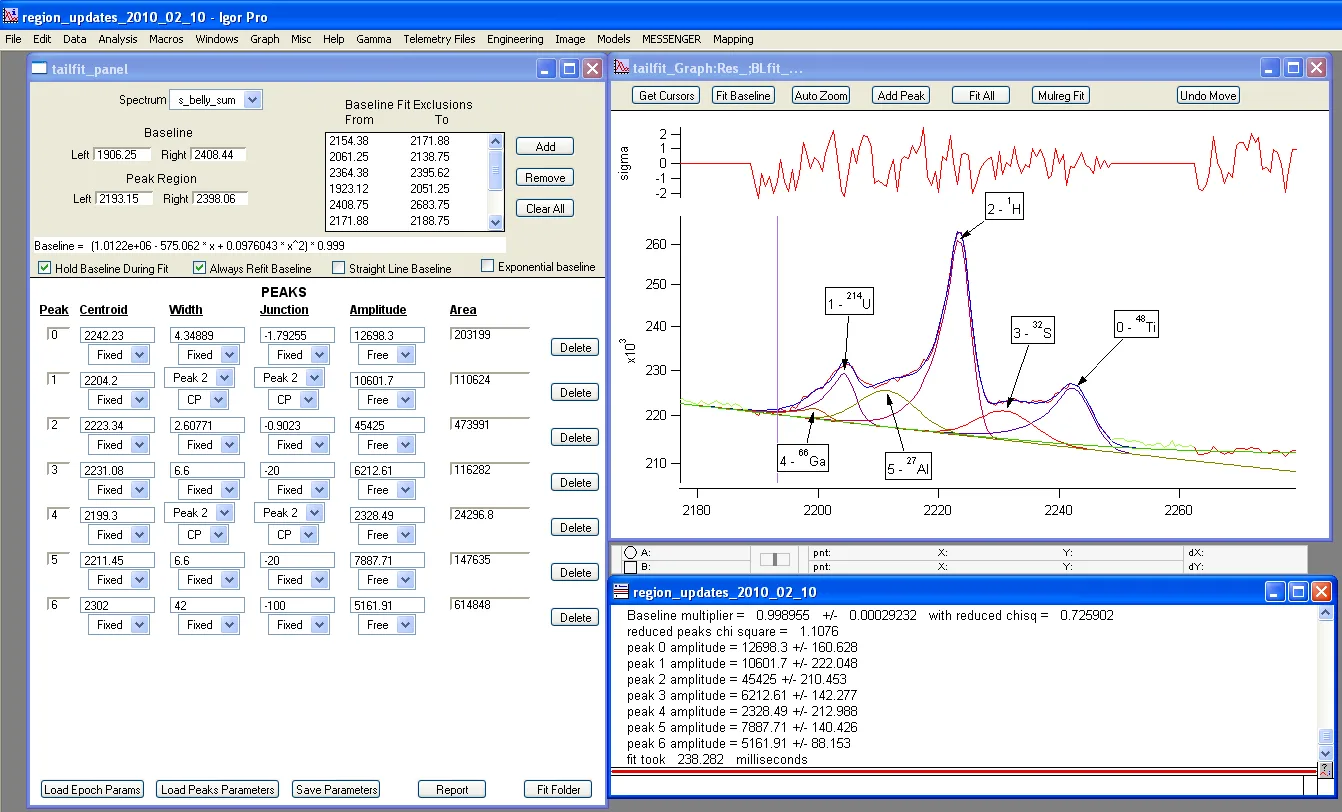
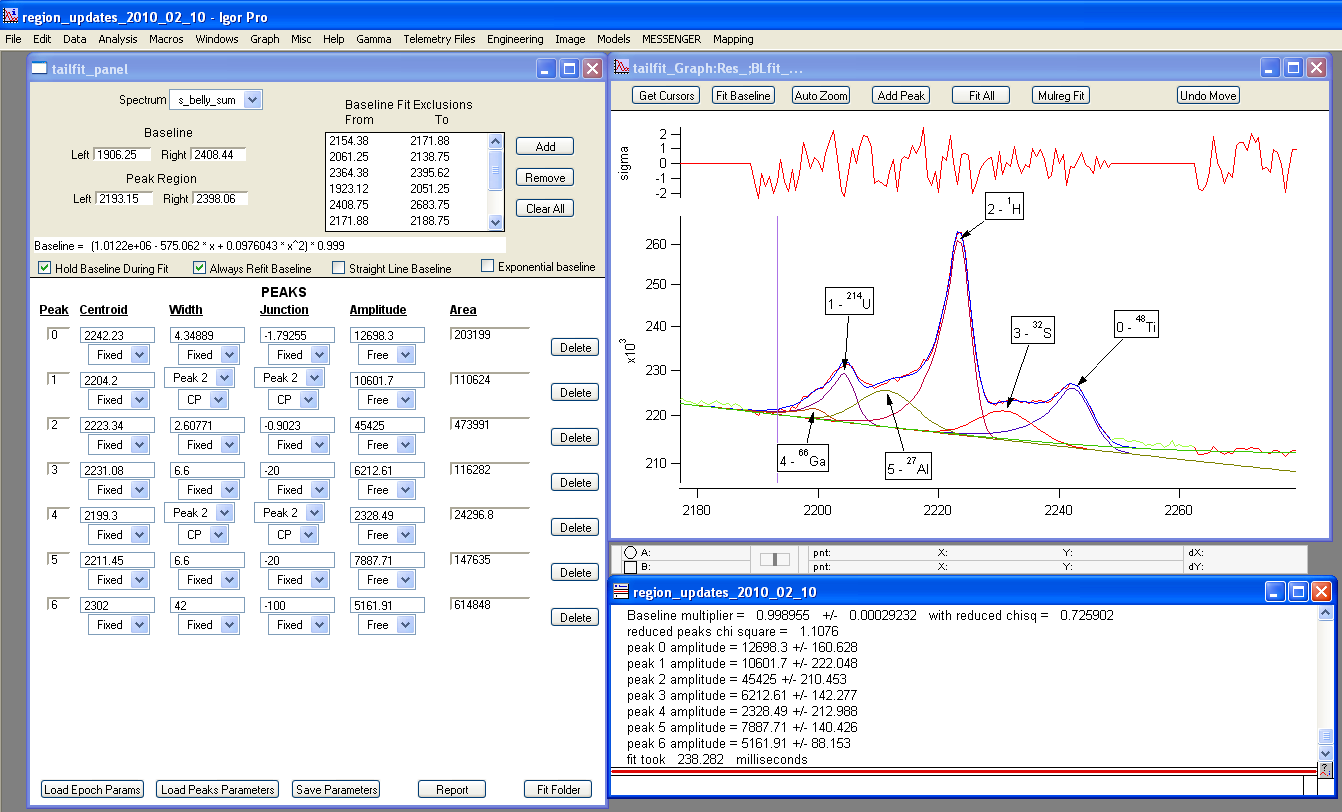
This entry links to WaveMetrics' Windows installer for the publisher-listed 10.03 release, not the older Igor Pro 8 package named on the discovery page. The evaluation is fully functional for 30 days after installation, then switches to limited functionality; it is not an unrestricted free license. Version 10 requires 64-bit Windows 10 build 1809 or later, or Windows 11. The gallery image shows an older Windows workspace with spectrum fitting controls, not the current version's appearance.
What it offers
- Analyze measurements using curve fitting, peak analysis, signal processing and statistical tools.
- Create 2D and 3D scientific graphs and page layouts; export graphs as SVG, EPS, PDF or PNG.
- Organize data hierarchically and work with time-series data and scientific images.
- Automate import, analysis and graphing with the built-in programming language.
- Execute Python code and exchange data with Python in Igor Pro 10; use built-in HDF5 support.
Good to know
- Commercial software: the fully functional evaluation lasts 30 days after installation, then enters limited-functionality mode.
- Igor Pro 10 is 64-bit only and requires Windows 10 build 1809 or later, or Windows 11; XOP extensions must also be 64-bit.
- WaveMetrics supports native x64 operation on Intel/AMD processors. Running under Windows ARM64 x64 emulation is not explicitly supported by the publisher.
Product images
Sources
References used for this listing. Retrieval dates do not indicate hands-on testing.
More in utilities
View category ↗
1.1.1.1 with WARP 2026.8.2115.0
Encrypt traffic from your Mac to Cloudflare’s network with WARP, or use DNS-only mode for encrypted DNS queries to the 1.1.1.1 resolver.
1.1.1.1 with WARP 2026.8.2115.0
Encrypt traffic between your Windows PC and Cloudflare, or use encrypted DNS only, with the free 1.1.1.1 with WARP app.

3uTools 9.12.005
Manage iPhone and iPad photos, music, apps and backups from Windows with 3uTools, a free utility that also includes device checks and firmware flashing tools.