
Utilities Windows
IIO Oscilloscope
Plot captured signals and adjust supported IIO evaluation-board settings with Analog Devices' open-source oscilloscope application for Windows.
- Operating system
- Windows; minimum supported version not established
- Architecture
- x64 (64-bit)
- Download package
- EXE installer (adi-osc-setup.exe)
Tagged installer source specifies x64 installation mode and the release workflow builds a 64-bit package. Requires a supported IIO device or remote platform. Installation was not exercised.
Link checked · Download guidance
What is IIO Oscilloscope?
IIO Oscilloscope is a graphical tool for viewing data from supported IIO devices and configuring Analog Devices evaluation boards. Its capture window offers time-domain traces, frequency-domain FFT plots, constellation views and cross-correlation. Device plugins expose settings for the connected hardware, while remote connections let the application configure and read a device attached to another platform.
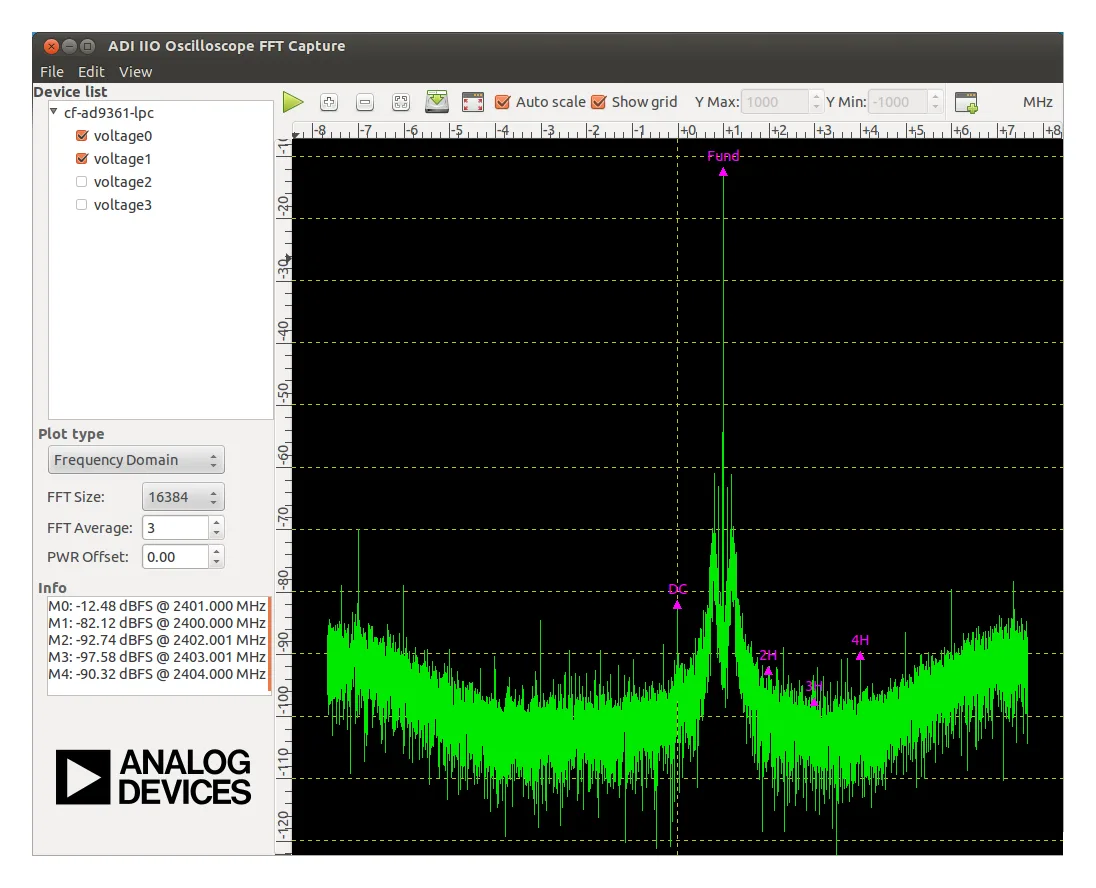
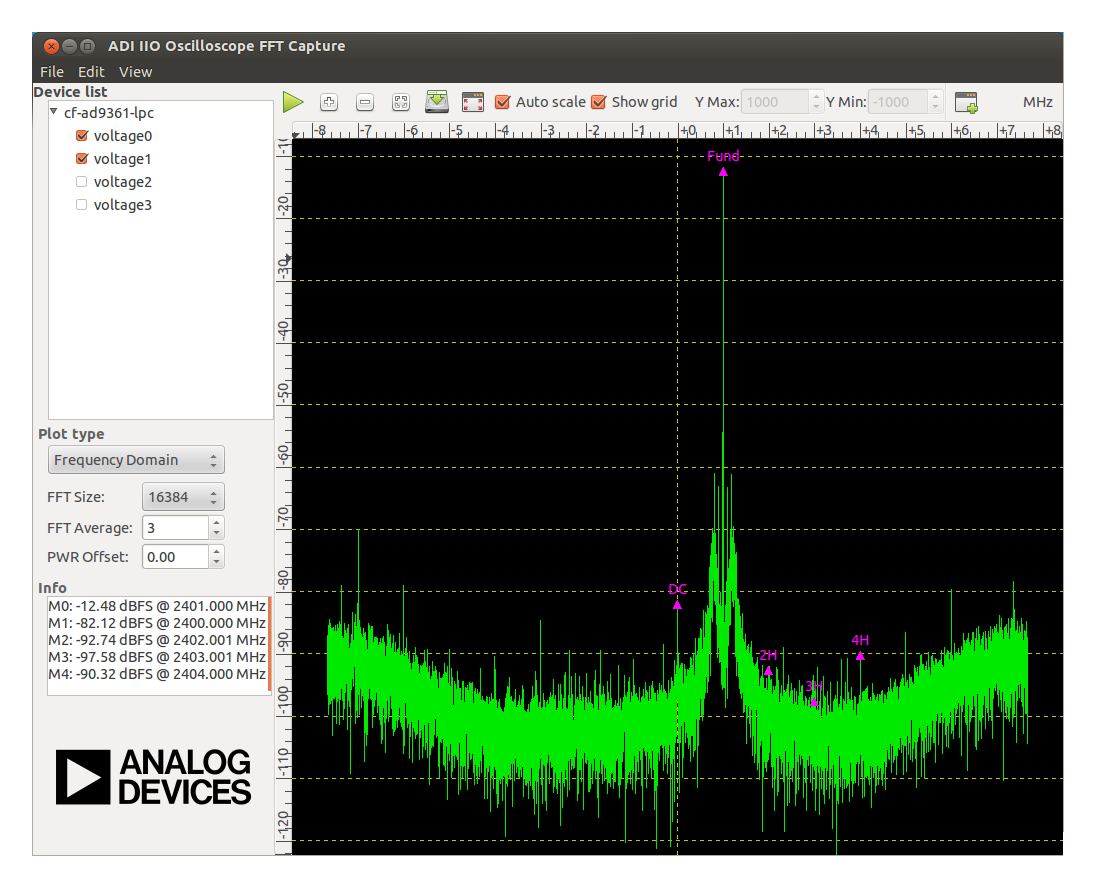
Use the channel controls to choose signals, adjust FFT settings and inspect plot markers. Captured data can be saved in formats including CSV and MATLAB .mat files, or exported as a PNG image. Available controls depend on the device and its plugin.
This Windows download is the publisher's v0.18-main EXE installer. The newer v0.18.1 tag exposes source archives rather than a Windows installer, so it is not the version linked here. The screenshot is a publisher documentation example with Linux window decorations, not a verified view of this Windows release.
The application works with supported IIO hardware; check the documentation for your board before choosing it. The bundled demonstration waveforms are generally not intended for transceiver characterization or demodulation; the publisher recommends creating suitable waveforms for those tasks.
What it offers
- Display captured device data in time-domain, frequency-domain FFT, constellation and cross-correlation plots.
- View and change supported evaluation-board settings through device-specific plugins.
- Connect to a remote platform to configure its attached device and read data.
- Select capture channels, adjust FFT settings and use plot markers for measurements.
- Save captured data as CSV or MATLAB .mat files and export plots as PNG images.
Good to know
- Device settings and plugins depend on the supported hardware and connected platform.
- Bundled demonstration waveforms are generally unsuitable for transceiver characterization or demodulation; those tasks need purpose-built waveforms.
- The linked Windows installer is v0.18-main, not the newer source-only v0.18.1 tag. A minimum supported Windows version was not established from the inspected publisher sources.
Product images
Sources
References used for this listing. Retrieval dates do not indicate hands-on testing.
- IIO Oscilloscope — Analog Devices System Level Documentation ↗Retrieved
- IIO Oscilloscope v0.18-main — publisher repository and license ↗Retrieved
- IIO-Oscilloscope v0.18-main — publisher release ↗Retrieved
- v0.18-main — publisher release assets ↗Retrieved
- v0.18.1 — source-only tag assets ↗Retrieved
- v0.18-main — publisher Windows installer definition ↗Retrieved
More in utilities
View category ↗
1.1.1.1 with WARP 2026.8.2115.0
Encrypt traffic from your Mac to Cloudflare’s network with WARP, or use DNS-only mode for encrypted DNS queries to the 1.1.1.1 resolver.
1.1.1.1 with WARP 2026.8.2115.0
Encrypt traffic between your Windows PC and Cloudflare, or use encrypted DNS only, with the free 1.1.1.1 with WARP app.

3uTools 9.12.005
Manage iPhone and iPad photos, music, apps and backups from Windows with 3uTools, a free utility that also includes device checks and firmware flashing tools.