

Utilities Windows
iLEAPP for Windows
Parse iOS and iPadOS forensic extractions on Windows with iLEAPP, a free, open-source tool that turns device artifacts into reports and timelines.
- Operating system
- Windows 10 or Windows 11
- Architecture
- x64 (Intel/AMD)
- Download package
- Portable ZIP containing ileapp.exe
Separate ARM64 package available. No separate Python installation required for the prebuilt ZIP; temporary-folder execution must be permitted.
Link checked · Download guidance
What is iLEAPP?
iLEAPP helps forensic examiners review data already extracted from an iPhone or iPad. Choose an input archive, extracted folder or iTunes/Finder backup, select the artifact modules you need, and write the results to an output folder. Depending on the artifact, output includes HTML reports, TSV tables, timelines, KML and data for the separate LAVA viewer. It is a parser, not a tool for acquiring data from a live device.
The linked 2026.4.5 download is the Windows x64 portable ZIP for Intel and AMD systems running Windows 10 or 11. Extract it and open ileapp.exe for the graphical interface; the same executable accepts command-line arguments. The prebuilt package does not require a separate Python installation. A separate ARM64 package is available from the publisher.
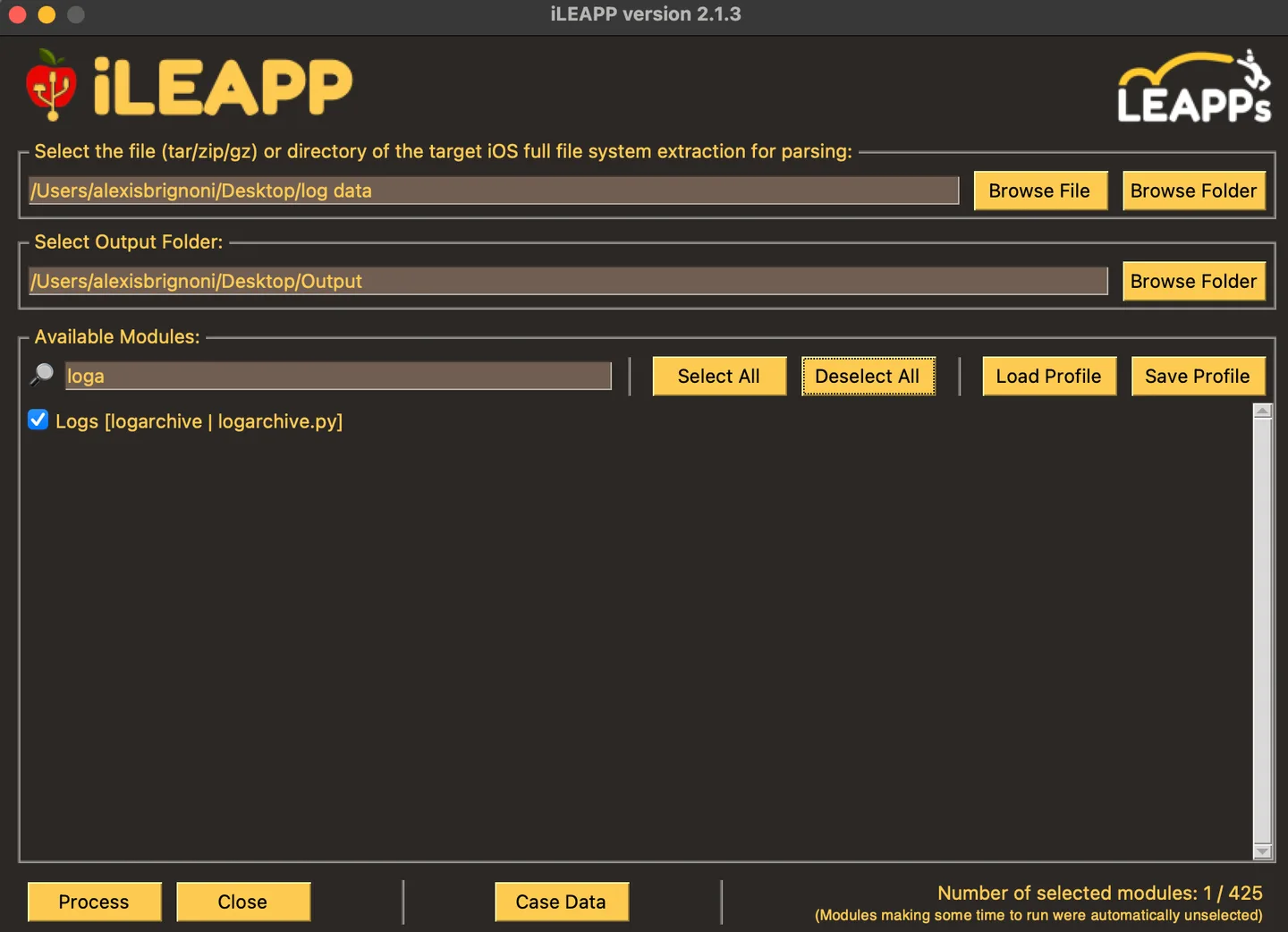
The Windows executable is not code-signed according to the release notes. It also extracts itself into a temporary folder at startup and will not run where AppLocker or WDAC policy blocks execution from that location. The publisher documents running from source as an alternative. The gallery image is the publisher’s historical iLEAPP 2.1.3 interface on macOS, not a screenshot of this Windows release.
What it offers
- Parse iOS and iPadOS artifacts from extracted folders, ZIP, TAR and GZIP archives, and iTunes/Finder backups.
- Select artifact modules in the graphical interface or use command-line arguments for a parsing run.
- Produce HTML, TSV, timeline, KML and LAVA output, depending on the artifact.
- Process encrypted iTunes/Finder backups with the required password.
Good to know
- Requires an existing extraction or backup; it does not acquire data from live devices.
- The Windows release is unsigned and cannot run where security policy blocks its temporary-folder execution.
- The command-line output folder must already exist.
Product images
Sources
References used for this listing. Retrieval dates do not indicate hands-on testing.
- iLEAPP - Download — Windows discovery listing ↗Retrieved
- iLEAPP release-tag README ↗Retrieved
- iLEAPP v2026.4.5 release ↗Retrieved
- Exact release asset listing linked from served release HTML ↗Retrieved
- MIT license ↗Retrieved
- Quick Start — LEAPPs ↗Retrieved
- Extraction, Processing, & Querying Apple Unified Logs from an iOS Device — historical screenshot source ↗Retrieved
More in utilities
View category ↗
1.1.1.1 with WARP 2026.8.2115.0
Encrypt traffic from your Mac to Cloudflare’s network with WARP, or use DNS-only mode for encrypted DNS queries to the 1.1.1.1 resolver.
1.1.1.1 with WARP 2026.8.2115.0
Encrypt traffic between your Windows PC and Cloudflare, or use encrypted DNS only, with the free 1.1.1.1 with WARP app.


3uTools 9.12.005
Manage iPhone and iPad photos, music, apps and backups from Windows with 3uTools, a free utility that also includes device checks and firmware flashing tools.