

Utilities Windows
ImgBurn for Windows
Write ISO images to CD, DVD or Blu-ray, create images from files or discs, and verify written data with ImgBurn, a freeware Windows disc-burning tool.
Version 2.5.8.0 · Direct publisher file
Link checked · Download guidance
What is ImgBurn?
ImgBurn handles optical-disc jobs through separate Read, Build, Write and Verify modes. Use Write to burn an existing ISO or another supported image to a disc. Build creates an image from files and folders on your computer or network, or writes those files directly to a disc. Read creates an image from a disc, while Verify checks readability and can compare the disc against an image file.
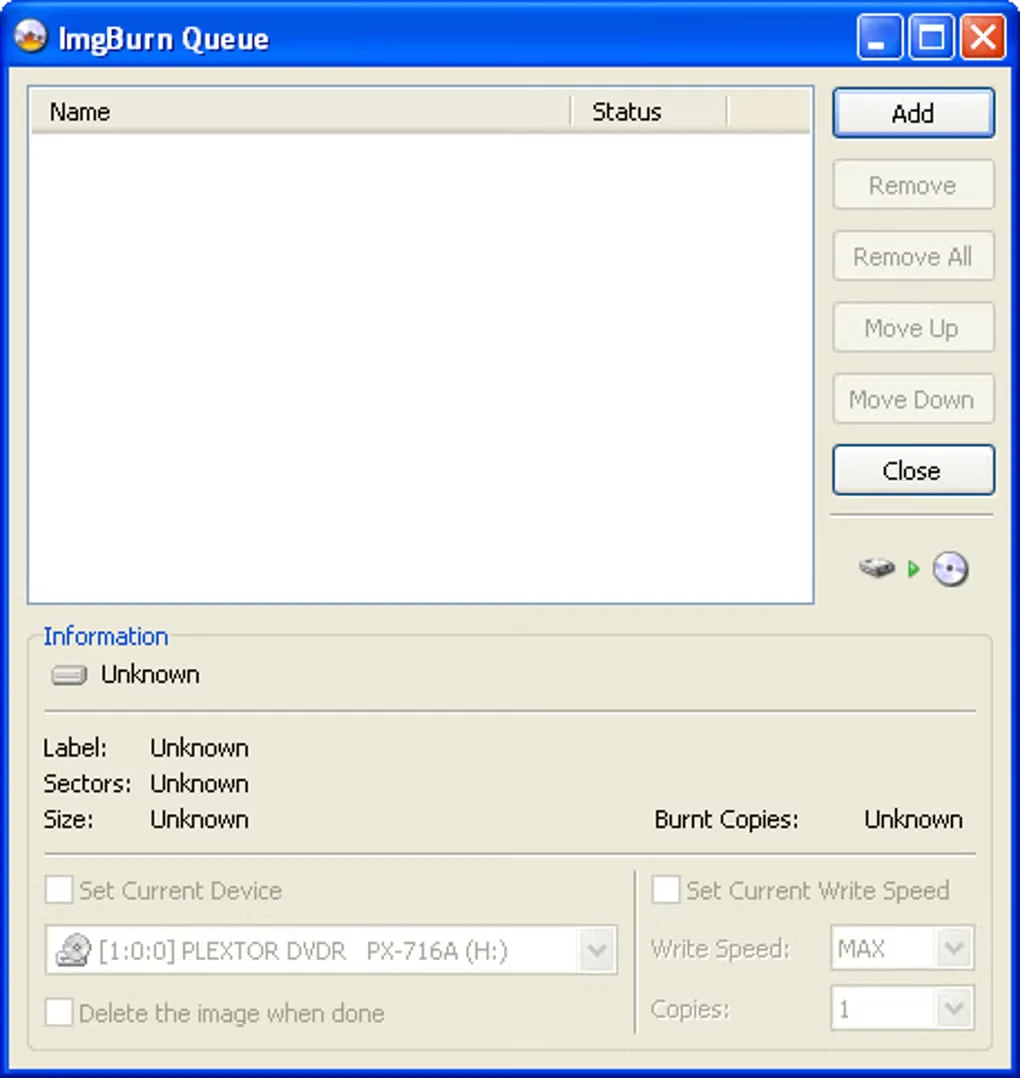
Supported image formats include BIN, CUE, IMG, ISO, MDS and NRG. An image queue helps organize multiple burns, and per-media write-speed settings let you reuse a preferred speed for a particular disc and drive. DVD-Video and Blu-ray Video burning work from prepared VIDEO_TS and BDAV/BDMV folders respectively; those folder-based workflows are distinct from converting arbitrary video files.
The publisher lists version 2.5.8.0 with a release date of June 16, 2013. Its compatibility list names Windows versions through Windows 10, including 64-bit editions, but does not establish Windows 11 support. ImgBurn does not remove copy protection from discs. The linked EXE is the publisher-hosted package; its availability was checked with HEAD only, not by downloading, installing or scanning the software.
What it offers
- Burn supported disc-image formats, including ISO, BIN/CUE, IMG, MDS and NRG, to optical media.
- Create an image from an existing disc or build one from files and folders.
- Check disc readability and optionally compare its contents with an image file.
- Queue multiple image-writing jobs and store write-speed preferences by media ID and drive.
- Build DVD-Video and Blu-ray Video discs from prepared VIDEO_TS and BDAV/BDMV folders.
Good to know
- The publisher-listed release dates to June 16, 2013; its stated Windows compatibility stops at Windows 10, so Windows 11 support is not established by that source.
- Does not remove disc copy protection.
- The installer was not downloaded, installed or security-scanned for this entry; a successful HEAD check confirms availability, not installer safety.
Product images
Sources
References used for this listing. Retrieval dates do not indicate hands-on testing.
More in utilities
View category ↗
1.1.1.1 with WARP 2026.8.2115.0
Encrypt traffic from your Mac to Cloudflare’s network with WARP, or use DNS-only mode for encrypted DNS queries to the 1.1.1.1 resolver.
1.1.1.1 with WARP 2026.8.2115.0
Encrypt traffic between your Windows PC and Cloudflare, or use encrypted DNS only, with the free 1.1.1.1 with WARP app.

3uTools 9.12.005
Manage iPhone and iPad photos, music, apps and backups from Windows with 3uTools, a free utility that also includes device checks and firmware flashing tools.