

Development Windows
Inno Setup for Windows
Build EXE installers for Windows applications with Inno Setup, a script-based installation builder with compression, shortcuts, uninstall support and Pascal scripting.
- Operating system
- Windows 10 and 11; publisher also lists older Windows and Windows Server releases
- Architecture
- x64 compiler edition
- Download package
- EXE installer
This download is the 64-bit compiler. A separate x86 edition is available; both editions can build 32-bit or 64-bit installers.
Link checked · Download guidance
What is Inno Setup?
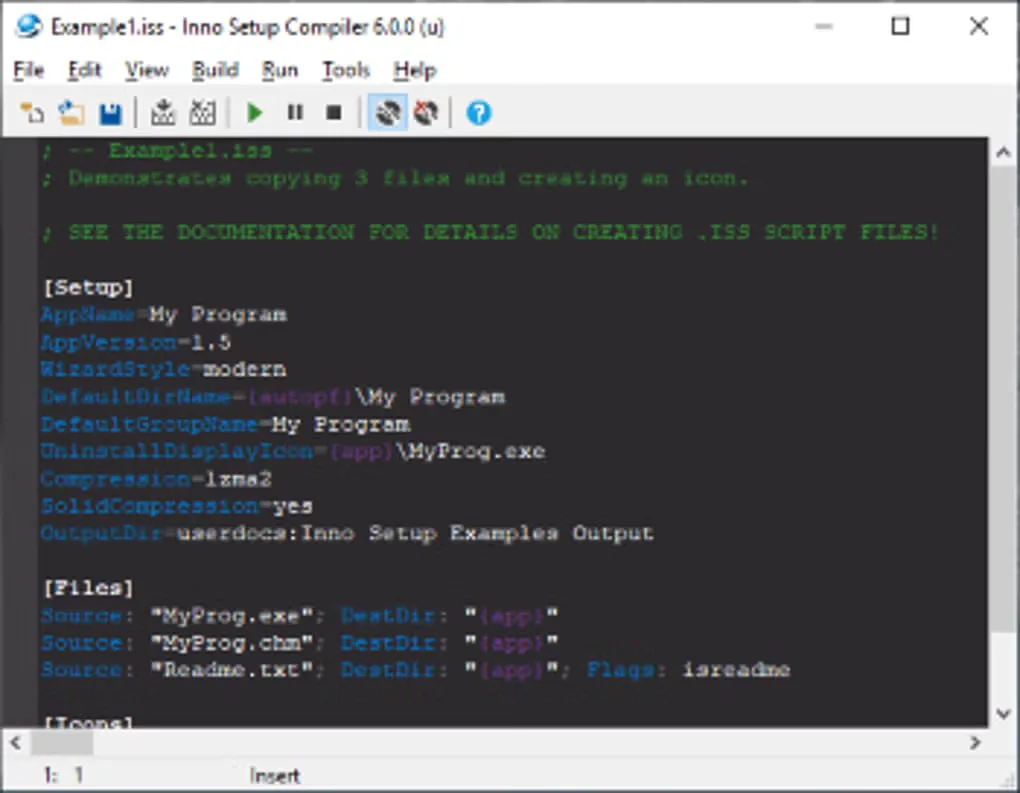
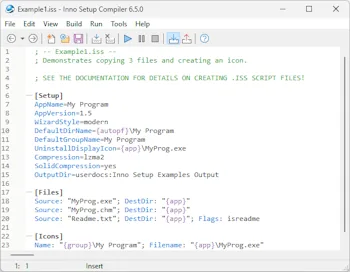
Inno Setup packages a Windows application into an EXE installer. An .iss script defines the files to copy, their destinations, shortcuts and other installation tasks. Edit the script in the Compiler IDE and compile it to produce a distributable setup program. It suits developers who need repeatable control over installation rather than a tool for writing the application itself.
The builder supports compressed files, multilingual setup wizards, uninstallers and administrative or per-user installations. A preprocessor handles compile-time customization, while Pascal scripting can add run-time installation logic. The selected download is the 64-bit edition of Inno Setup 7.1.0; the publisher also supplies a separate 32-bit edition, and both can build 32-bit or 64-bit installers.
Inno Setup produces its own EXE setup programs, not Windows Installer MSI packages. Its installation behavior depends on the script you supply. Source code is available under the Inno Setup License, which permits commercial use subject to its conditions; the publisher requests that commercial users purchase a license. The screenshots illustrate older Compiler IDE versions, not a verified view of version 7.1.0.
What it offers
- Compile .iss scripts into a single EXE installer for a Windows application.
- Compress installation files with supported methods including LZMA and LZMA2.
- Create shortcuts, registry entries and an uninstaller.
- Customize multilingual setup wizards and administrative or per-user installations.
- Extend compile-time behavior with the preprocessor and run-time logic with Pascal scripting.
Good to know
- Does not produce Windows Installer MSI packages; the publisher states that no Windows Installer edition is planned.
- Installation tasks must be defined in an .iss script and compiled; the builder does not determine the application’s deployment requirements for you.
Product images
Sources
References used for this listing. Retrieval dates do not indicate hands-on testing.
- Inno Setup - Download — normal browser product page ↗Retrieved
- Inno Setup — publisher features and screenshots ↗Retrieved
- Inno Setup Downloads — publisher package listing ↗Retrieved
- Inno Setup License ↗Retrieved
- Inno Setup Frequently Asked Questions — Windows Installer support ↗Retrieved
- Creating Installations — official help ↗Retrieved
More in development
View category ↗
010 Editor 17.0
Inspect and edit binary files on Mac with 010 Editor, a paid text and hex editor with Binary Templates, file comparison and a 30-day trial.
010 Editor 17.0
Inspect and edit binary files with 010 Editor for Windows, a text and hex editor with Binary Templates, file comparison and scripting. Includes a 30-day trial.
10x Editor
Edit and navigate C++ projects on Windows with a built-in parser, workspace search and Visual Studio project support. A paid license is required after the 30-day trial.