

Development macOS
IntelliJ IDEA for macOS
Write, navigate, refactor and debug Java and Kotlin projects on Mac with IntelliJ IDEA. Core features remain free; advanced Ultimate tools require a subscription after the trial.
- Operating system
- macOS 15 and 26, as listed in the publisher installation guide
- Architecture
- Intel x86_64
- Download package
- DMG disk image
Separate Apple Silicon image available. Publisher lists 8 GB total RAM and 10 GB disk space. Bundled runtime; standalone JDK needed for Java development. Download endpoint can advance to a newer release.
Link checked · Download guidance
What is IntelliJ IDEA?
IntelliJ IDEA brings Java and Kotlin editing, project navigation, code analysis and debugging into one development environment. It suits working through an existing codebase as well as writing new application code: navigation follows symbols and dependencies, while refactoring tools help update related code together. Built-in tools let you run and inspect applications without leaving the IDE.
Softonic still lists this product as IntelliJ IDEA Community Edition for Mac. JetBrains combined Community Edition and Ultimate into a single IntelliJ IDEA product starting with version 2025.3. Essential functionality stays free, including after the initial 30-day Ultimate trial; continued access to the Ultimate feature set requires a license. This entry links to the unified publisher download, not a separate Community Edition installer.
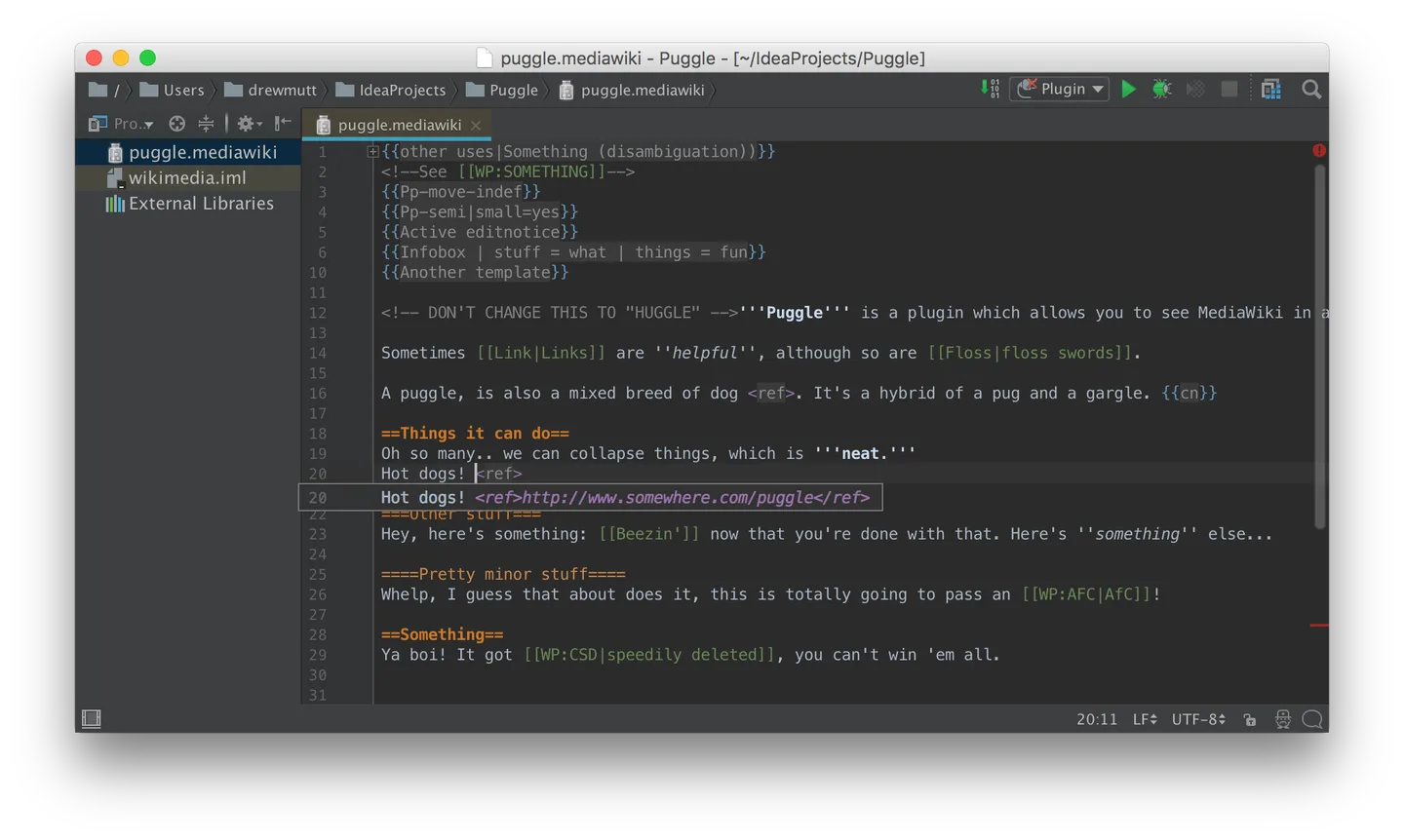
The linked Mac disk image is the Intel build. JetBrains provides a separate Apple Silicon image on its download page. The publisher's installation guide lists macOS 15 and 26, 8 GB total RAM and 10 GB disk space. A runtime is bundled to launch the IDE, but Java application development needs a separate JDK. The screenshot is a historical 2017 Mac interface with an optional MediaWiki plugin, not a preview of the current release or a claim that the plugin is bundled.
What it offers
- Edit Java and Kotlin projects in a dedicated IDE.
- Navigate symbols, usages and dependencies across a codebase.
- Use code analysis and refactoring tools to inspect and change related code.
- Run, debug and test applications using integrated development tools.
Good to know
- The free feature set is not the full Ultimate toolset; Ultimate features need a license after the 30-day trial.
- This download is for Intel Macs; Apple Silicon uses a separate publisher disk image.
- The bundled runtime runs the IDE, but developing Java applications requires a standalone JDK.
Product images
Sources
References used for this listing. Retrieval dates do not indicate hands-on testing.
- IntelliJ IDEA Community Edition for Mac - Download ↗Retrieved
- IntelliJ IDEA: Java and Kotlin IDE for You and Your Agents ↗Retrieved
- Download IntelliJ IDEA — served no-JavaScript links ↗Retrieved
- Install IntelliJ IDEA ↗Retrieved
- Register IntelliJ IDEA ↗Retrieved
- JetBrains product releases API — IIU release metadata ↗Retrieved
- Puggle MediaWiki Editor Application Screenshot — source and license ↗Retrieved
More in development
View category ↗


010 Editor 17.0
Inspect and edit binary files on Mac with 010 Editor, a paid text and hex editor with Binary Templates, file comparison and a 30-day trial.
010 Editor 17.0
Inspect and edit binary files with 010 Editor for Windows, a text and hex editor with Binary Templates, file comparison and scripting. Includes a 30-day trial.
10x Editor
Edit and navigate C++ projects on Windows with a built-in parser, workspace search and Visual Studio project support. A paid license is required after the 30-day trial.