

Utilities Windows
Internet Download Manager for Windows
Resume interrupted transfers, organize downloaded files and schedule download queues with Internet Download Manager (IDM) for Windows. A 30-day trial is available before buying a license.
- Operating system
- Windows 7, Windows 8/8.1, Windows 10 and Windows 11
- Architecture
- Not specified in the cited publisher download page
- Download package
- EXE installer
Publisher-listed Windows systems; browser integration additionally requires its extension. Architecture was not verified by downloading or inspecting the installer.
Link checked · Download guidance
What is Internet Download Manager?
Internet Download Manager (IDM) brings file transfers into a dedicated Windows download list. It can resume interrupted downloads, sort files into categories and run queues at scheduled times. Its browser integration connects supported browsers such as Chrome, Firefox and Edge to the desktop application.
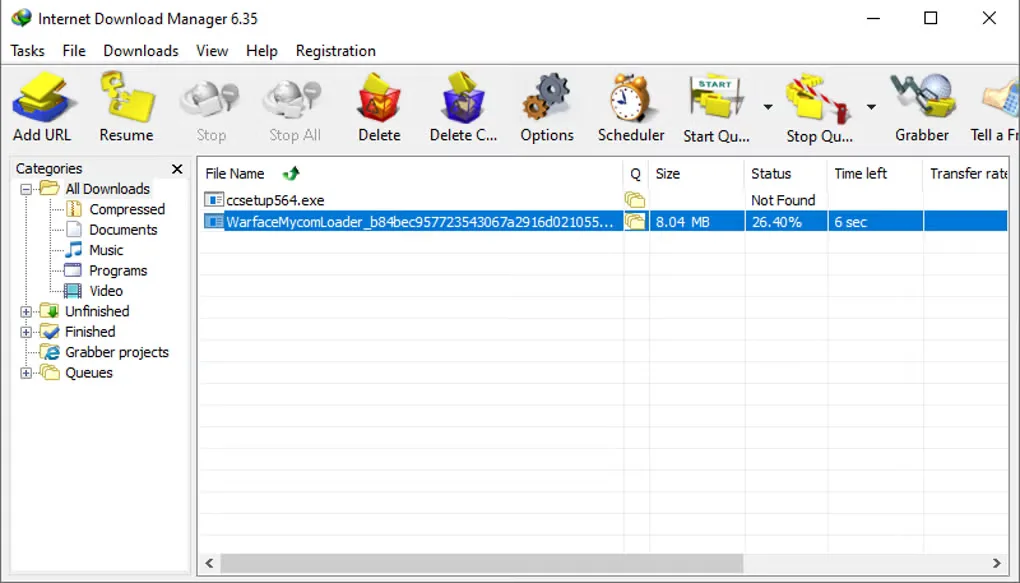
The scheduler suits batches of files that you want to download at a set time rather than manage one by one. You can create multiple queues and configure actions such as disconnecting or shutting down the computer when a queue finishes. Categories can group downloads by file type or site, while the main window lets you change visible buttons and columns.
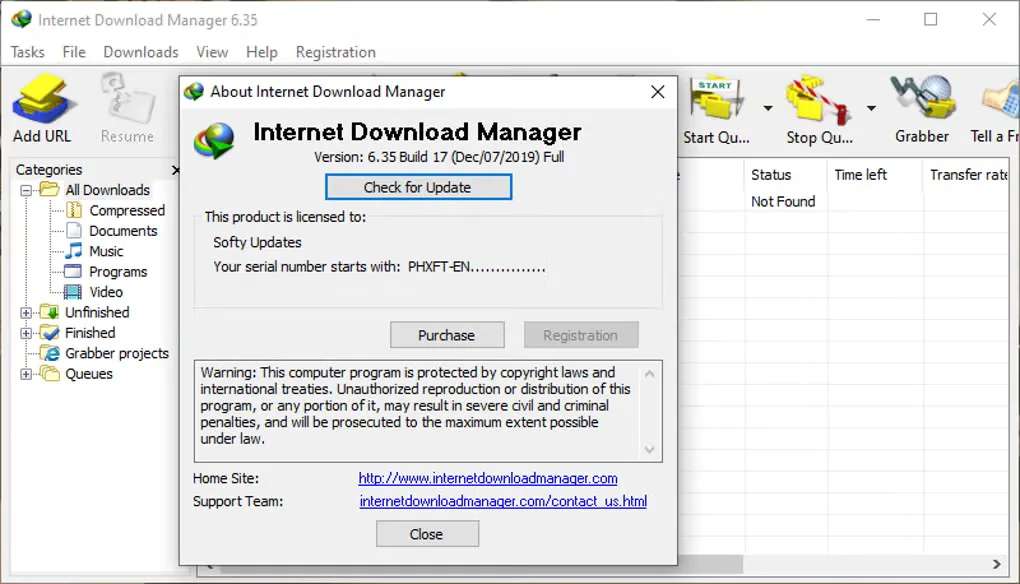
IDM is commercial software, not an unlimited free download manager: the publisher offers a 30-day evaluation and paid registration. Browser download interception requires the IDM Integration Module extension to be installed and enabled. The screenshots below show the older 6.35 Windows interface supplied in Softonic's gallery; they are not captures of the linked 6.43 Build 16 release.
What it offers
- Resume interrupted transfers from a central download list.
- Create multiple download queues and schedule when they run.
- Organize files with download categories, including custom categories for file types or sites.
- Integrate supported browsers through the IDM Integration Module extension.
- Customize the main window's toolbar buttons and columns, with light and dark themes available.
Good to know
- The free evaluation lasts 30 days; continued use requires paid registration.
- Browser download interception requires the IDM Integration Module extension to remain installed and enabled.
Product images
Sources
References used for this listing. Retrieval dates do not indicate hands-on testing.
- Internet Download Manager is a powerful download accelerator ↗Retrieved
- Internet Download Manager News and Updates ↗Retrieved
- Download the latest free trial version of Internet Download Manager ↗Retrieved
- Internet Download Manager: Terms and conditions ↗Retrieved
- Internet Download Manager - Download ↗Retrieved
More in utilities
View category ↗
1.1.1.1 with WARP 2026.8.2115.0
Encrypt traffic from your Mac to Cloudflare’s network with WARP, or use DNS-only mode for encrypted DNS queries to the 1.1.1.1 resolver.
1.1.1.1 with WARP 2026.8.2115.0
Encrypt traffic between your Windows PC and Cloudflare, or use encrypted DNS only, with the free 1.1.1.1 with WARP app.

3uTools 9.12.005
Manage iPhone and iPad photos, music, apps and backups from Windows with 3uTools, a free utility that also includes device checks and firmware flashing tools.