

Development Windows
Java Development Kit for Windows
Compile, run and debug Java programs with Oracle JDK for Windows. This entry links to the publisher’s x64 EXE installer.
- Operating system
- Windows 11; Windows Server 2025, 2022, 2019 and 2016 (publisher-certified JDK 27 configurations)
- Architecture
- x64
- Download package
- EXE installer
Selected publisher Windows x64 EXE; ZIP and MSI alternatives are separate. The update-stable URL may later serve a newer update.
Link checked · Download guidance
What is Java Development Kit?
Java Development Kit provides the compiler, runtime and development tools for building Java applications. Oracle JDK for Windows suits developers who need to turn Java source into class files, run a program or inspect a problem with the debugger. Use javac to compile code and java to launch it; jar packages classes and resources, while JShell lets you try Java expressions interactively.
This entry selects Oracle’s Windows x64 EXE installer. The publisher catalog listed JDK 27.0.1.0.3 when checked; its update-stable download URL can later serve a newer update. Oracle’s JDK 27 certified Windows configurations include Windows 11 and the listed Windows Server releases. A graphical development environment is a separate choice, not a reason to expect an Eclipse-style IDE in this download.
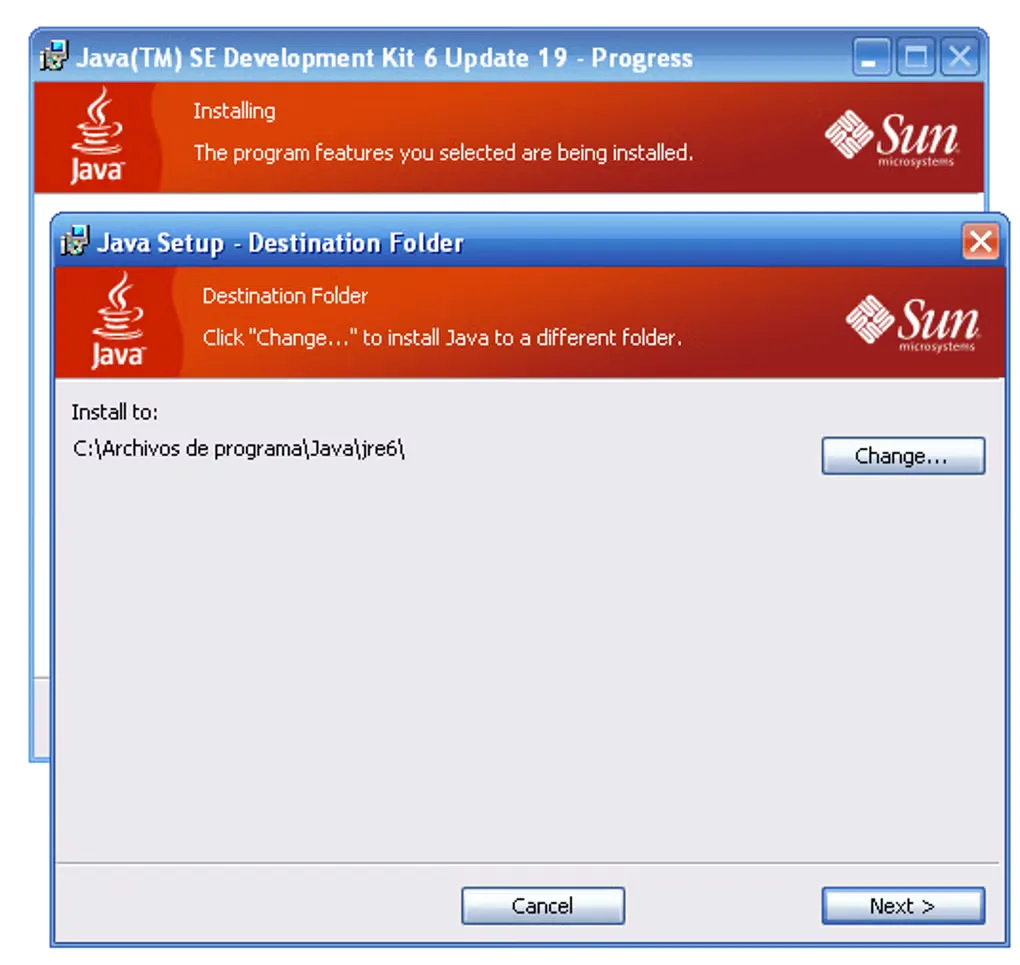
Oracle lists JDK 27 under its No-Fee Terms and Conditions, with updates under those terms until March 2027. That is not a blanket promise that every Oracle JDK version or future update has the same license. Check the terms for the release you deploy. The gallery image is a historical JDK 6 Update 19 Windows setup screenshot; it illustrates earlier installation UI, not the appearance or compatibility of JDK 27.
What it offers
- Compile Java source into bytecode and class files with javac.
- Launch Java applications with the java command.
- Package classes and resources in JAR archives.
- Find and investigate Java program bugs with jdb.
- Evaluate Java declarations, statements and expressions interactively in JShell.
Good to know
- A graphical IDE such as Eclipse requires a separate installation.
- The selected package is Windows x64; the JDK 27 certified Windows list does not include the Windows 8 platform shown by the older Softonic listing.
- No-fee terms are release-specific: Oracle lists JDK 27 updates under NFTC only until March 2027.
Product images
Sources
References used for this listing. Retrieval dates do not indicate hands-on testing.
More in development
View category ↗
010 Editor 17.0
Inspect and edit binary files on Mac with 010 Editor, a paid text and hex editor with Binary Templates, file comparison and a 30-day trial.
010 Editor 17.0
Inspect and edit binary files with 010 Editor for Windows, a text and hex editor with Binary Templates, file comparison and scripting. Includes a 30-day trial.
10x Editor
Edit and navigate C++ projects on Windows with a built-in parser, workspace search and Visual Studio project support. A paid license is required after the 30-day trial.