

Development macOS
jclasslib bytecode viewer for macOS
Inspect Java class files and edit bytecode with jclasslib, a free, open-source tool for Mac. Open class or JAR files and explore their methods, attributes and constant pool.
What is jclasslib bytecode viewer?
jclasslib bytecode viewer helps Java developers examine compiled class files rather than just their source code. The publisher now calls it jclasslib bytecode editor: alongside viewing bytecode, its interface can edit constant pool entries and bytecode instructions. Open class or JAR files, browse a configured classpath or drag class files into the window, with multiple files available in tabs.
The application offers light and dark modes and several interface languages. Version 7.1 adds searches for subclasses, implementing classes and annotated elements, plus support for reading Java 26 class files. This entry links to the publisher's macOS DMG package.
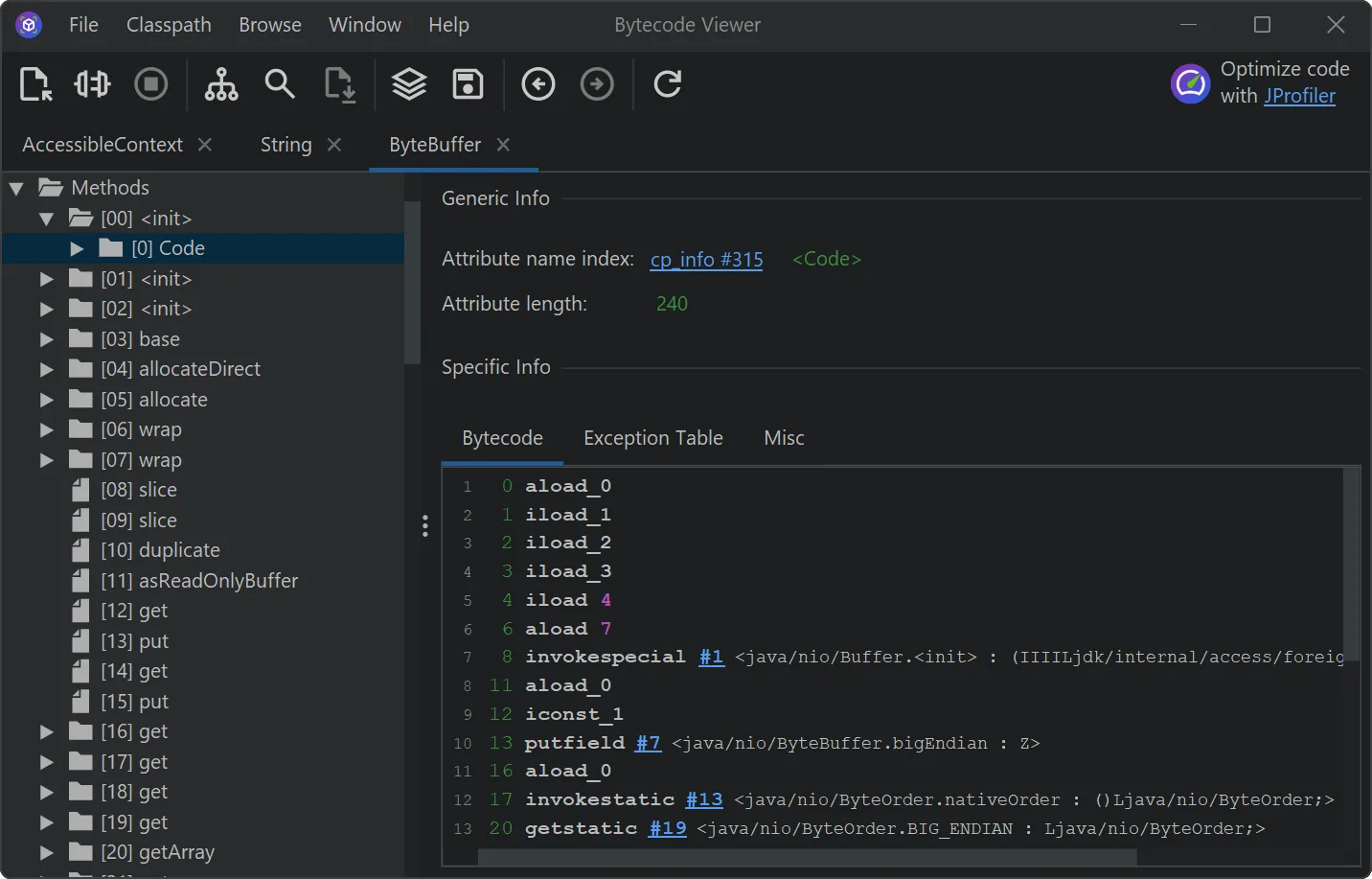
For use inside IntelliJ IDEA, install the separate jclasslib plugin through IDEA's plugin manager; the standalone Mac download is not the IDE plugin. The screenshot is the publisher's cross-platform desktop example with Windows-style window controls, not a capture of the Mac build.
What it offers
- Open multiple class files from class or JAR files, a configured classpath or drag and drop.
- Inspect class structure and contained bytecode, including method and field information.
- Edit constant pool entries and bytecode instructions through the interface.
- Choose light or dark mode and switch among available interface languages.
- Read Java 26 class files and search for subclasses, implementing classes and annotated elements in version 7.1.
Good to know
- IntelliJ IDEA integration requires a separate plugin installed through the IDE's plugin manager; it is not provided by installing the standalone Mac application.
Product images
Sources
References used for this listing. Retrieval dates do not indicate hands-on testing.
More in development
View category ↗

010 Editor 17.0
Inspect and edit binary files on Mac with 010 Editor, a paid text and hex editor with Binary Templates, file comparison and a 30-day trial.
010 Editor 17.0
Inspect and edit binary files with 010 Editor for Windows, a text and hex editor with Binary Templates, file comparison and scripting. Includes a 30-day trial.
10x Editor
Edit and navigate C++ projects on Windows with a built-in parser, workspace search and Visual Studio project support. A paid license is required after the 30-day trial.