
Development Windows
Jenkins
Automate builds, tests and deployments with Jenkins, a free, open-source CI/CD server. The Windows LTS MSI installs it as a service; Java is required.
- Operating system
- Microsoft-supported amd64 Windows 10, Windows 11 and Windows Server versions; support levels vary.
- Architecture
- 64-bit (amd64) Windows; 64-bit JVM
- Download package
- MSI installer (LTS)
Requires Java 21 or Java 25 and .NET Framework 4.0+ for the Windows service. A dedicated service account needs Log on as a service permission. Plugins can add requirements.
Link checked · Download guidance
What is Jenkins?
Jenkins turns repeatable development tasks into automated jobs and pipelines. Use it to coordinate builds, tests and deployments, configure the server through a browser, and connect the tools your project already uses through plugins. Work can be distributed across multiple machines rather than confined to one controller. It is a self-managed automation server, not a ready-configured hosted CI service.
This entry links to the Windows MSI for Jenkins 2.580.2 LTS, released on October 28, 2026. The publisher maintains separate LTS and weekly release lines; this download selects LTS. The MSI installs Jenkins as a Windows service using a user-selected 64-bit Java runtime. Java 21 and Java 25 are the supported runtime versions listed by the project; Java 17 is not supported for this release. The Java version used to build an application can differ from the runtime used by Jenkins, subject to individual plugin requirements.
Installation needs more than choosing a destination folder. Plan a dedicated local or domain service account with Log on as a service permission, choose an available listening port, and select the Java home directory. After the service starts, open its local web interface, unlock the controller with the generated initial administrator password, choose the initial plugins and create an administrator account. The publisher recommends a dedicated service account instead of highly privileged LocalSystem for production.
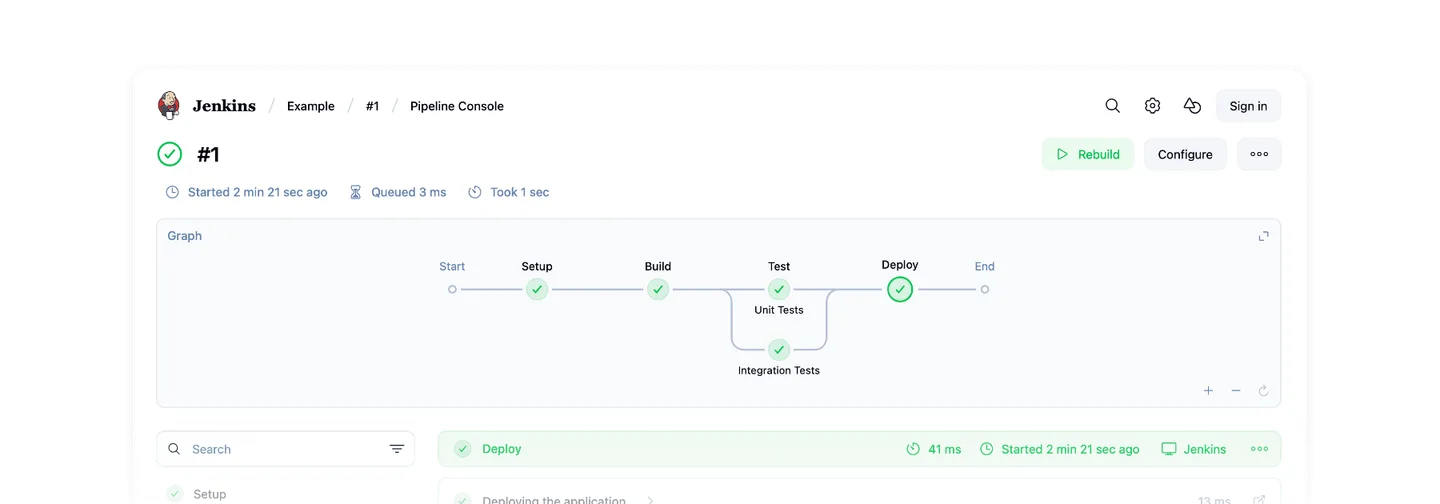
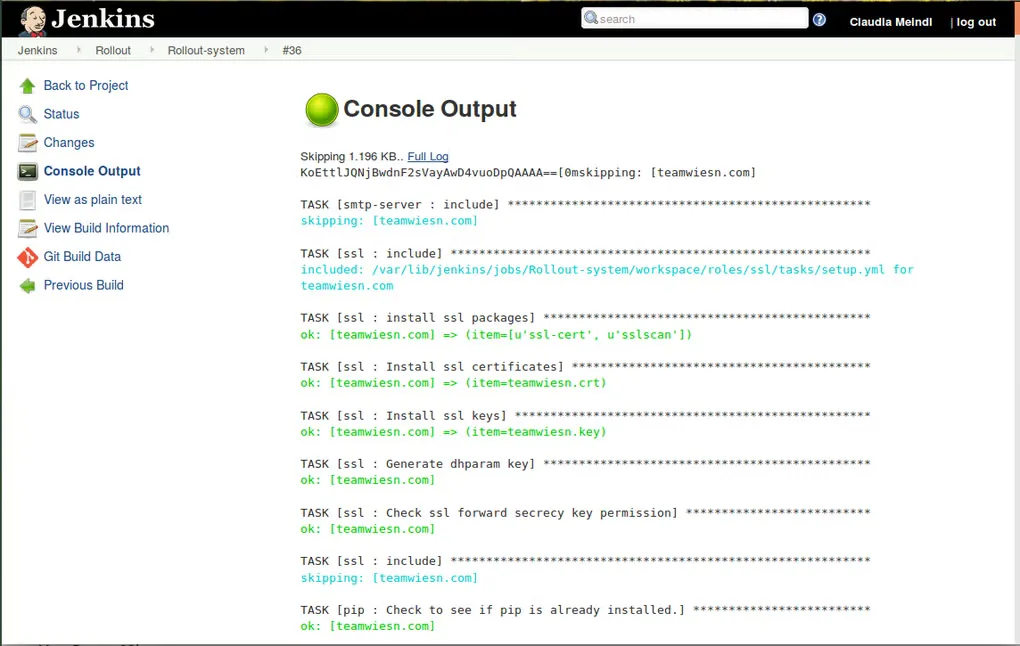
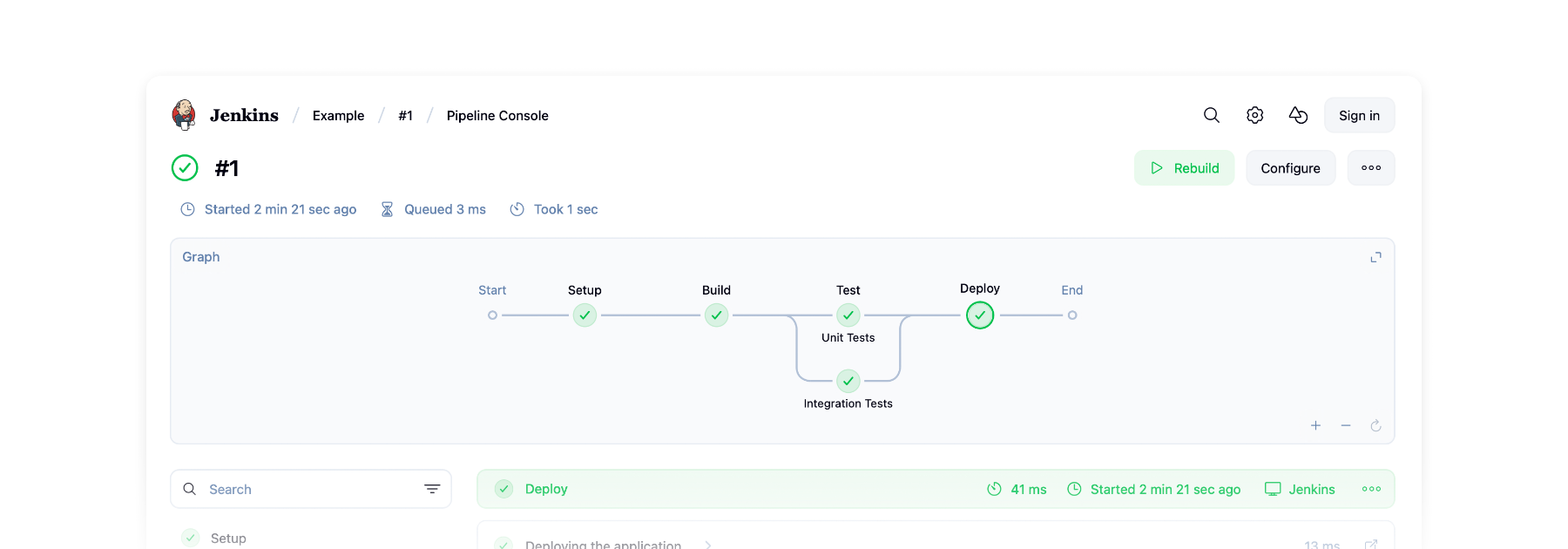
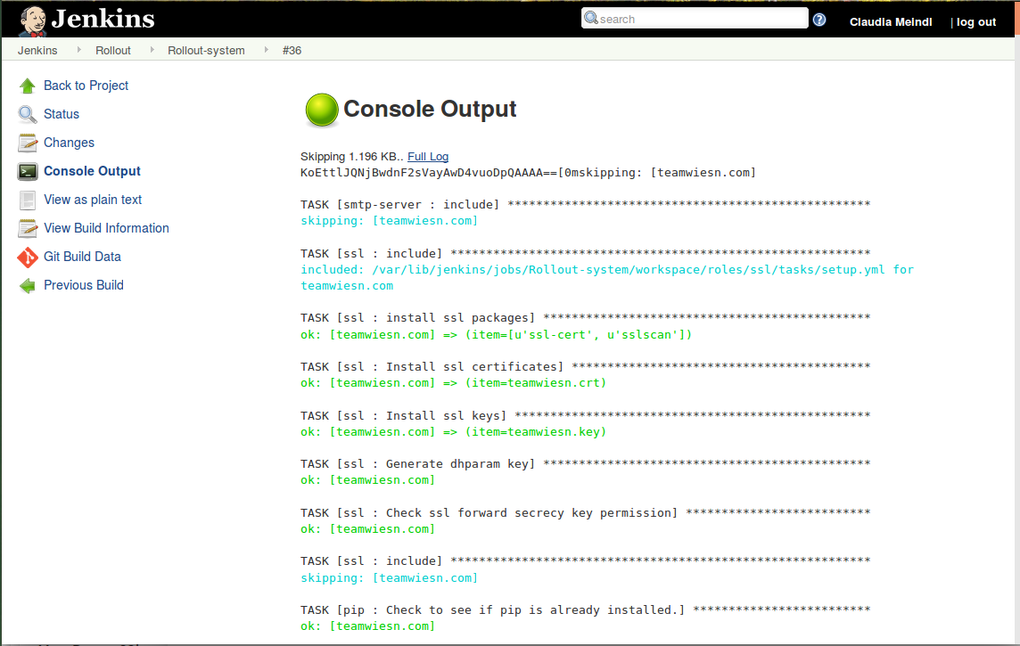
Windows support is conditional: the project lists amd64 Windows 10, Windows 11 and Windows Server versions that remain supported by Microsoft, with differing support levels. Windows service installations also require .NET Framework 4.0 or later. Plugins can add their own platform or Java requirements, so check the integrations needed for your pipeline rather than assuming every plugin works on every installation. The screenshots are source-provided UI examples, not a hands-on test of this MSI or a claim that every shown plugin is included.
What it offers
- Coordinate build, test and deployment workflows with automation jobs and pipelines.
- Configure Jenkins through its web interface.
- Extend integrations and automation capabilities through the plugin system.
- Distribute work across multiple machines and platforms.
- Install the Windows LTS release as a service using the MSI package.
Good to know
- Requires a separately available supported 64-bit Java runtime: Java 21 or Java 25; Java 17 is not supported for this release.
- The Windows service account needs Log on as a service permission; LocalSystem is not the publisher recommendation for production.
- Windows service installations require .NET Framework 4.0 or later, and supported Windows versions must remain supported by Microsoft.
- Plugins may impose additional Windows or Java requirements; the Pipeline Graph View screenshot depicts an optional plugin.
Product images
Sources
References used for this listing. Retrieval dates do not indicate hands-on testing.
- Jenkins - Download ↗Retrieved
- Jenkins — official product overview ↗Retrieved
- Download and deploy — official release catalog ↗Retrieved
- LTS Changelog ↗Retrieved
- Windows — official installation guide ↗Retrieved
- Java Support Policy ↗Retrieved
- Windows Support Policy ↗Retrieved
- MIT License ↗Retrieved
- Redesigning Jenkins (Part Two) — publisher screenshot context ↗Retrieved
- Official website source — stable Windows installer mapping ↗Retrieved
More in development
View category ↗
010 Editor 17.0
Inspect and edit binary files on Mac with 010 Editor, a paid text and hex editor with Binary Templates, file comparison and a 30-day trial.
010 Editor 17.0
Inspect and edit binary files with 010 Editor for Windows, a text and hex editor with Binary Templates, file comparison and scripting. Includes a 30-day trial.
10x Editor
Edit and navigate C++ projects on Windows with a built-in parser, workspace search and Visual Studio project support. A paid license is required after the 30-day trial.