
Utilities Windows
jv16 PowerTools
Find leftover software, clean unwanted data and inspect your Windows PC with jv16 PowerTools, a maintenance suite with a 14-day trial.
- Operating system
- Windows 7, 8, 10 and 11
- Architecture
- Not specified in the cited publisher pages
- Download package
- EXE installer
The selected download is version 8.1.0.1564. Version 9 is announced separately; installation and architecture compatibility were not tested.
Link checked · Download guidance
What is jv16 PowerTools?
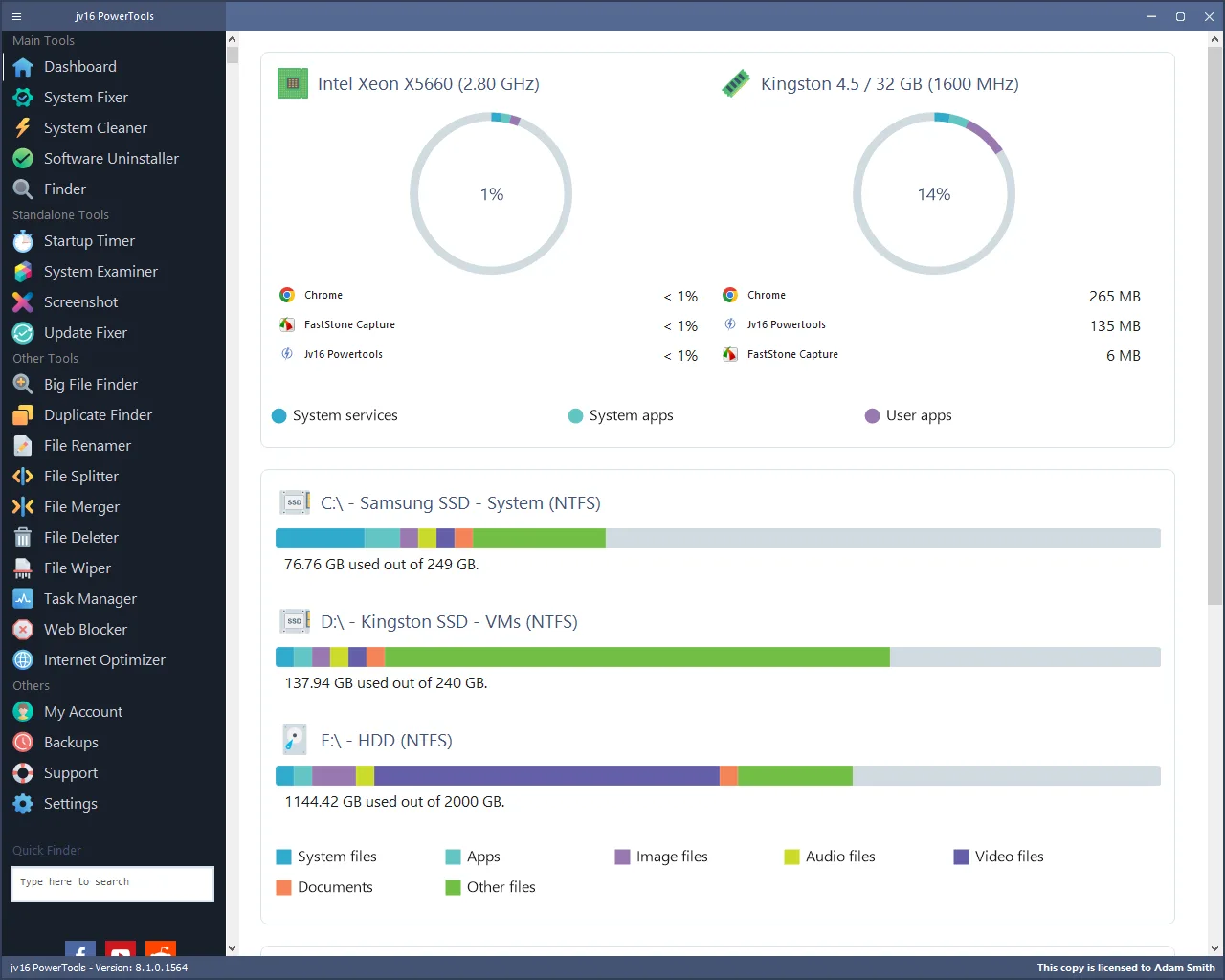
jv16 PowerTools brings Windows maintenance, file management and system information into one application. Its Software Uninstaller looks for installed programs and leftover traces, while System Cleaner targets unwanted data such as temporary files, browser history and cookies. Finder searches across files, folders and registry data, so the suite is broader than a registry cleaner alone.
Choose a tool for the task rather than treating every maintenance action as the same operation. Software Uninstaller lists related files and registry data before removal and supports batch uninstallation. Big File Finder lets you filter by size and dates; Duplicate Finder can search for identical content or similar filenames. Startup Timer measures startup duration, while System Examiner produces a hardware and software report. These are publisher-described capabilities, not results from a SoftGalaxy installation or benchmark.
The publisher lists version 8.1.0.1564 for Windows 7, 8, 10 and 11. The download here identifies that exact version rather than the announced version 9. The 14-day trial has no stated feature restrictions during the trial, but the product is paid software, not freeware. No independent speed improvement, repair success or deletion-safety result is established by this entry.
What it offers
- Inspect installed applications and leftover software traces, with batch and unattended uninstallation.
- Search files, folders, registry keys and entries with Finder.
- Locate large files by size and dates, or search for duplicate files by content and filename criteria.
- Measure Windows startup duration with Startup Timer and generate system information reports with System Examiner.
- Use dedicated tools for unwanted-data cleanup and diagnosis of common Windows Update problems.
Good to know
- The free trial lasts 14 days; continued use requires a paid license.
- This entry documents publisher-described tools, not independently tested cleanup safety, repair success or performance gains.
Product images
Sources
References used for this listing. Retrieval dates do not indicate hands-on testing.
- Optimize Windows with jv16 PowerTools ↗Retrieved
- Features - jv16 PowerTools ↗Retrieved
- About Us - jv16 PowerTools ↗Retrieved
- Press & Brand Assets - jv16 PowerTools ↗Retrieved
- Index Of ↗Retrieved
- jv16 PowerTools - Download ↗Retrieved
More in utilities
View category ↗
1.1.1.1 with WARP 2026.8.2115.0
Encrypt traffic from your Mac to Cloudflare’s network with WARP, or use DNS-only mode for encrypted DNS queries to the 1.1.1.1 resolver.
1.1.1.1 with WARP 2026.8.2115.0
Encrypt traffic between your Windows PC and Cloudflare, or use encrypted DNS only, with the free 1.1.1.1 with WARP app.


3uTools 9.12.005
Manage iPhone and iPad photos, music, apps and backups from Windows with 3uTools, a free utility that also includes device checks and firmware flashing tools.