
Development Windows
K8Studio
Inspect Kubernetes clusters, stream workload logs and edit YAML in K8Studio's dockable desktop workspace. The Windows EXE offers a 15-day Professional trial; continued use requires a paid plan.
- Operating system
- Windows; minimum version not specified on the reviewed publisher pages
- Architecture
- Not specified on the reviewed publisher pages
- Download package
- EXE installer
Selected publisher Windows 4.0.3 package. The publisher also offers separate macOS and Linux downloads.
Link checked · Download guidance
What is K8Studio?
K8Studio is a desktop Kubernetes client for engineers who want cluster resources, logs and configuration views in one workspace. It connects to the Kubernetes API through kubeconfig without installing an agent in the cluster. Multi-cluster management, resource grids, an integrated terminal and a YAML editor are included in the Basic plan, so everyday inspection does not require the full Professional feature set.
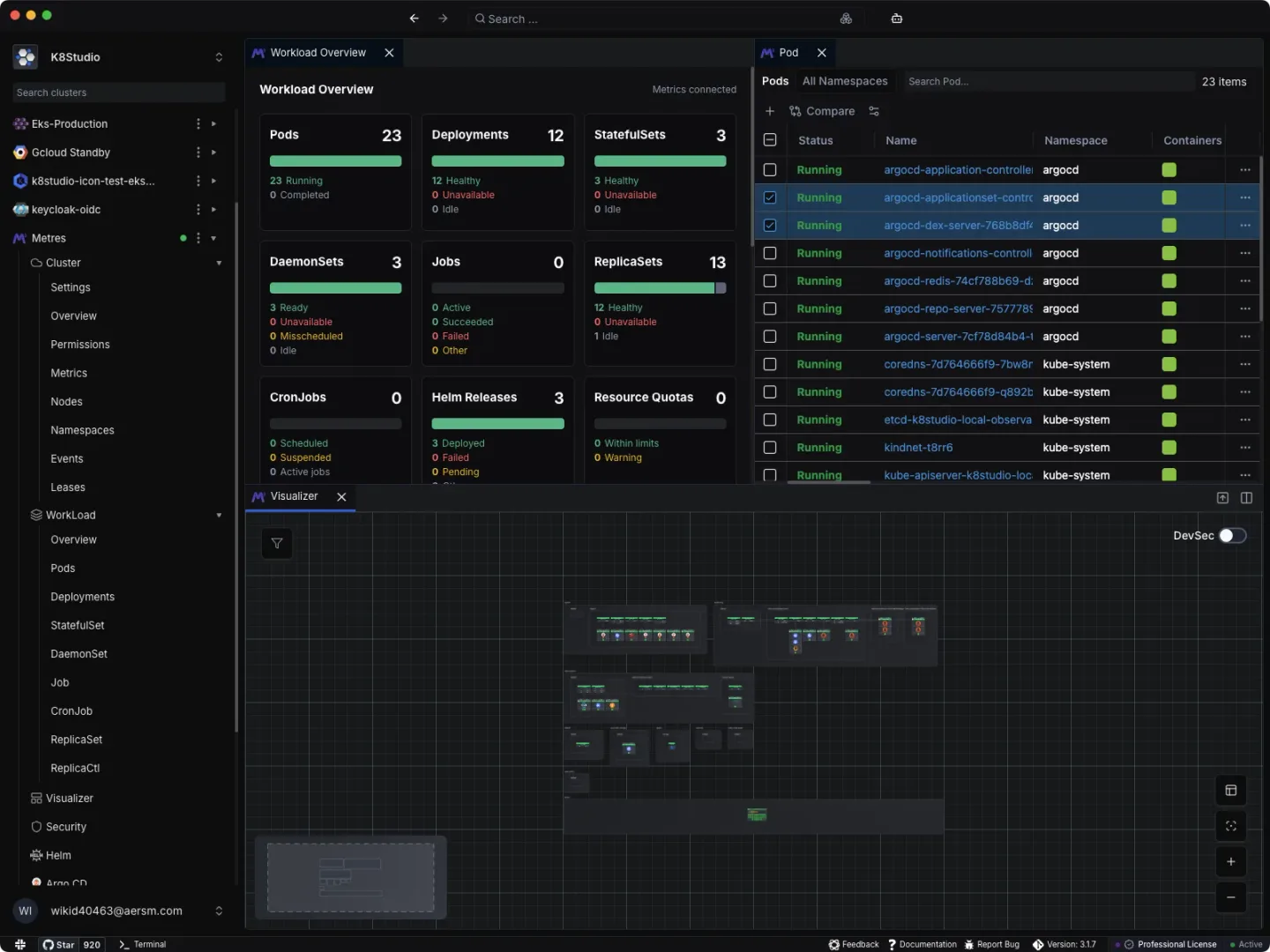
Dockable panels let you keep a resource list beside related troubleshooting views rather than repeatedly switching windows. Professional adds CloudMaps visualization, object topology, an events timeline, RBAC management, a Helm GUI and AI Copilot. These capabilities are available during the 15-day Professional trial, but CloudMaps and the other Professional-only tools are not included in Basic after the trial.
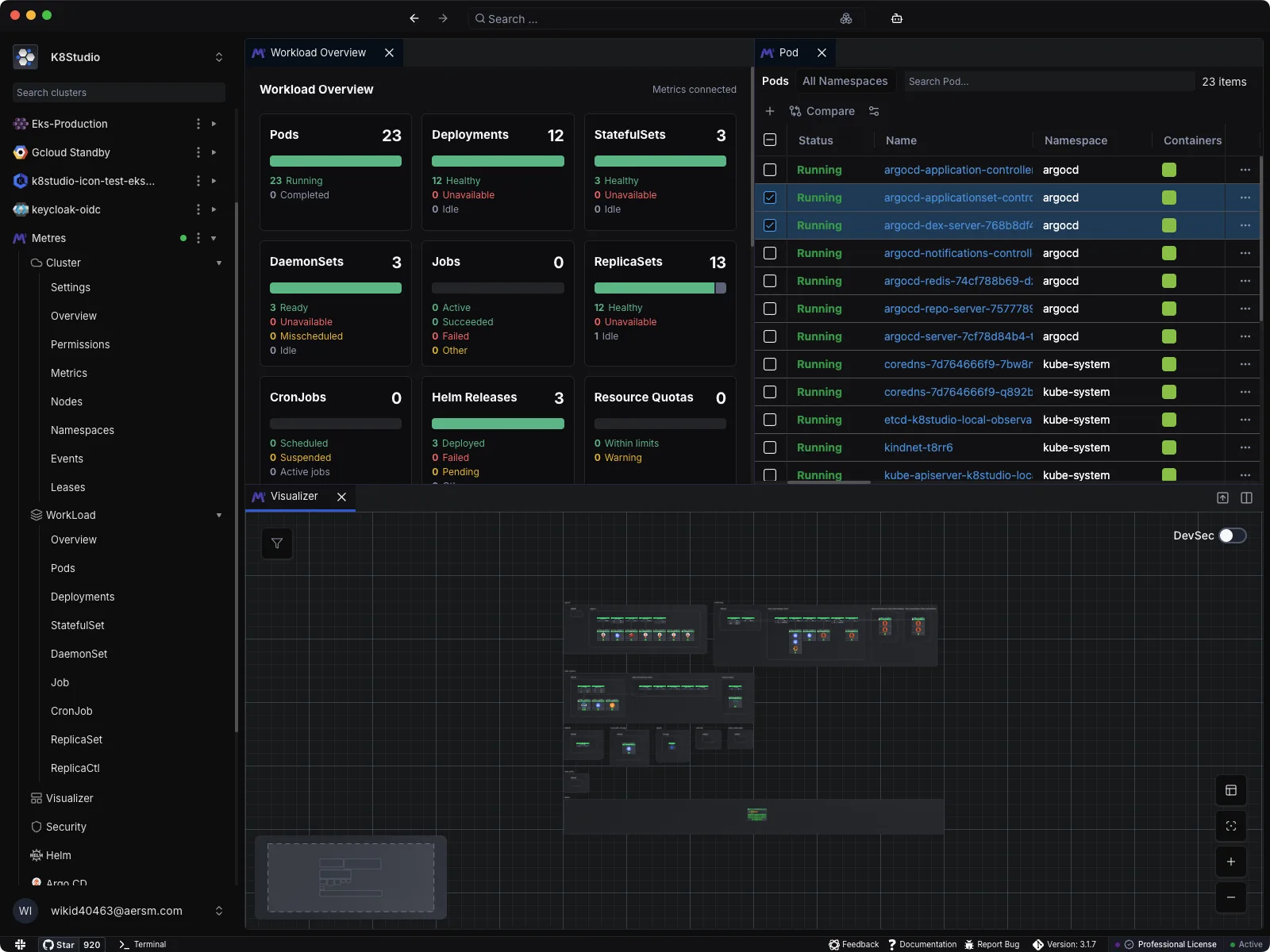
This entry links to the publisher's Windows 4.0.3 EXE installer. Windows is explicitly supported, but the reviewed product and pricing pages do not identify a minimum Windows build or the installer architecture. Core cluster processing is local according to the publisher; that does not mean the ordinary plans are fully offline. Licensing and update checks use K8Studio services, and remote AI is used when a provider is configured and invoked. Professional Airtight is the separate plan for offline license validation. The screenshot is the publisher's cross-platform workspace example with macOS window controls, not a Windows installation captured for this entry.
What it offers
- Connect to Kubernetes clusters through kubeconfig without installing a cluster-side agent.
- Manage multiple clusters with resource grids and cluster overview views.
- Stream logs, edit YAML and use an integrated terminal within a dockable workspace.
- Use CloudMaps, object topology and an events timeline with Professional or during the trial.
- Manage RBAC and Helm releases and access AI Copilot with the Professional feature set.
Good to know
- The full Professional trial lasts 15 days; continued use requires a paid plan, and Basic excludes CloudMaps, topology, timeline, RBAC, Helm GUI and AI Copilot.
- Standard plans do not include offline license validation; Professional Airtight is the separate offline-compatible option.
- Minimum Windows version and installer architecture are not specified on the reviewed publisher pages.
Product images
Sources
References used for this listing. Retrieval dates do not indicate hands-on testing.
More in development
View category ↗
010 Editor 17.0
Inspect and edit binary files on Mac with 010 Editor, a paid text and hex editor with Binary Templates, file comparison and a 30-day trial.
010 Editor 17.0
Inspect and edit binary files with 010 Editor for Windows, a text and hex editor with Binary Templates, file comparison and scripting. Includes a 30-day trial.
10x Editor
Edit and navigate C++ projects on Windows with a built-in parser, workspace search and Visual Studio project support. A paid license is required after the 30-day trial.