

Utilities Windows
Kando for Windows
Launch apps, open files and trigger action sequences from customizable pie menus with Kando, a free, open-source desktop launcher for Windows.
- Operating system
- Windows 10 and Windows 11
- Architecture
- x64
- Download package
- EXE installer
Selected download is the x64 setup package. The publisher also provides separate ARM64 installers and ZIP archives.
Link checked · Download guidance
What is Kando?
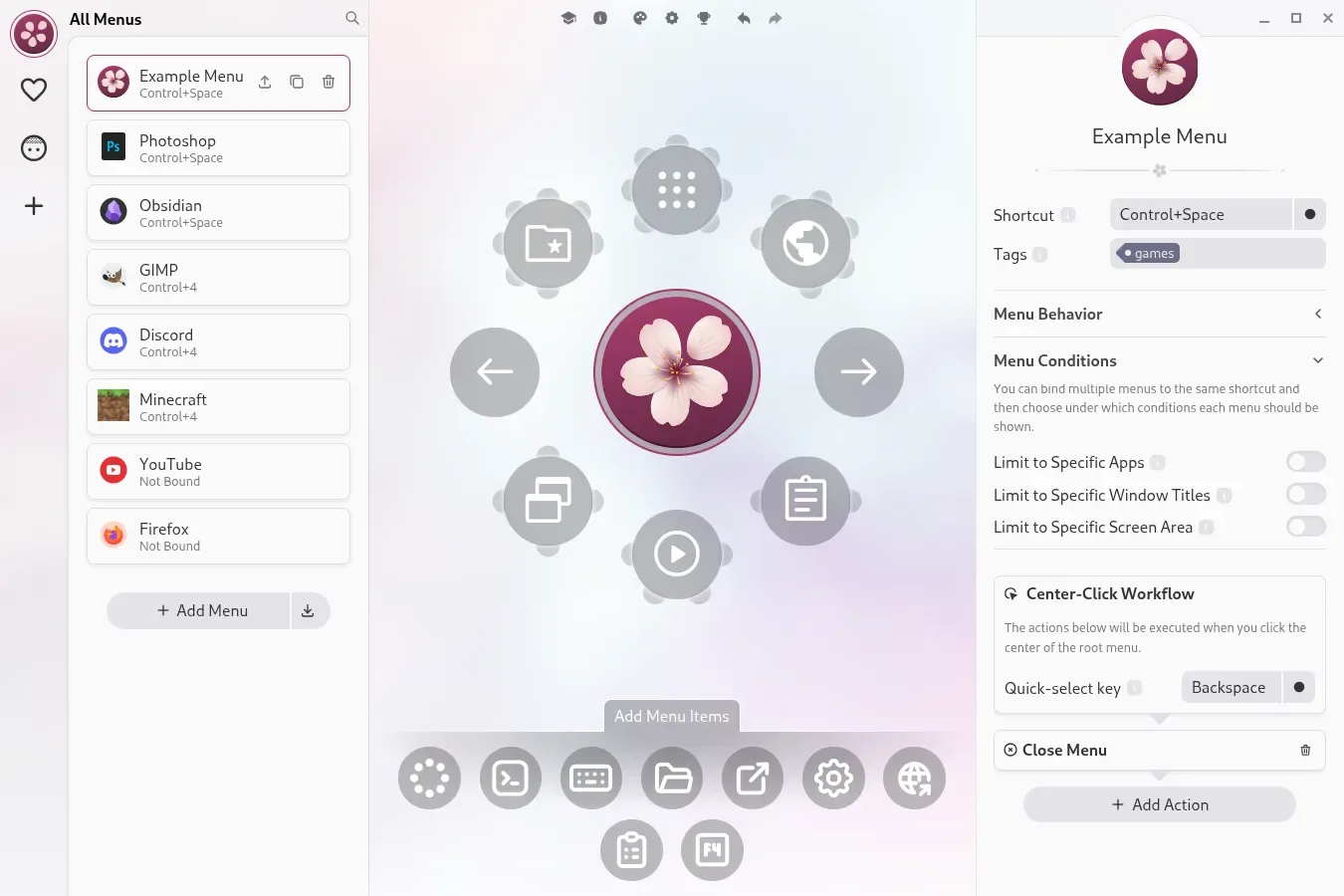
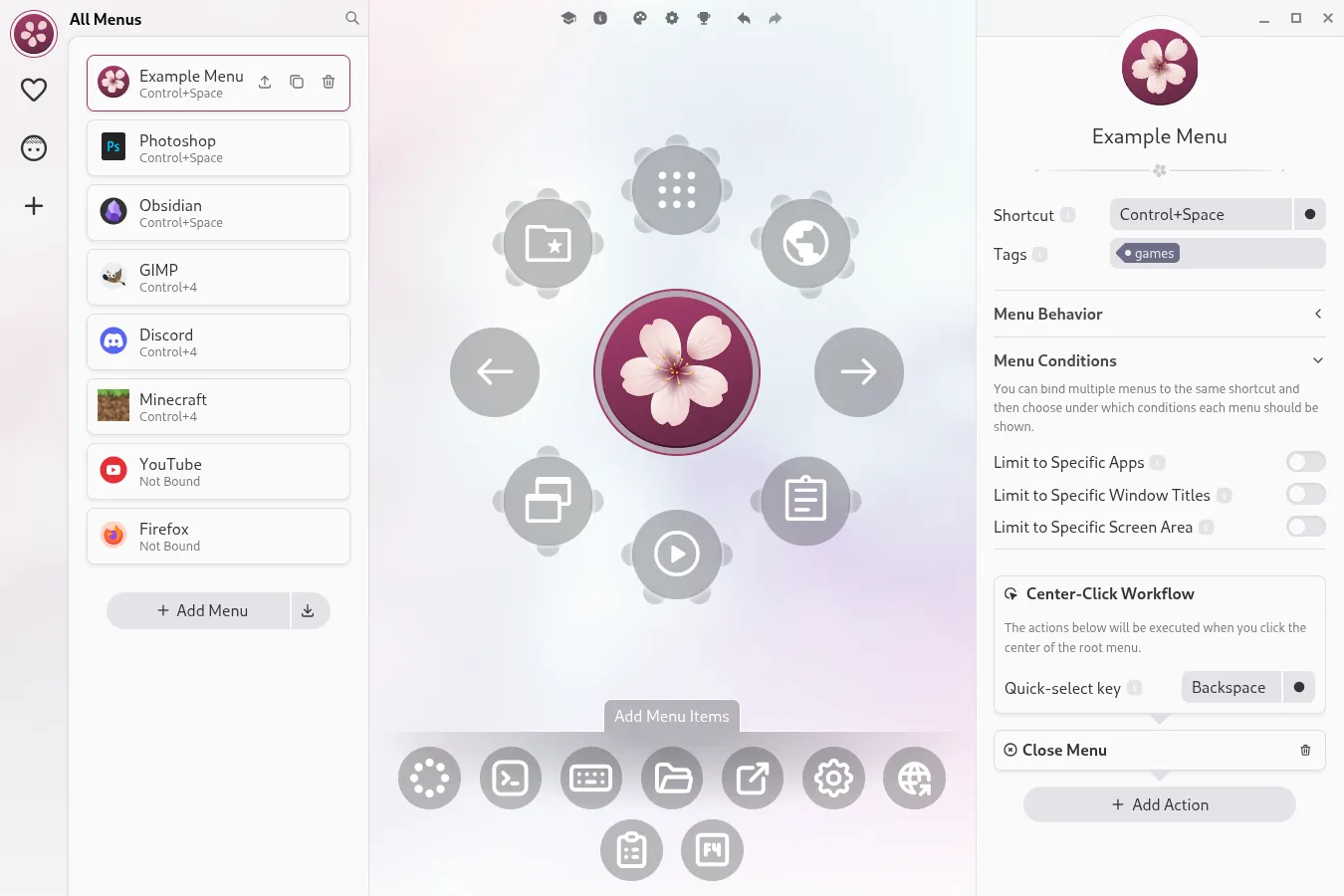
Kando puts application shortcuts, files and automated actions into radial menus. Open a menu with a shortcut, then choose an item by clicking its wedge or drawing a gesture through nested menus. Its editor lets you build menus, assign icons and choose which menu appears for a particular application or window. Menu items can run a sequence of actions rather than a single command.
On Windows, Kando runs in the system tray; Ctrl+Space opens the example menu. If that shortcut conflicts with another application, change it through the tray settings. Start with point-and-click navigation before trying gesture-based modes. Hover mode needs enabling per menu and can select an item accidentally because there is no visual confirmation before the action runs.
This entry links to the publisher's Kando 3.0.1 Windows x64 EXE installer. ARM64 installers and ZIP packages are separate downloads on the release page. If Windows reports a missing NativeWin32.node module, the publisher recommends installing Microsoft's Visual C++ Redistributable.
What it offers
- Launch applications, open files and simulate keyboard shortcuts from pie-menu items.
- Build nested menus with configurable icons, menu themes and sound themes.
- Trigger multi-action workflows from a menu item.
- Choose menus according to the active application or window.
- Navigate with point-and-click, marking gestures, turbo mode or optional hover mode.
Good to know
- The default Ctrl+Space shortcut can conflict with another application; change it in Kando's tray settings.
- Hover mode can cause accidental selections because actions run without a visual confirmation step.
- A missing NativeWin32.node module on Windows may require the Microsoft Visual C++ Redistributable.
Product images
Sources
References used for this listing. Retrieval dates do not indicate hands-on testing.
- Kando — official product, features and publisher screenshots ↗Retrieved
- Release Kando 3.0.1 — official Windows packages ↗Retrieved
- Installing Kando on Windows — publisher guide ↗Retrieved
- How to Use Kando — navigation and shortcut limitations ↗Retrieved
- Kando official repository — purpose and authorship ↗Retrieved
- License of Kando ↗Retrieved
More in utilities
View category ↗
1.1.1.1 with WARP 2026.8.2115.0
Encrypt traffic from your Mac to Cloudflare’s network with WARP, or use DNS-only mode for encrypted DNS queries to the 1.1.1.1 resolver.
1.1.1.1 with WARP 2026.8.2115.0
Encrypt traffic between your Windows PC and Cloudflare, or use encrypted DNS only, with the free 1.1.1.1 with WARP app.

3uTools 9.12.005
Manage iPhone and iPad photos, music, apps and backups from Windows with 3uTools, a free utility that also includes device checks and firmware flashing tools.