

Utilities Windows
KeePassXC for Windows
Store passwords in an encrypted local database, generate passwords and fill logins with KeePassXC, a free, open-source password manager for Windows.
- Operating system
- Windows 10 and Windows 11
- Architecture
- x64 (64-bit Intel/AMD)
- Download package
- MSI installer — KeePassXC-2.8.0-x64.msi
Requires Microsoft Visual C++ Redistributable. Separate ARM64 and portable ZIP packages are available; this link is the x64 installer.
Link checked · Download guidance
What is KeePassXC?
KeePassXC keeps usernames, passwords, notes and attachments in an encrypted database file rather than requiring an online password-manager account. Organize entries into groups, search for a login and generate a new password or passphrase when creating an account. Auto-Type can enter credentials into applications, while KeePassXC-Browser fills website login fields after you install and connect the extension. You can also store TOTP settings and generate one-time codes for configured entries.
Browser filling needs setup: install the separate extension, enable browser integration and connect it to your database. This download is the 2.8.0 x64 MSI installer for Windows 10 and 11, not the ARM64 or portable package. The publisher also lists the Microsoft Visual C++ Redistributable as a requirement. Windows 7, 8 and 8.1 belong to the unsupported legacy release line, not this package.
What it offers
- Keep passwords, usernames, notes and attachments in an encrypted local database with groups and search.
- Generate random passwords or word-based passphrases.
- Use Auto-Type to enter credentials into applications.
- Fill website login fields with the separately installed KeePassXC-Browser extension.
- Generate TOTP one-time codes for entries configured with a shared secret.
Good to know
- Browser filling requires a separate KeePassXC-Browser extension, enabled browser integration and a connection to your database.
- This release targets Windows 10 and 11; the publisher marks the Windows 7, 8 and 8.1 installer line as unsupported after 2.7.12.
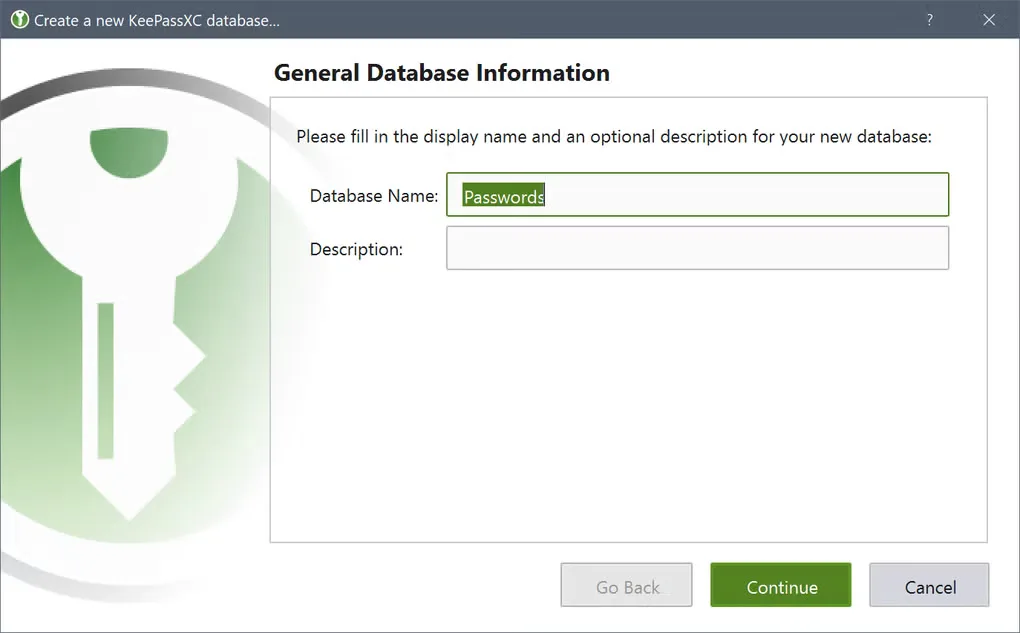
Product images
Sources
References used for this listing. Retrieval dates do not indicate hands-on testing.
- Softonic discovery candidate — direct retrieval blocked ↗Retrieved
- KeePassXC — official product overview ↗Retrieved
- KeePassXC — official Windows downloads ↗Retrieved
- KeePassXC — Getting Started Guide ↗Retrieved
- KeePassXC 2.8.0 (Stable) released ↗Retrieved
- KeePassXC — The Team ↗Retrieved
- KeePassXC - Download — Windows screenshot gallery ↗Retrieved
More in utilities
View category ↗
1.1.1.1 with WARP 2026.8.2115.0
Encrypt traffic from your Mac to Cloudflare’s network with WARP, or use DNS-only mode for encrypted DNS queries to the 1.1.1.1 resolver.
1.1.1.1 with WARP 2026.8.2115.0
Encrypt traffic between your Windows PC and Cloudflare, or use encrypted DNS only, with the free 1.1.1.1 with WARP app.

3uTools 9.12.005
Manage iPhone and iPad photos, music, apps and backups from Windows with 3uTools, a free utility that also includes device checks and firmware flashing tools.